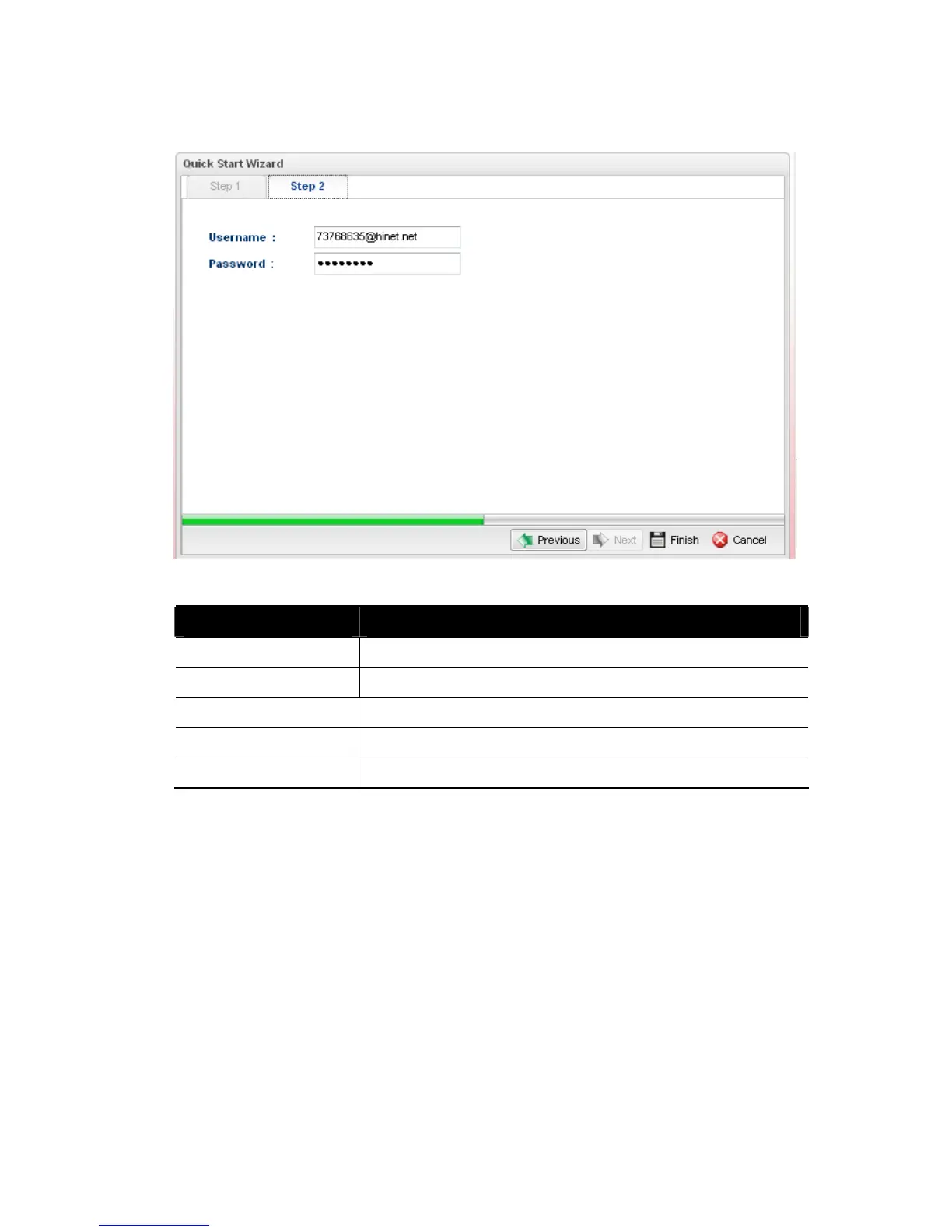
For PPPoE type, the page will be displayed as follows:
Available settings are explained as follows:
Item Description
Username Type in the username provided by ISP in this field
Password Type in the password provided by ISP in this field.
Previous Click it to return to previous setting page.
Finish Click it to save the configuration and exit the dialog.
Cancel Click it to discard the settings configured in this page.














 To Next Page