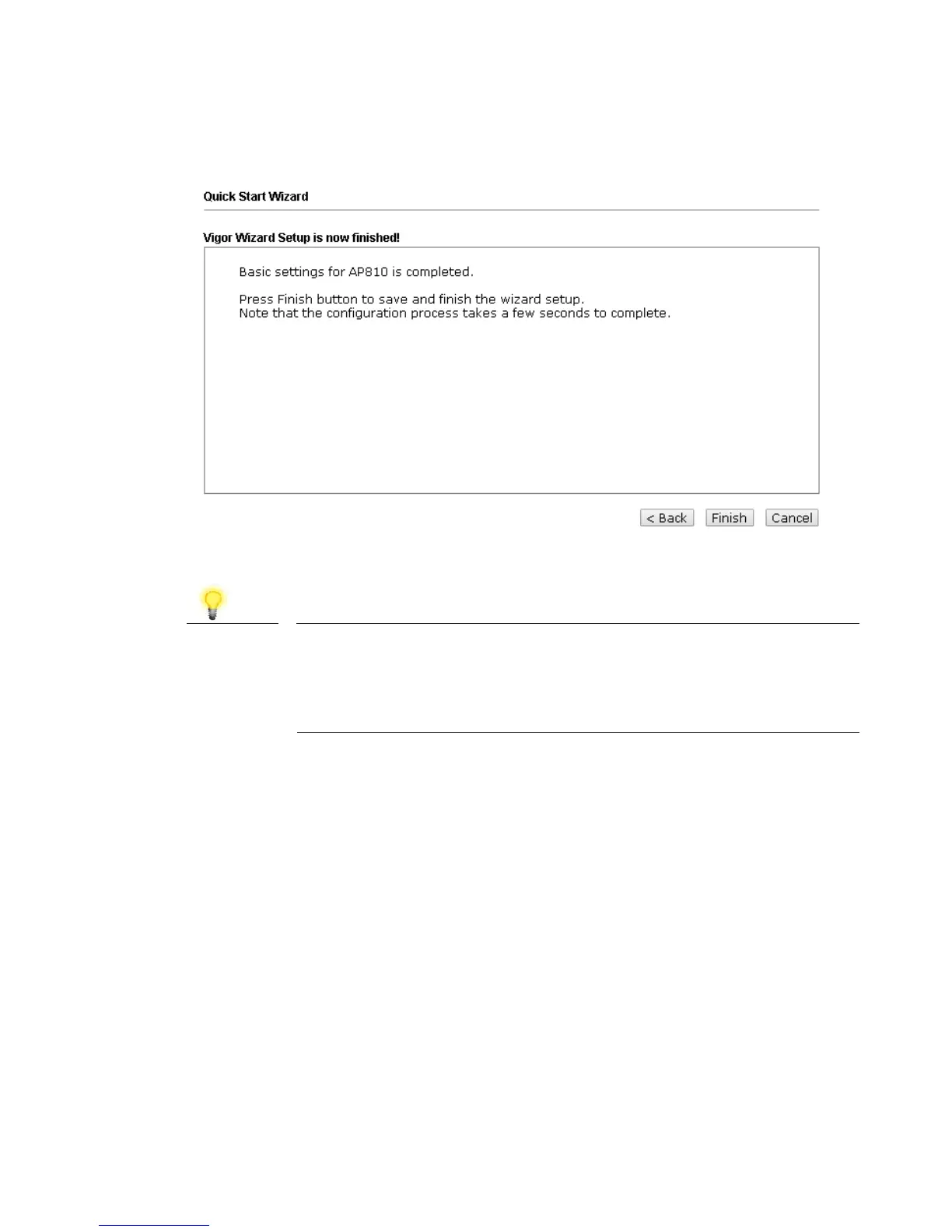
6. After finished the configuration for wireless LAN (2.4GHz) and click Next.
When you see this page, it means the wireless setting wizard is almost
finished. Just click Finish to save the settings and complete the setting
procedure.
Note
Under System Maintenance, you can change the access
point’s default administrator password. You should do this
immediately in order to prevent users from accessing the
VigorAP’s management interface and changing settings.








 To Next Page