One. General
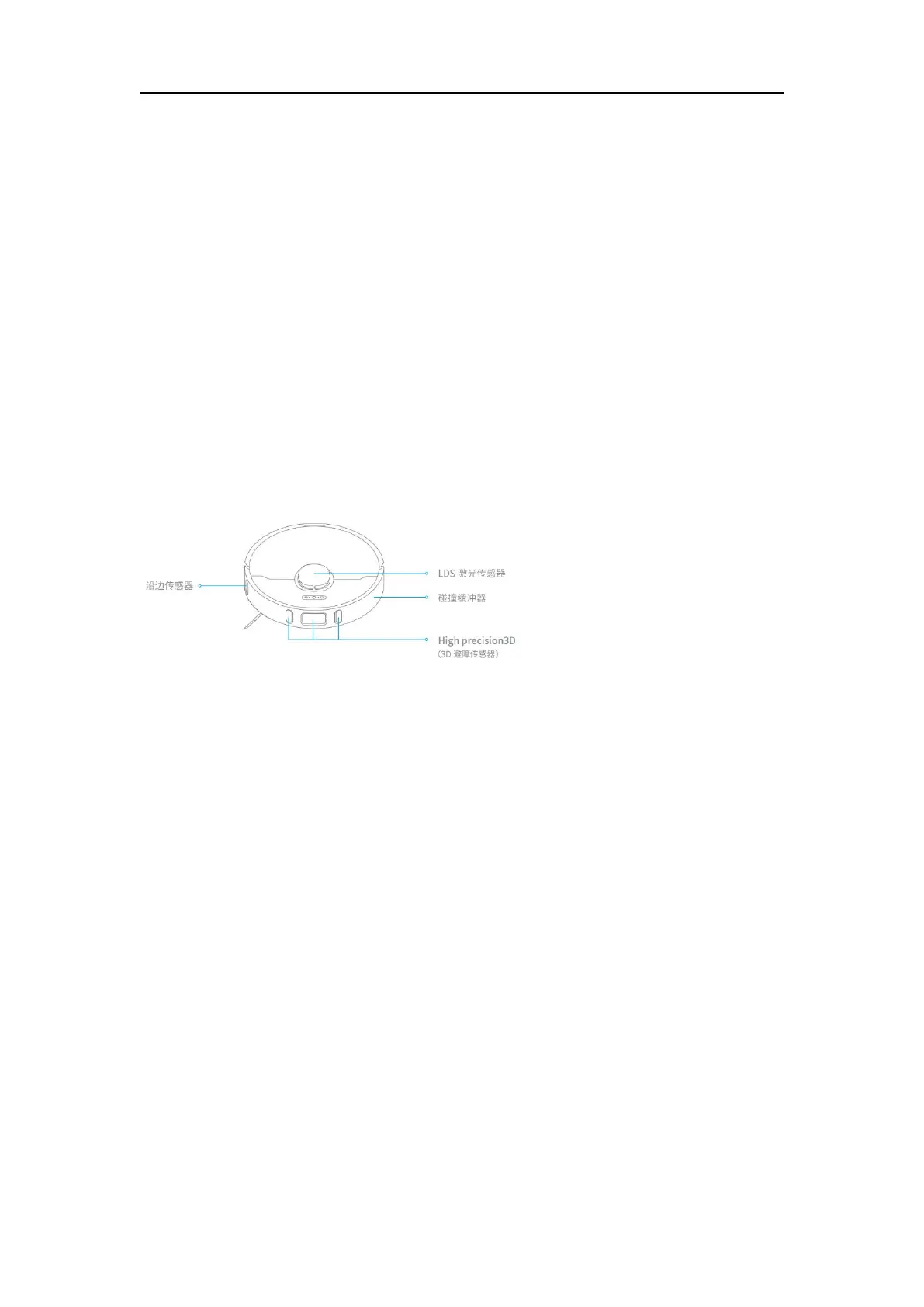
* What’s the function of the line laser? How do I use it?
A: The line laser on the robot vacuum helps recognize its surroundings and obstacles, which
then enables the vacuum to accurately avoid bumping and reduce the probability of
entanglement, stuck and accidentally riding on small objects. The function of obstacle
avoidance is turned on by default. Users can change its status manually via settings on the
APP.
Two. Product Introduction and User Guide
1. What is the (Power/Clean) button on the robot vacuum for,
and how do I use it?
A:Please refer to the table below
Press and hold for 3 seconds to power on or off
After powering on, press once to start cleaning
Solid white: cleaning in progress or cleaning finished
White Fast Flashes: pause



 To Next Page