4. How to reset Wi-Fi with Dreame L10Pro robot?
A:When your phone fails to connect with the robot due to router configuration
changes, forgetting password or other reasons, open the top cover and observe
the Wi-Fi indicator LED. Press and hold the Spot Clean button and Dock button
until hearing a voice prompts of "waiting for network configuration". When the
Wi-Fi indicator starts to flash slowly again, it means the Wi-Fi has been
successful reset.
5. How to use the Spot Clean function with Dreame L10Pro
robot?
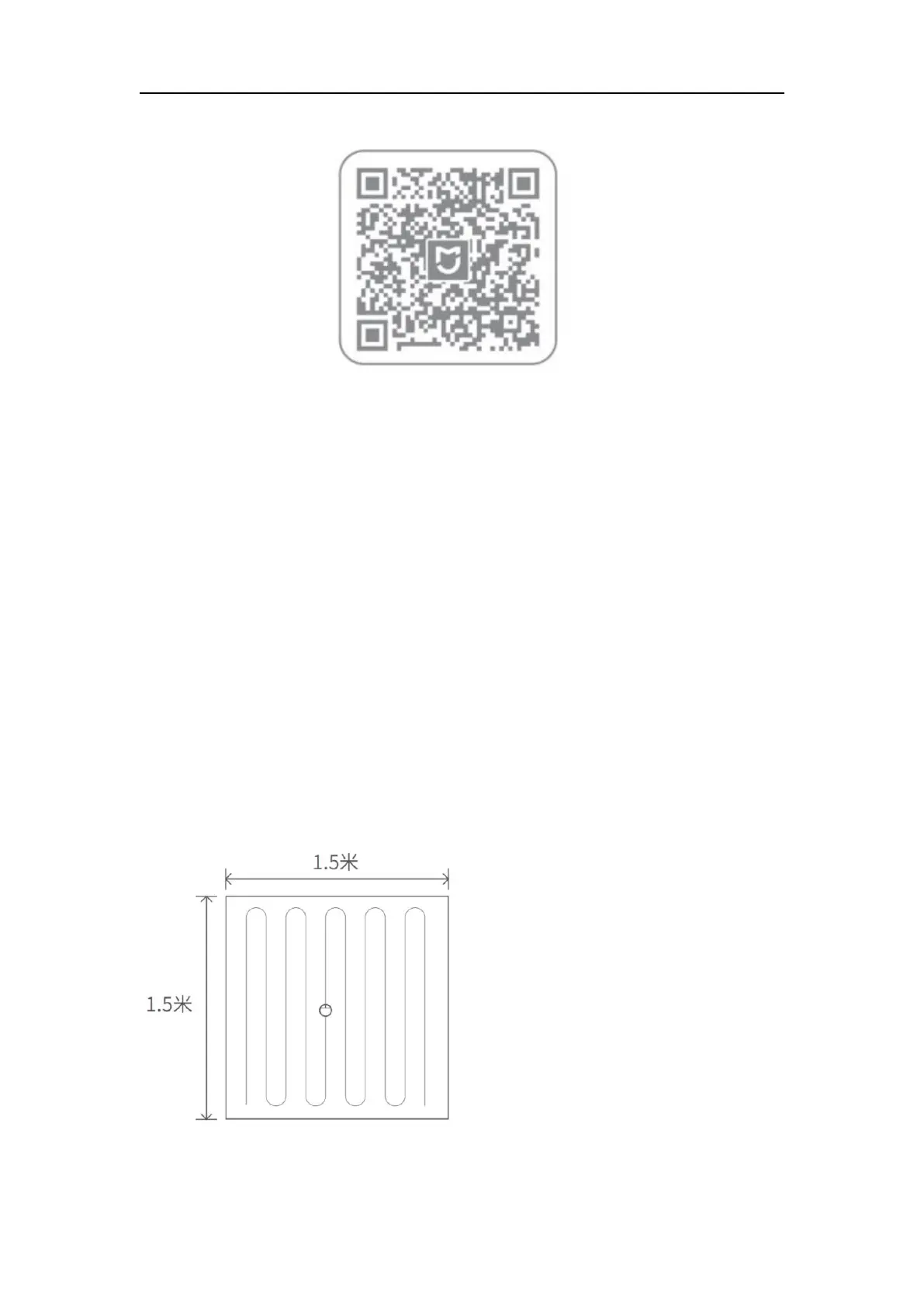
A:In standby mode, press the Spot Clean button to enter Local Clean mode,


 To Next Page