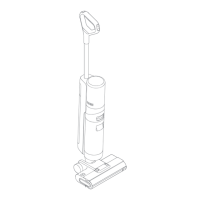
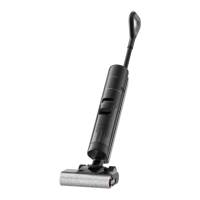
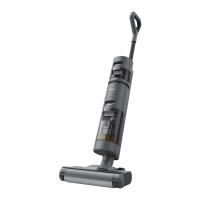
5. How to do the self-clean for H11 MAX?
A: The self-cleaning function can be enabled only when the vacuum is charged and the battery
level is more than 10%.
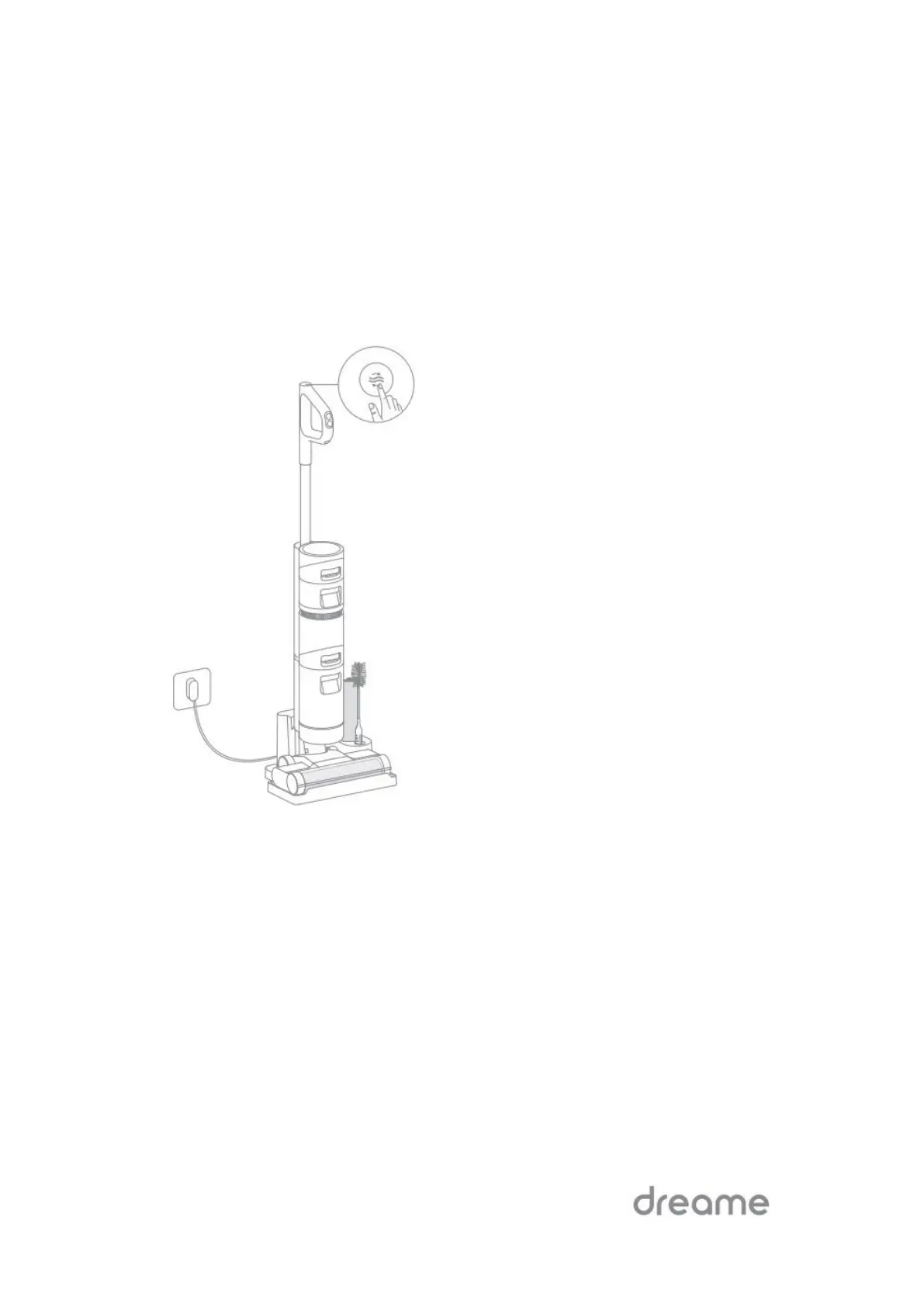
Place the vacuum upright on the charging base after designated cleanups and make sure the
clean water tank is full.
Press the self-cleaning button on the top of the handle briefly, the self-cleaning indicator lights up
on the screen and the self-cleaning starts.
The vacuum will continue to recharge after the self-cleaning is finished.


 To Next Page
 Loading...