You can refer to the charts on page 14 to
determine the proper speed, based on the
material being worked and the type of
accessory being used. These charts enable
you to select both the correct acces sory and
the optimum speed at a glance.
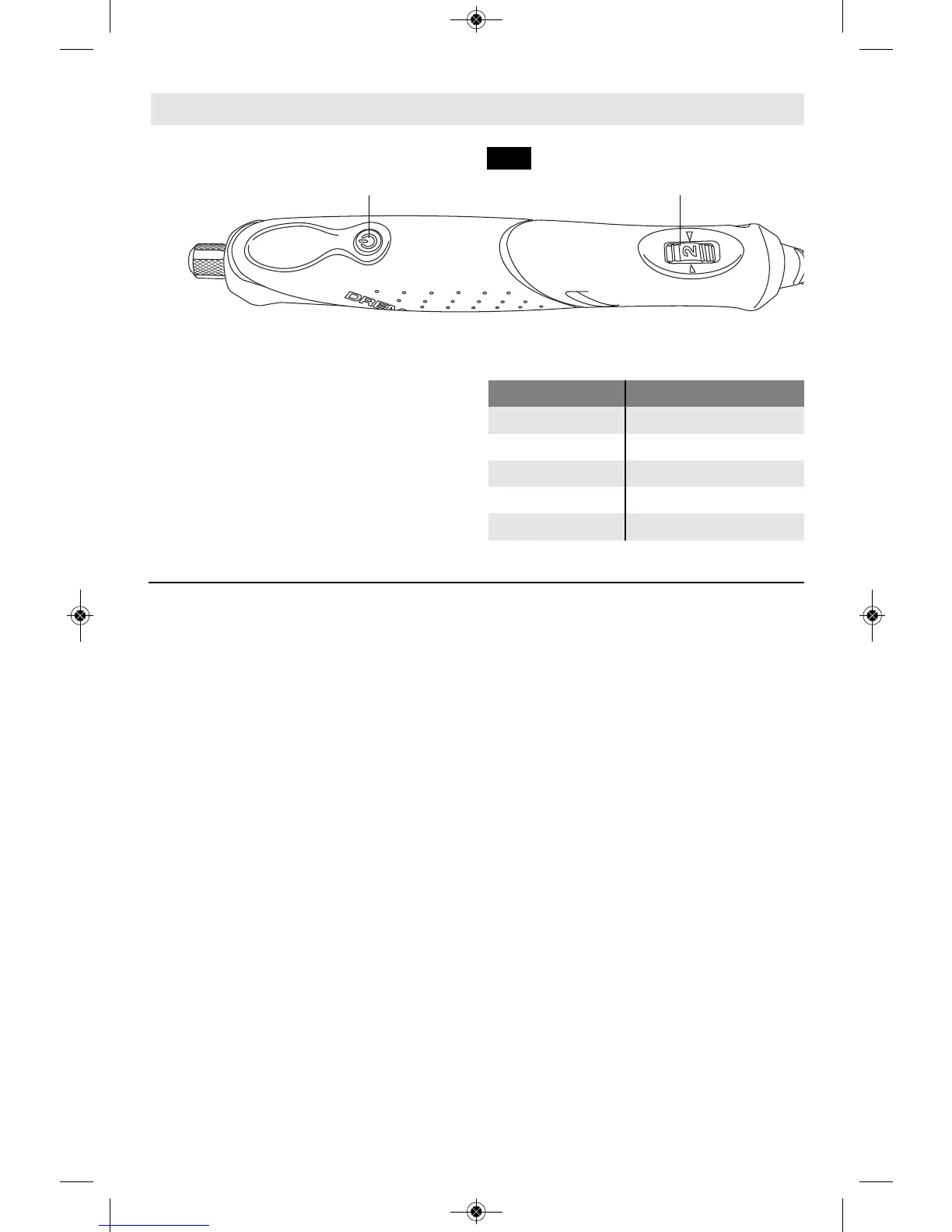
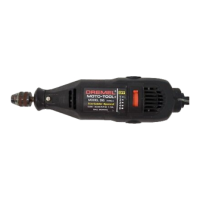
The speed of Rotary Tool is controlled by
setting this dial on the housing (Fig. 6).
13
Needs for Slower Speeds
Certain materials, however, (some plastics
and precious metals, for ex ample) require a
relatively slow speed because at high speed
the friction of the accessory generates heat
and may cause damage to the material.
Slow speeds (15,000 RPM or less) usually
are best for polishing operations employing
the felt polishing ac ces sories. They may also
be best for working on deli cate projects as
“eggery” work, delicate wood carving and
fragile model parts. (All brushing applications
require lower speeds to avoid wire discharge
from the holder.)
Higher speeds are better for carving and
shaping wood.
Hardwoods, metals and glass require high
speed operation, and drilling should also be
done at high speeds.
The point to remember is this: Many
applications and accessories in our line will
provide the best performance at full speed,
but for certain materials, applications, and
accessories, you need slower speeds, which
is the reason our variable speed models are
available.
To aid you in determining the optimum
operational speed for differ ent materials and
different accessories, we have constructed a
series of tables that appear on page 14. By
referring to these tables, you can discover
the recommended speeds for each type of
accessory. Look these tables over and
become familiar with them.
Ultimately, the best way to determine the
correct speed for work on any material is to
practice for a few minutes on a piece of
scrap, even after referring to the chart. You
can quickly learn that a slower or faster
speed is more effective just by observing
what hap pens as you make a pass or two at
different speeds.
Some rules of thumb in regard to speed:
- Polishing, buffing and cleaning with any
type of bristle brush must be done at
speeds not greater than 15,000 RPM to
prevent damage to the brush.
- Increasing the pressure on the tool is not
the answer when it is not performing as
you think it should. Perhaps you should be
using a different accessory, and perhaps
an adjustment in speed would solve the
problem. Leaning on the tool does not
help.
Let speed do the work!
Operating Speeds
F
IG. 6
ON/OFF
BUTTON
VARIABLE
SPEED DIAL
Settings for Approximate Revolutions
Dial Setting Speed Range
1 5,000-7,000 RPM
2 8,000-10,000 RPM
*3 11,000-14,000 RPM
4 15,000-18,000 RPM
5 19,000-22,000 RPM
* Maximum Setting for Wire Brush.


 To Next Page