2
4
Package Contents
User
Manual
Remote Control
(Battery Included)
Quick Start
Guide
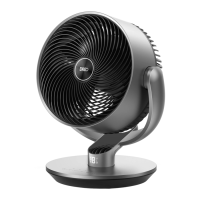
Air Inlet
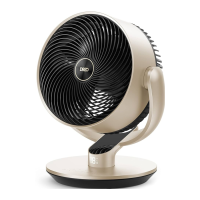
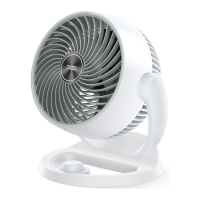
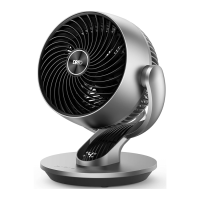
KNOWING YOUR
AIR CIRCULATOR
FAN
3
Air Outlet
LED Display
Control
Panel
Base
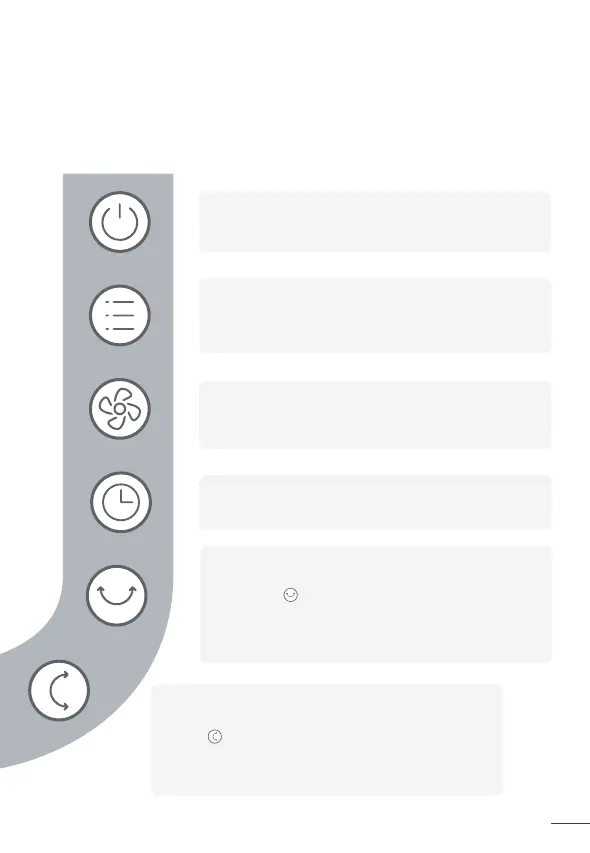
Control Panel
Power Button
• Turn power on/off
• Long press 10 seconds to reset to factory settings
Timer Button
Select to set a timer (0-8h)
Mode Button
• Switch between Normal/Auto Mode
• Long press 3s to mute/unmute
Fan Speed Button
• Adjust airflow speed (1-9 levels)
• Long press 3s to turn on/off Turbo mode
Power Input
Power Adapter
Horizontal Oscillation Button
• Long press 5s to start network settings
and device pairing
Touch to change the horizontal angle. Display
will flash & 0/1/2/3/4 indicating the current
angle 0°/30°/60°/90°/120°
•
Vertical Oscillation Button
•
• Long press 3s to turn on/off Child Lock
Touch to change the vertical angle. Display will
flash & 0/1/2/3 indicating the current angle
0°/30°/60°/90°


 To Next Page