Before connecting the appliance to your mobile
This device includes the radio transmitting module
whose CMIIT ID is FCC ID: 2A3SYMBL01.
device, please scan the QR code on the left or go
to the app store and search “Dreo”, then select
and download the app.
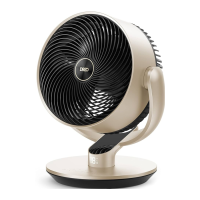
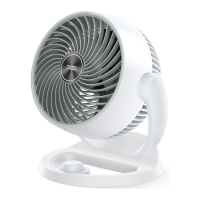
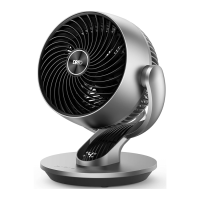
You can use the Dreo app to connect your smart air circulator
fan to Amazon Alexa or Google Assistant.
Please follow the in-app instructions to set up your voice
assistant.
NOTE: You must create a Dreo account to access voice
assistants.
Launch Dreo and sign in or create account by following in-app
Enable Bluetooth on your mobile device and plug in your fan.
instructions.
Hold the Oscillation button for 5 seconds to start WiFi connection
settings.
Follow in-app instructions to complete WiFi connection.
Tap + Add Device and select the fan you want to link.
1
4
5
3
2
(Tip: The WiFi icon will keep flashing when pairing.)
You're now ready to control the appliance on your app.
6
(Tip: To restart connection settings, hold the Oscillation button
again for 5 seconds.)
5
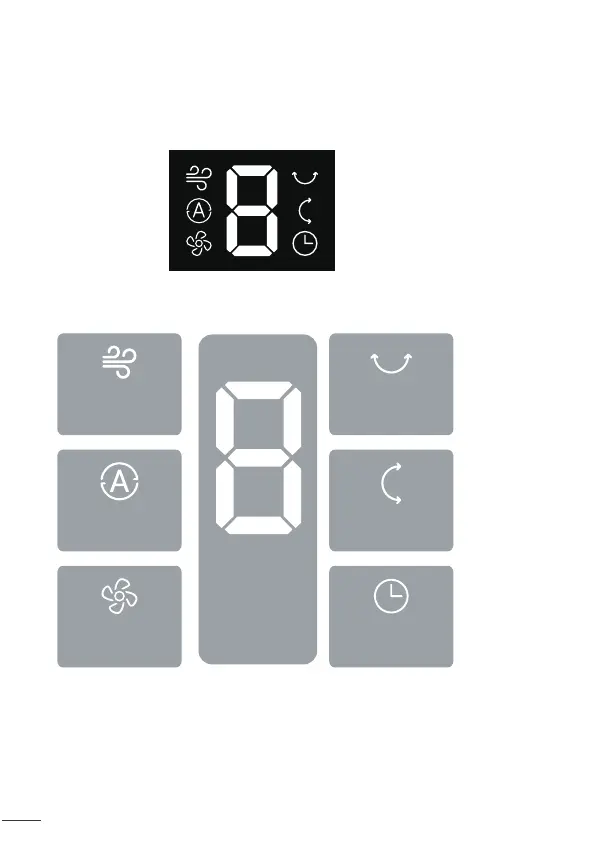
LED Display
Normal
Mode
Fan Speed
Auto Mode
Fan Speed /
Timer Hour /
Oscillation
Angle
Horizontal
Oscillation
Vertical
Oscillation
Timer
NOTE:
This appliance features auto-brightness. The display adapts
automatically based on the ambient lighting conditions.
Long press 10 seconds power button to unpair WiFi and restore
factory settings.


 To Next Page