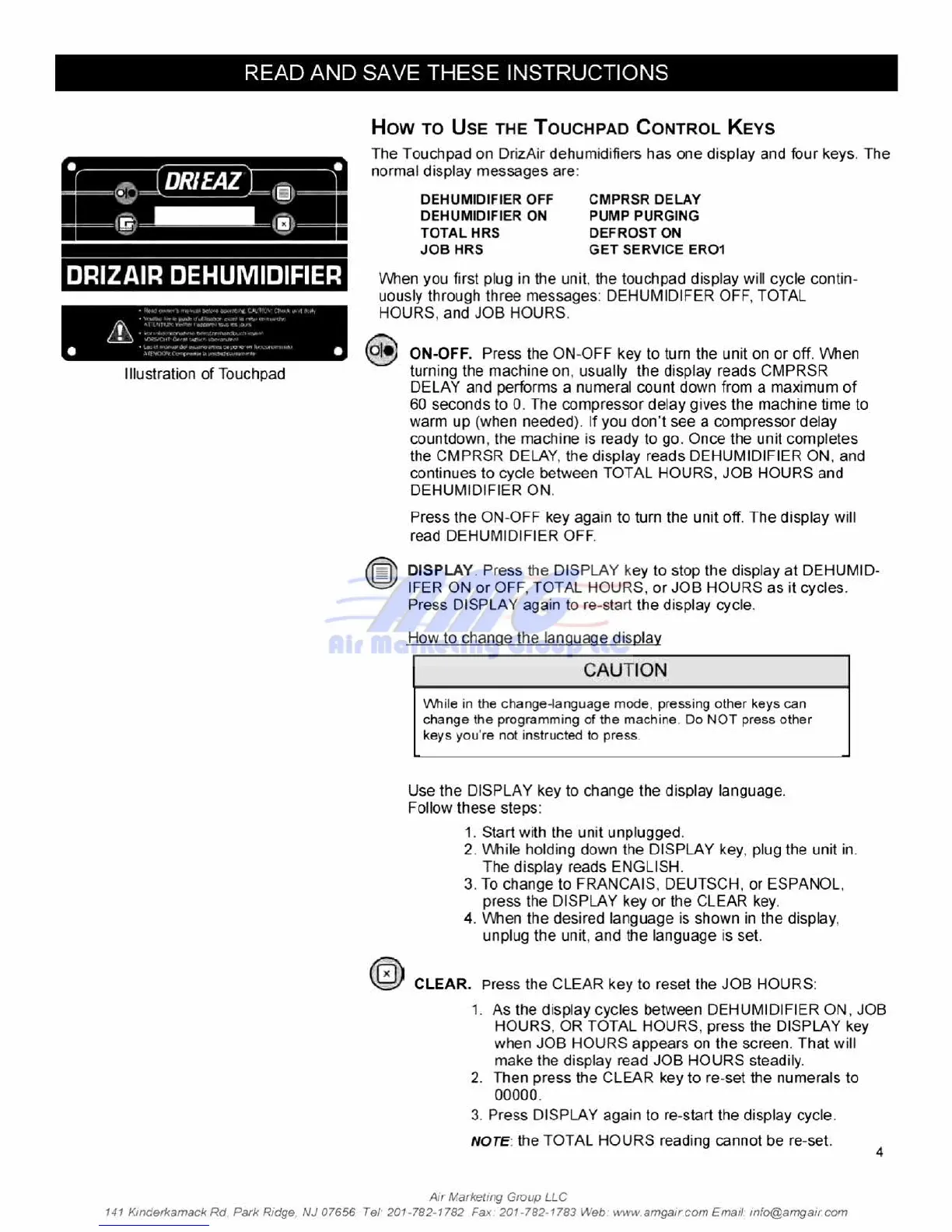
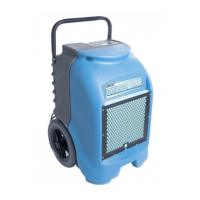
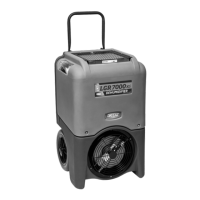
DRIZAIR DEHUMIDIFIER
-
g
low aft.i.ows Was swam CAMP: Cl..11
Woor•
S
f
l
imitle cruPwra
.24
n
-r4. emothe
„
RI\
•
NerdOnt•
•
• Sma
dam...ft= CIO{R".•
•
Illustration of Touchpad
READ AND SAVE
THESE INSTRUCTIONS
How TO USE THE TOUCHPAD CONTROL KEYS
The
Touchpad on DrizAir dehumidifiers has one display and four keys.
The
normal display messages are:
DEHUMIDIFIER OFF
CMPRSR DELAY
DEHUMIDIFIER ON
PUMP PURGING
TOTAL HRS
DEFROST ON
JOB HRS
GET SERVICE ERO1
When you first plug in the unit, the touchpad display will cycle contin-
uously through three messages: DEHUMIDIFER OFF, TOTAL
HOURS, and JOB HOURS.
ON-OFF.
Press the ON-OFF key to turn the unit on or off. When
turning the machine on. usually the display reads CMPRSR
DELAY and performs a numeral count down from a maximum of
60 seconds to 0. The compressor delay gives the machine time to
warm up (when needed). If you don't see a compressor delay
countdown, the machine is ready to go. Once the unit completes
the CMPRSR DELAY. the display reads DEHUMIDIFIER ON, and
continues to cycle between TOTAL HOURS, JOB HOURS and
DEHUMIDIFIER ON.
Press the ON-OFF key again to turn the unit off. The display will
read DEHUMIDIFIER OFF.
0
DISPLAY.
Press the DISPLAY key to stop the display at DEHUMID-
IFER ON or OFF, TOTAL HOURS, or JOB HOURS as it cycles.
Press DISPLAY again to re-start the display cycle.
How to change the language display
CAUTION
VVhiie in the change-language mode, pressing other keys can
change the programming of the machine Do NOT press other
keys you're not instructed to press.
_
nnn
Use the DISPLAY key to change
the display
language.
Follow these steps:
1.
Start with the unit unplugged.
2.
While holding down the DISPLAY key, plug the unit in.
The display reads ENGLISH,
3. To change to FRANCAIS. DEUTSCH, or ESPANOL,
press the DISPLAY key or
the CLEAR
key.
4.
When the desired language is shown in the display.
unplug the unit, and the language is set.
C
I
CLEAR. Press the CLEAR key to reset the JOB HOURS:
1. As the display cycles between DEHUMIDIFIER ON, JOB
HOURS, OR TOTAL HOURS. press the DISPLAY key
when JOB HOURS appears on the screen. That will
make the display read JOB HOURS steadily.
2.
Then press the CLEAR key to re-set the numerals to
00000.
3.
Press DISPLAY again to re-start the display cycle.
NOTE:
the
TOTAL HOURS reading cannot be re-set.
4
Air Market;og Group LLC
141 Kinderkamack Rd. Park Ridge NJ 07656 Tel
.
201-782-1782 Fax 201-782-1783 Web wwwamgair corn Email. irifo@arngair corn





 To Next Page