07-01839G F413 3 Dri-Eaz Products, Inc.
Note that only menu items followed by a greater-than
symbol ( > ) may be adjusted.
All settings and modes are discussed in detail in Control
Panel Guide, below.
Error messages
If the Revolution onboard diagnostics discover a prob-
lem, the unit will display an error message. See “Error
Messages,” p. 8, for an explanation of each message.
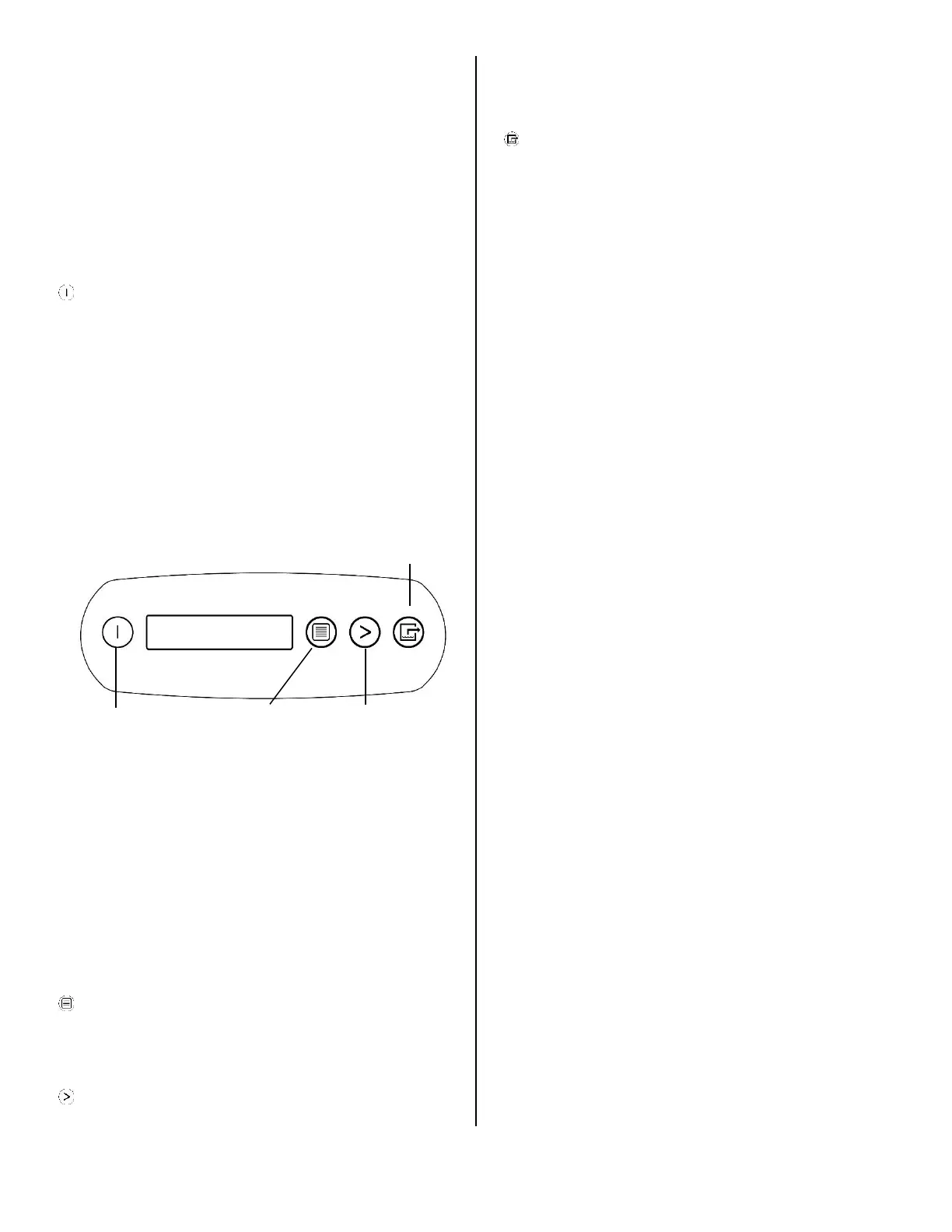
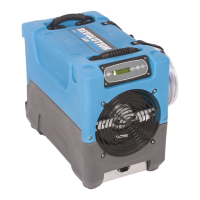
Control Panel Guide
ON/OFF. Press to turn the unit on or off. When the
machine is turned on, the display normally reads
PLEASE WAIT COMP. DELAY and performs a numeral
countdown for a maximum of 60 seconds to 0. This de-
lay allows time for refrigerant pressures to equalize for
easier starting. Once the unit completes the compressor
delay, the display shows UNIT ON XX HRS and cycles
between INLET XX°F and INLET XX%. NOTE: If no
compressor delay countdown is displayed, a delay is not
necessary and the machine will begin operation immedi-
ately.
DISPLAY MENU. Press to cycle through the display
of additional dehumidifier conditions and User Settings.
To return to the main menu, press the ON/OFF key
once.
MENU SELECTION. Press to change the values of
the "User Defined" settings. The MENU SELECTION
key acts as the UP key for adjusting the setpoint for Hu-
midistat mode operation. See User Settings Menu (be-
low) for details.
PURGE. Press to empty water from the condensate
pump reservoir. The display will read PUMP PURGING
with a numeral countdown. NOTE: During normal opera-
tion, the pump purges automatically.
NOTE: During normal operation, the pump purges auto-
matically.
Press and release to turn unit on
or off.
Press to select next item in
menu. Menu item will show in
display.
Press to toggle or select values
in menu displayed.
Press and release to start purge.
Display will count down sec-
onds remaining until purge is
complete.


 To Next Page