15www.drilldoctor.com
Set depth of bit and
tighten Chuck.
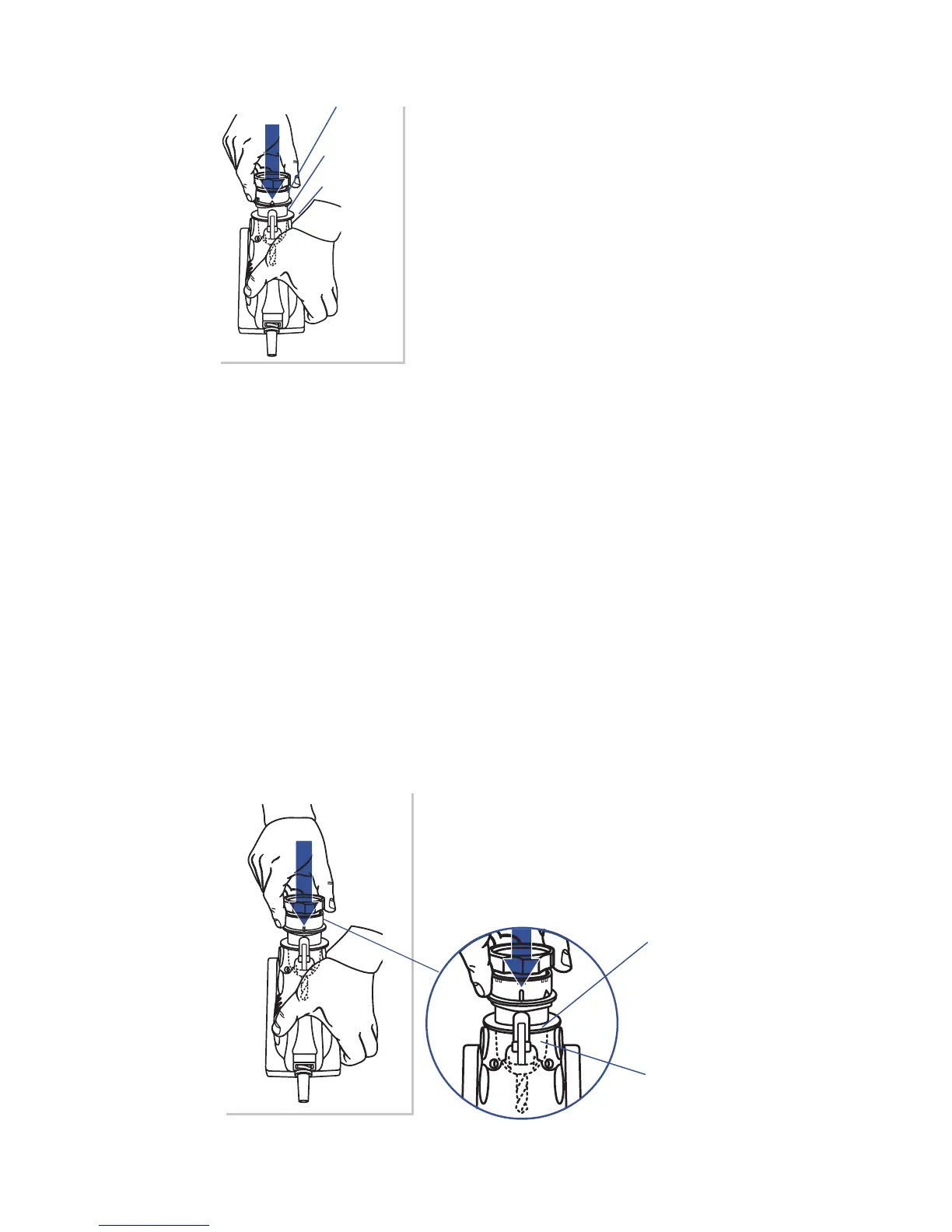
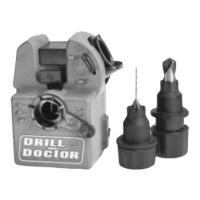
4. With the machine turned o, align
the White Triangle on the Chuck with
the Cam Guide. Insert the Chuck into
the Sharpening Port. Push the Chuck
all the way into the Port. Tighten
the Chuck Knob while it’s still in the
Sharpening Port. Remove the Chuck
and make sure the Alignment Fingers
are tightly up against the Leading
Edge of your drill bit. The bit should
not move in the Chuck. Your depth is
now set and you are ready to sharpen.
Sharpening the Bit
Before sharpening you should know:
• Keep the Cam in contact with the Cam Guide as you sharp-
en.
• Only light pressure is required.
• You will hear a grinding noise (zzzzzzzzz) as you complete
each half-turn.
• The Chuck will rock as you rotate it and the Cam rides on the
Guide.
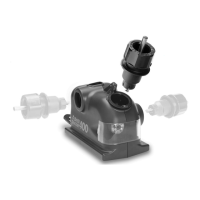
Insert Chuck.
5. Turn on the machine. Align either of
the Sharpening Guides (white lines)
on the Chuck with the Cam Guide and
insert the Chuck in the Sharpening
Port.




 To Next Page