Drobo Mini Getting Started Guide 25
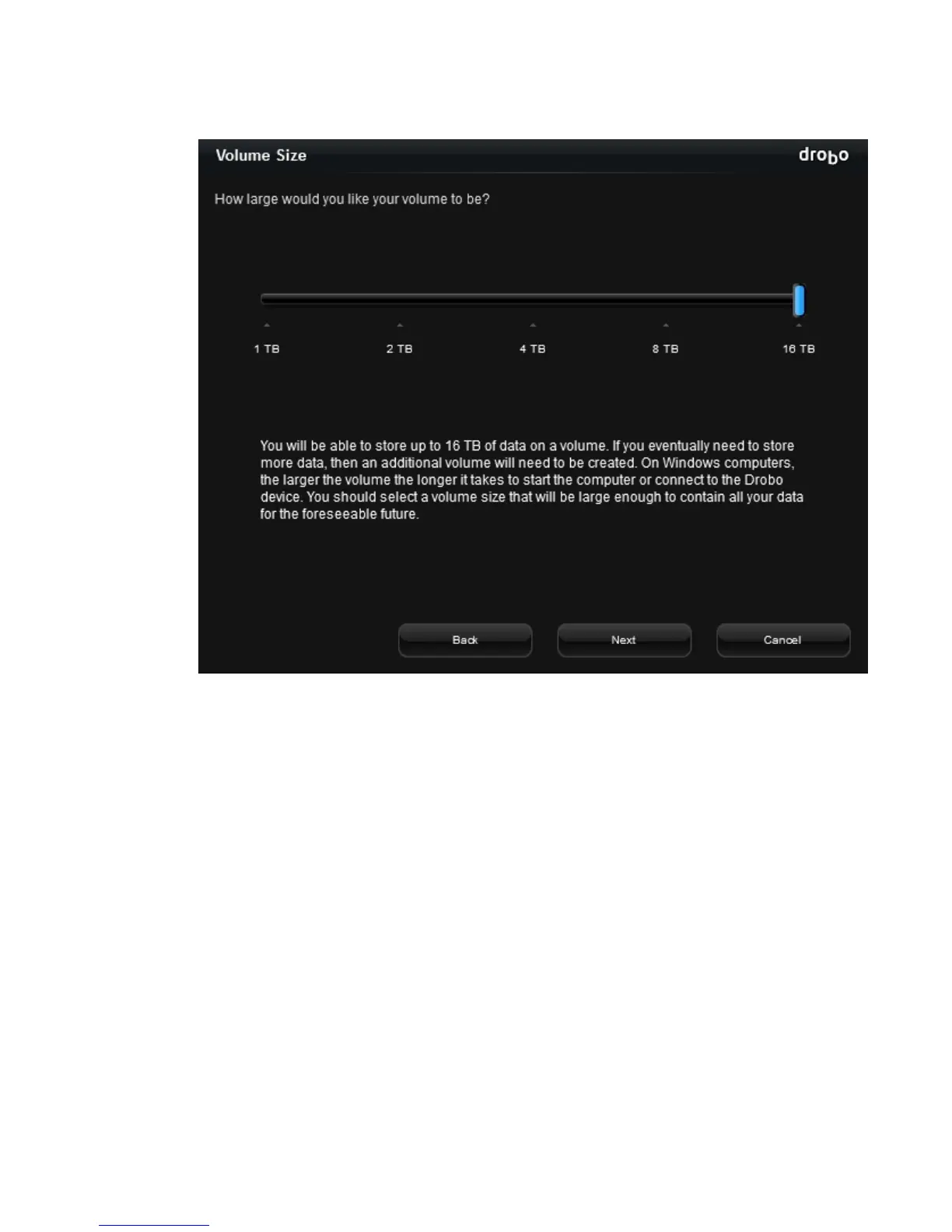
The Volume Size page opens.
5.
Click and drag to slide the pointer to the size of the volume you would like to create, and then
click the Next button.
Tip: We recommend that you select the largest size available, enabling you to increase the
number and capacity of your drives without having to format an additional volume.



 To Next Page