Drobo Mini Getting Started Guide 26
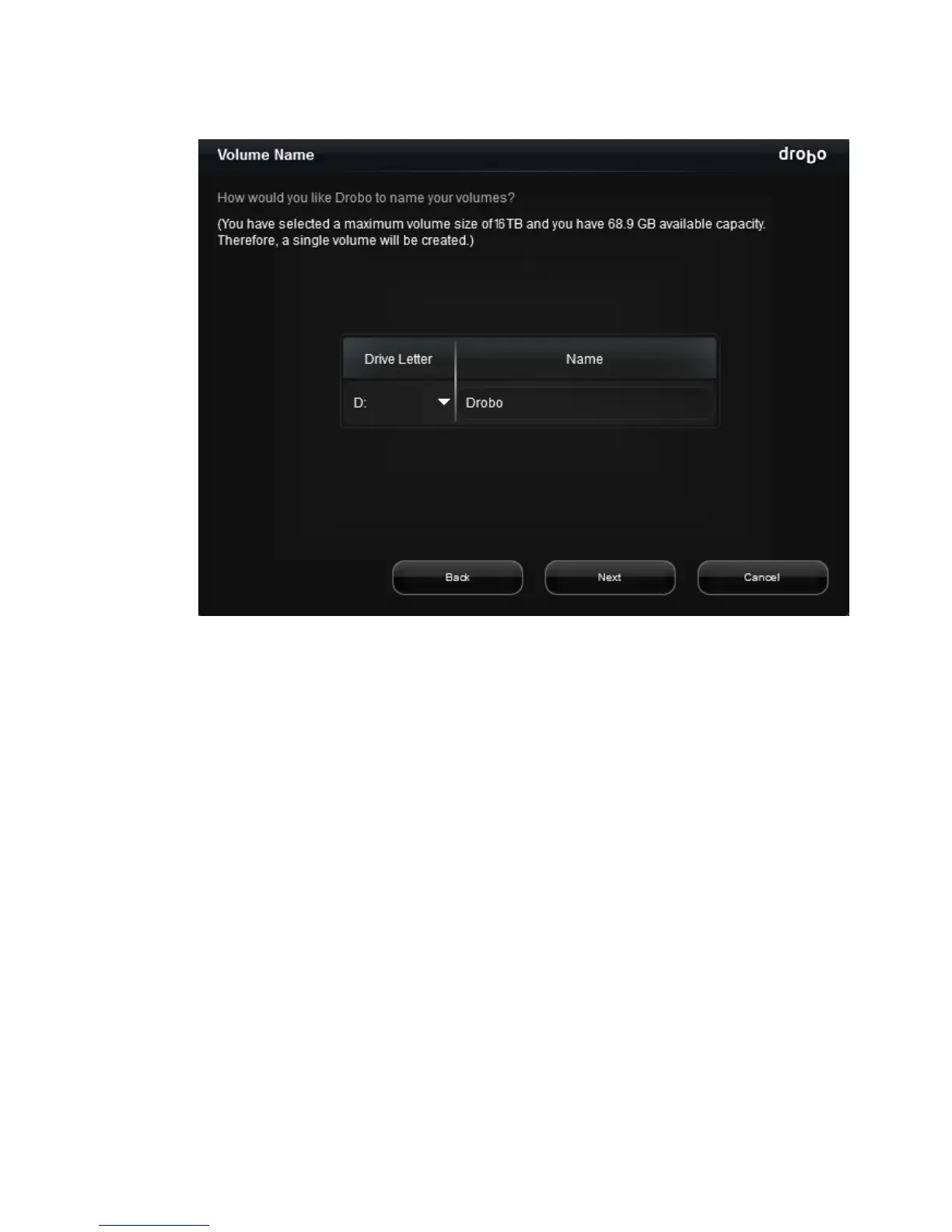
The Volume Name page opens.
6.
If applicable, from the Drive Letter drop-down list, select the drive letter to assign to the
volume.
7.
In the Name text box, modify the default name for the volume as you like.
Tip: We recommend using the word “volume” in the name so as not to confuse the volume
name with your Drobo device’s name.
8.
Click the Next button.
The Confirm Format page opens.
9.
Click the Format button.
A message appears, informing you that it can take up to 5 minutes to format your drives, and
that this may require rebooting your Drobo device. Afterwards, the Format dialog box opens.
10.
Click the OK button.
Your Drobo device displays on the Status page of Drobo Dashboard, as follows.



 To Next Page