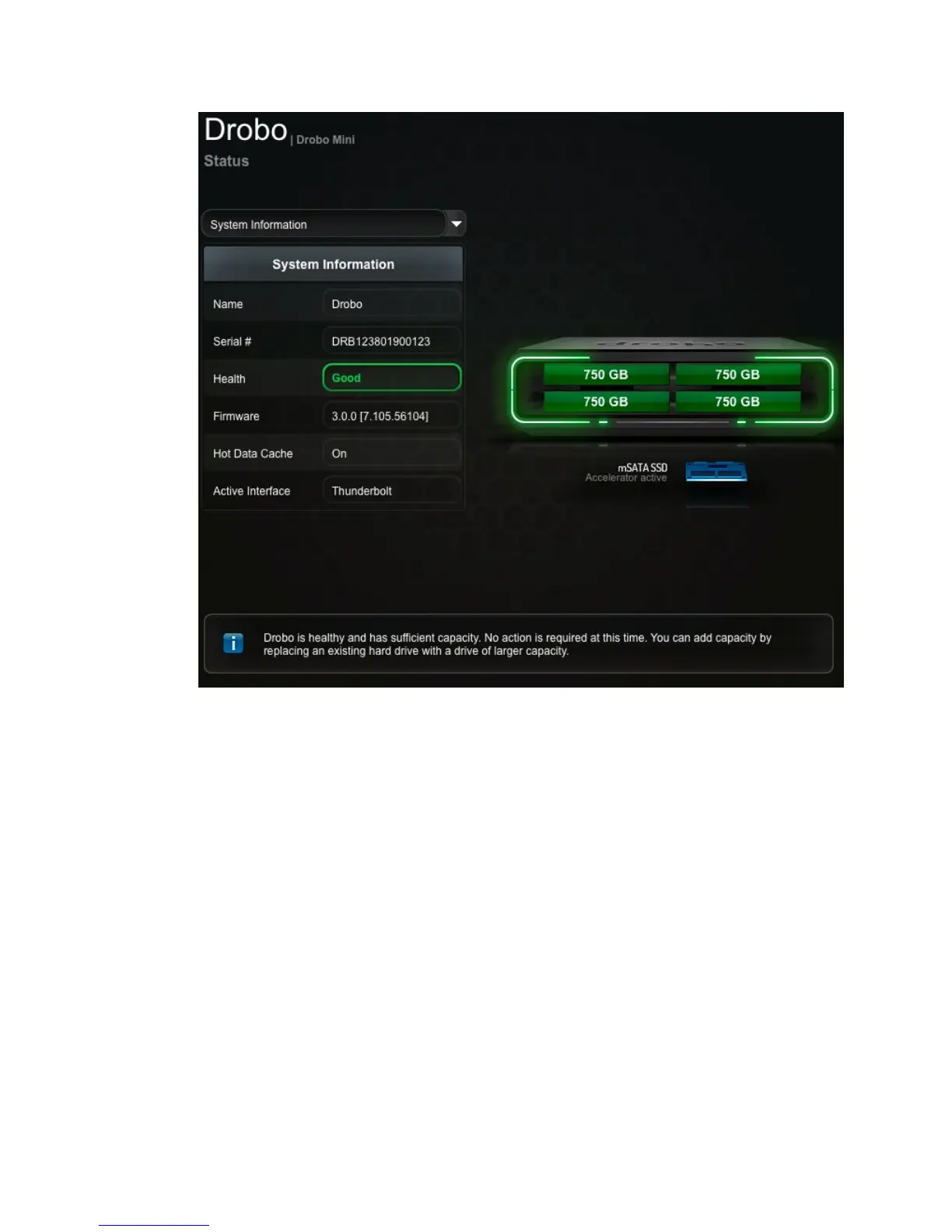
Drobo Mini Getting Started Guide 27
Note: Drobo Dashboard automatically assigns “Drobo” as the default name for your Drobo
device, which you can rename later.
Warning! When operating your Drobo Mini, always place it on a hard, even surface. Placing
the Drobo Mini on a carpet, towel or other uneven surface can block its ventilation holes and
prevent the Drobo Mini's cooling system from functioning normally.



 To Next Page