19
S E C T I O N 8
Programming Worksheets
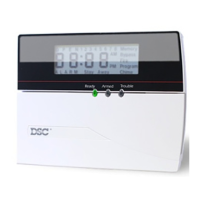
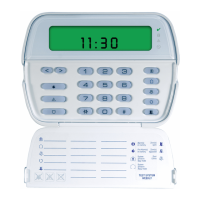
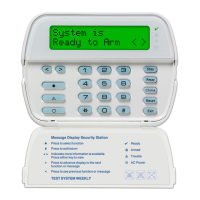
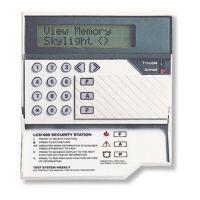
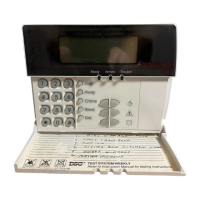
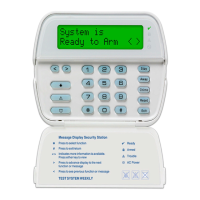
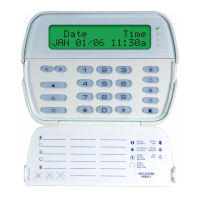
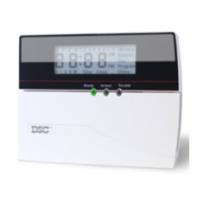
[000] Keypad Programming
1. Enter [*][8][Installer’s code]
2. Enter [000] to go to keypad programming
[0] Keypad Enrollment
Valid entries are 01-88; e.g. enter [11] for partition 1, slot 1. Default = 11
1st digit Enter 0 for Global Keypad
Enter 1 for Partition 1 Keypad
Enter 2 for Partition 2 Keypad etc.
2nd digit Enter 1 to 8 for Slot Assignment
SlotSlot
SlotSlot
Slot:
I________I________I
[1]-[5] Function Key Assignments
[1] Key 1 [2] Key 2 [3] Key 3 [4] Key 4 [5] Key 5
Defaults: 03 04 06 14 16
Stay Away Chime Reset Exit
I________I________I I________I________I I________I________I I________I________I I________I________I
[6] RF5501-433 Keypad Options
Default Option On Off
ON I________I 1 Local Clock Display Enabled Display Disabled
ON I________I 2 Local Clock Displays AM/PM Displays 24-hour Time
OFF I________I 3 Open Zones Override Clock Display Do Not Override Clock
OFF I________I 4 For Future Use
OFF I________I 5 Alarms Not Displayed While Armed Always Displayed While Armed
OFF I________I 6 Door Chime Enabled for Zone Openings Door Chime Disabled
OFF I________I 7 Door Chime Enabled for Zone Closings Door Chime Disabled
OFF I________I 8 For Future Use
[7] Emergency Key Options
Default Option On Off
ON I________I 1 [F] Key Enabled [F] Key Disabled
ON I________I 2 [A] Key Enabled [A] Key Disabled
ON I________I 3 [P] Key Enabled [P] Key Disabled
OFF I________I 4-7 For Future Use
OFF I________I 8 Low Temperature Alert Enabled Low Temperature Alert Disabled



 To Next Page