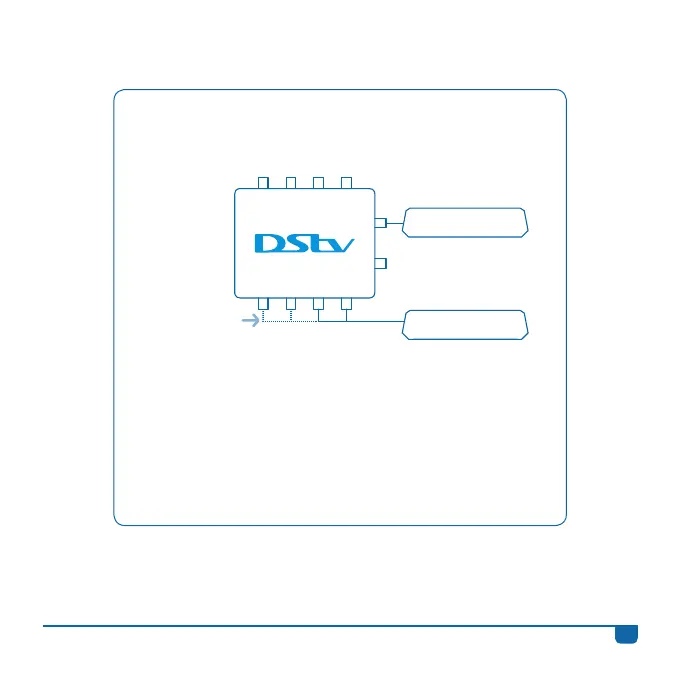
Connecting the DStv Switch (5-1) to one DStv Explora
and one 2 Tuner Decoder
• Once the switch has been connected to the satellite dish,
use the supplied cable and connect output A or B on the
switch to the input labelled UNICABLE™ IN on the back of
your DStv Explora.
• Then connect any two outputs (labelled 1 to 4) on
the switch to the satellite inputs on the back of the 2 Tuner
Decoder (like a Dual View, SD PVR, HD PVR 2P or HD PVR 2U).
2 Tuner Decoder
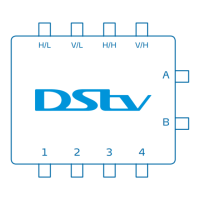
H/L V/L H/H V/H
1 2 3 4
A
B
Use a
combination of
any two outputs.
Decoder Models:
2P, 2U, SD PVR &
Dual View
DStv Explora
11
DStv Switch - User Guide


 To Next Page