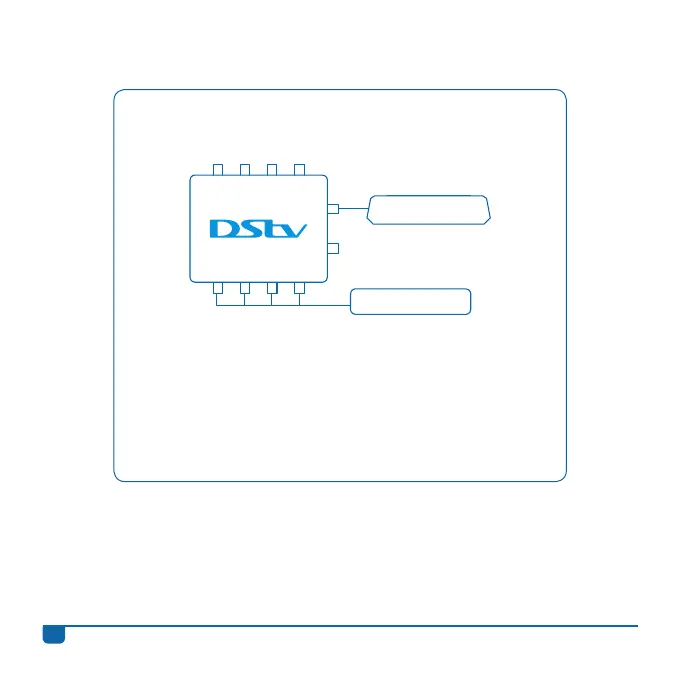
Connecting the DStv Switch (5-1) to one DStv Explora
and one 4 Tuner HD PVR
• Once the switch has been connected to the satellite dish,
use the supplied cable and connect output A or B on the
switch to the input labelled UNICABLE™ IN on the back of
your DStv Explora.
• Then connect the outputs labelled 1 to 4 on the switch to the
satellite inputs on the back of the 4 Tuner HD PVR.
DStv Explora
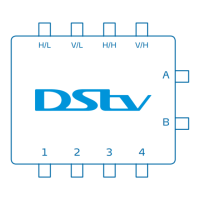
H/L V/L H/H V/H
1 2 3 4
A
B
4 Tuner HD PVR
DStv Switch - User Guide
12
Information correct at time of going to print. For updated information, go to www.dstv.com (the “DStv website”).
In the event of conflict between this information and the information on the DStv website, the information on the DStv website will prevail.
e&oe (August 2013, V2.7)


 To Next Page