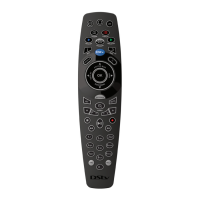
DStv Remote A6 (Advanced Options)
Timed Sequence (Option 2)
Use this option if you need the steps to take place in a timed sequence (with specific time lapses between each step).
Example : you need the i-plate to disappear before another step on your macro can be programmed.
Press and hold down ARC and the number button you
want the macro on.
The A6 LEDs will go AMBER
within three seconds.
While continuing to press down ARC, release the
number button.
The A6 LEDs will blink AMBER.
Then press the number button again (you’re now
holding down both ARC and the number button)
The A6 LEDs will be solid AMBER.
The A6 LEDs will blink AMBER
continuously.
The A6 is now in “listening mode” and the following steps should be done in “real” time (Example : if you
need 20 seconds between going to a channel and changing the subtitles setting, wait 20 seconds after the
channel change).
Press the first button in your macro sequence
The A6 LEDs will give one GREEN
blink and then the LEDs will blink
AMBER continuously.
Repeat step 2 for each button press in the macro
sequence (you can only have 10 steps per macro),
remembering to include time lapses.
If the A6 LEDs give two RED
blinks, something has gone wrong
and you will need to start again
from Step 1.
Press HELP to end the programming of your macro.
The A6 LEDs will give three
GREEN blinks, confirming that
you have successfully completed
the programming sequence.
If the A6 LEDs give two RED blinks at any time - something has gone wrong and you will need to start the
programming sequence from Step 1.
To use macros on the A6 remote
Press ARC and the number button of the
macro you want to use.
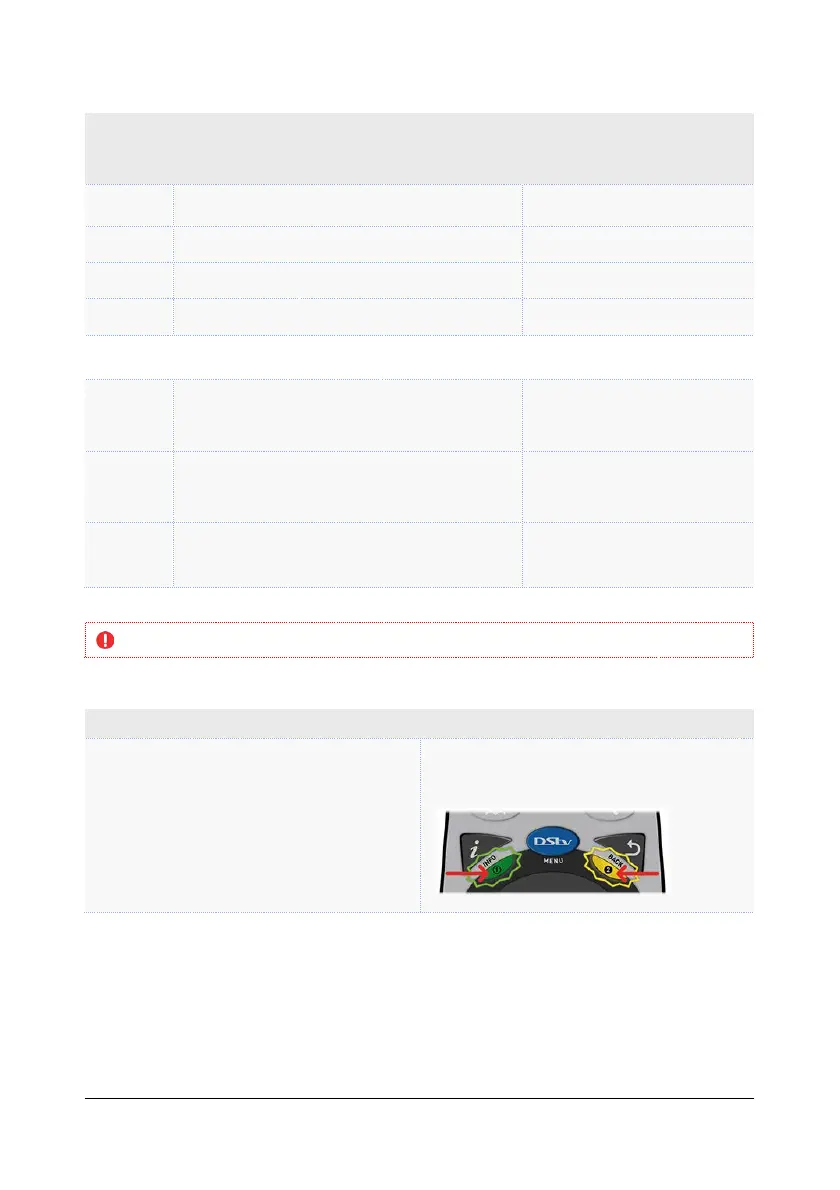
The LED below i will be GREEN and the
LED below BACK will give an AMBER blink
for each step of the macro.
Remember that you must start your macro from the same place it was programmed.
Example : you set a macro that starts when the highlight is on the Advanced Search
screen. In order to use this macro, you must be on the Advanced Search screen when you
press ARC and the number the macro is on.
Hint : remember to keep the remote control pointed at the necessary devices for the
duration of the macro.



 To Next Page