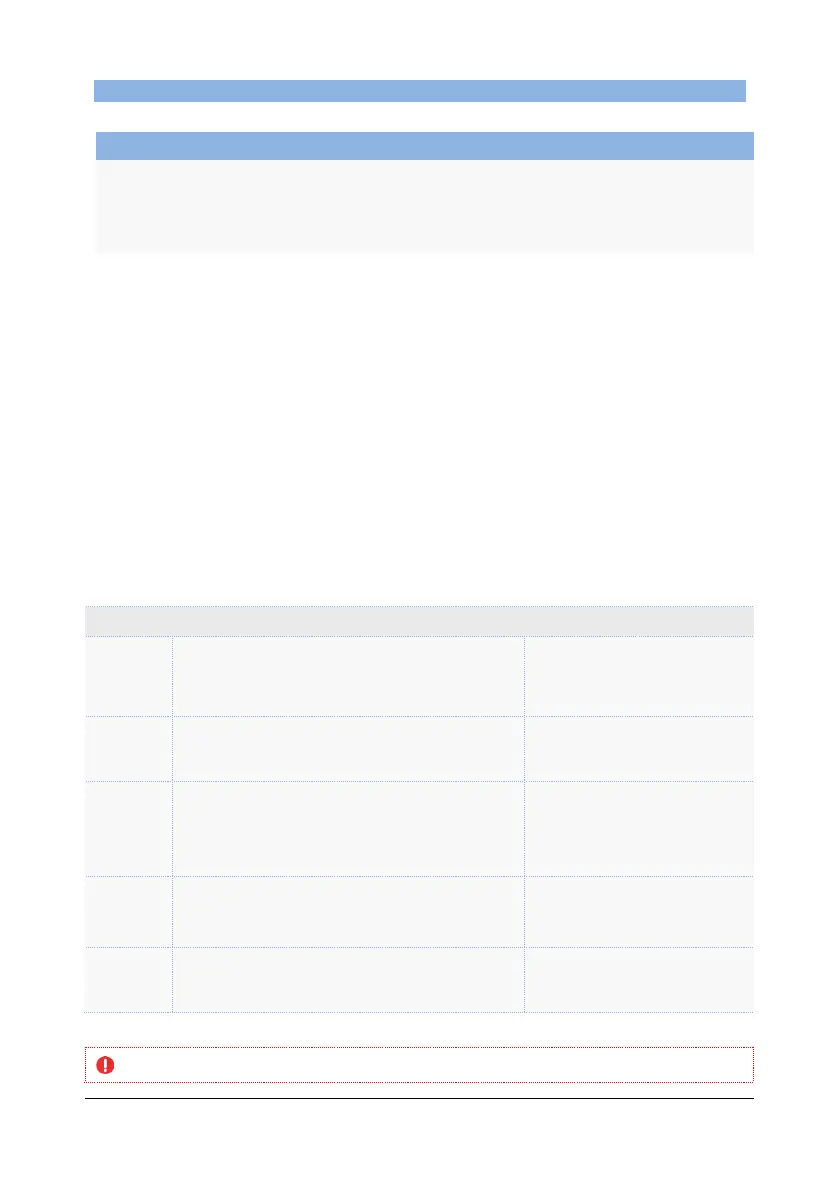
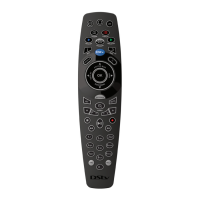
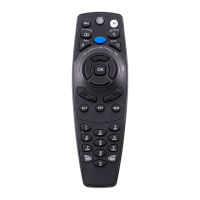
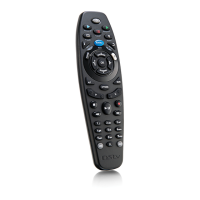
DStv Remote A6 (Advanced Options)
A DVANCED O PTIONS : M ACROS
You can programme 10 macros on your A6 remote (one macro on each number button).
OBJECTIVE
Programme the keys of a regular task onto a macro.
EXAMPLE
While watching TV, check the weather forecast for the town you live in.
Tips :
• Before programming your macro, write down each step in the sequence (maximum
10) and then tick them off as they are completed.
• Each button press is considered ONE step in the sequence. Example : if your macro
includes going to channel 101, that’s three steps in the macro, ie. press 1, then press
0, then press 1.
• Macros can include commands from other remotes (like changing input of the TV)
You can programme a simple sequence (option 1) or a timed sequence (option 2).
• A simple sequence will run the programmed steps without delays between each
step (example : press OK, press left button, press LEFT arrow, press DOWN arrow,
press OK.)
• A timed sequence will run the programmed steps exactly as they were programmed
(example : press 2, press 0, press 1, wait 12 seconds, press OK, wait 5 seconds,
press OK.)
Simple Sequence (Option 1)
Press ARC and the number button you want the
macro on for 3 seconds.
The A6 LEDs will go AMBER
within three seconds. When you
release these buttons, the LEDs
will blink AMBER continuously.
If the macro includes a button press on the A6, press
that button.
The A6 LEDs will give one GREEN
blink and then the LEDs will blink
AMBER continuously.
If the macro includes a button press on another
device, take the remote for that device, and place it
on a flat surface, facing the A6 remote.
Press the button on the other remote that you want to
include in this macro.
The A6 LEDs will give one GREEN
blink and then the LEDs will blink
AMBER continuously.
Repeat step 2 or 3 for each button press in the macro
sequence (remember you can only have 10 steps per
macro).
If the A6 LEDs give two RED
blinks, something has gone wrong
and you will need to start again
from Step 1.
Press HELP to end the programming of your macro.
The A6 LEDs will give three
GREEN blinks, confirming that
you have successfully completed
the programming sequence.
If the A6 LEDs give two RED blinks at any time - something has gone wrong and you will need to start the
programming sequence from Step 1.


 To Next Page