40
5. LockBit/OTP Function
5.1. Overview
FR830 has the feature to enable LockBit function and OTP function for microcomputer during
programming. (This feature is available when the microcomputer has LockBit function or OTP
function.)
After programming, FR830 enables LockBit function or OTP function by following LockBit/OTP
operation mode setting. (Setting data is necessary for YDD file.)
For details of LockBit function and OTP function, see the hardware manual for the
microcomputer.
5.2. Setup LockBit/OTP Setting Mode
You can set up OTP and LockBit when EPR is executed.
Select LockBit/OTP setting mode with [FUNC 80].
There are three types of LockBit/OTP setting mode as shown below.
NO SET :Disable LockBit/OTP setting (default)
LockBit :Enable LockBit Setting
OTP :Enable OTP Setting
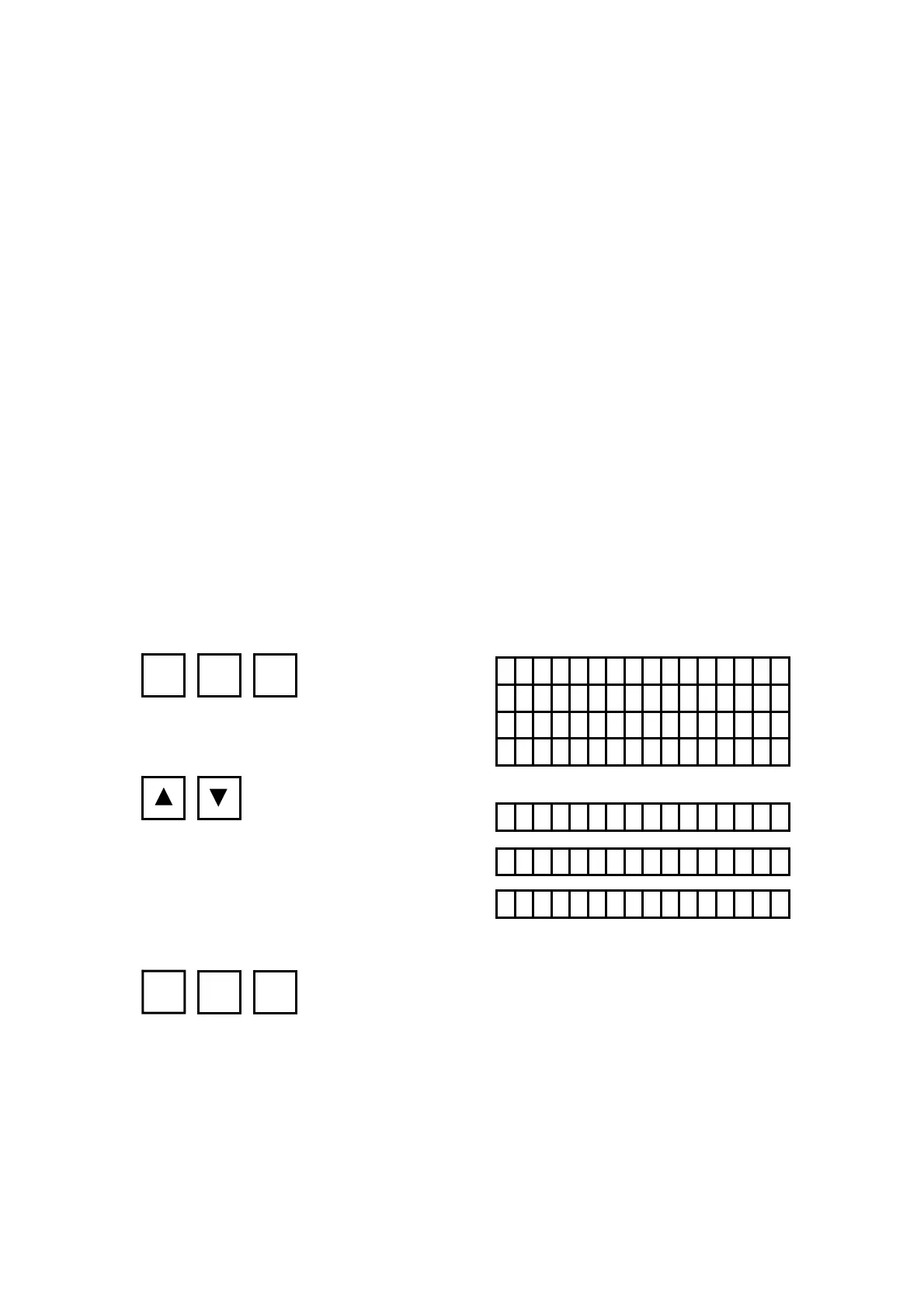
[NETIMPRESS Operation] [NETIMPRESS Display]
Key Operations LCD Display (Whole)
LockBit/OTP Setting Mode
Select Setting Mode
Set the Setting of Setting Mode
* You can set the setting mode by using AZ490 (Remote Controller).
For how to set with it, please contact our Support Center.
FR830
/xxxx /
F80 / Lock B i t M O DE
NO SET
NO SET
LockBit
OTP
FUNC
8 0
SET FUNC SET
4th line
4th line
(Setting operation mode will
change by pressing ▲ or ▼.)
4th line



 To Next Page