48
7. Option Byte Reading Function
7.1. Overview
FR830 has the function to read and save the option byte of the microcomputer during
programming.
You can specify the original format or S record format to save the option byte.
7.2. How to Read or Save Option Byte
To execute the functions, connect NET IMPRESS with the target same as when executing the
device function and follow the steps below.
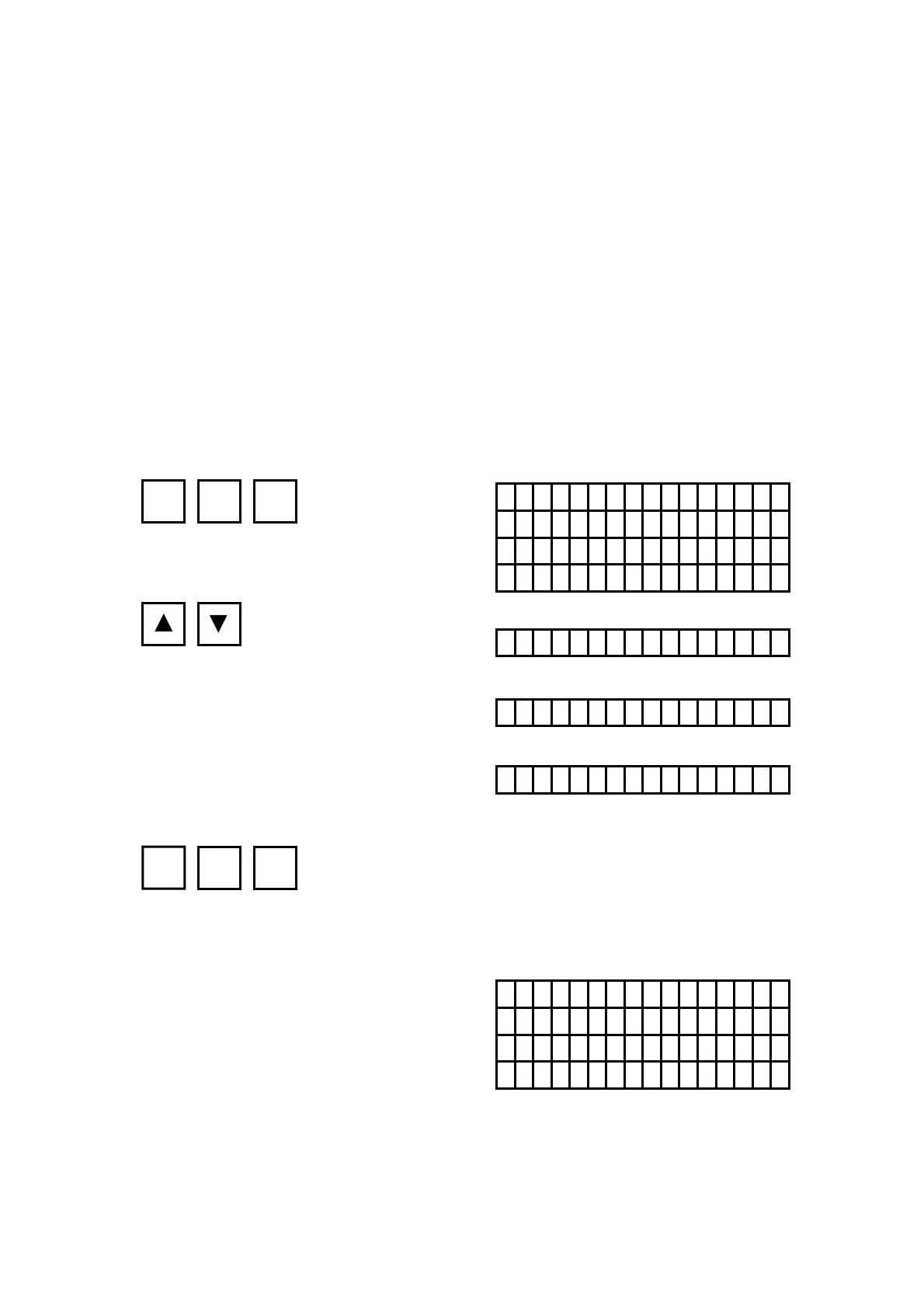
[NETIMPRESS Operation] [NETIMPRESS Display]
Key Operations LCD Display (Whole)
Execute option byte reading command
Select the format of saving
Execute option byte reading
PASS is displayed when the reading and saving is completed.
FR830
/xxxx /
F 8 D / O P T I O N B Y T E
SAVE T E XT
SAVE T E XT
S A V E S - R E C O R D
SAVE N O NE
FR830
/xxxx /
PASS P/
R/
FUNC
8 D
SET FUNC SET
4th line
4th line
(Format will change by
pressing ▲ or ▼.)
4th line
Do not save (displays on LCD).
Saving format is the original.
Saving format is S record.



 To Next Page