EasyManua.ls Logo

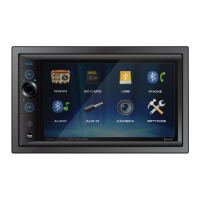
Dual Electronics Corporation DM620N - User Manual

Dual Electronics Corporation DM620N
20 pages
Print Icon
To Next Page IconTo Next Page
Loading...
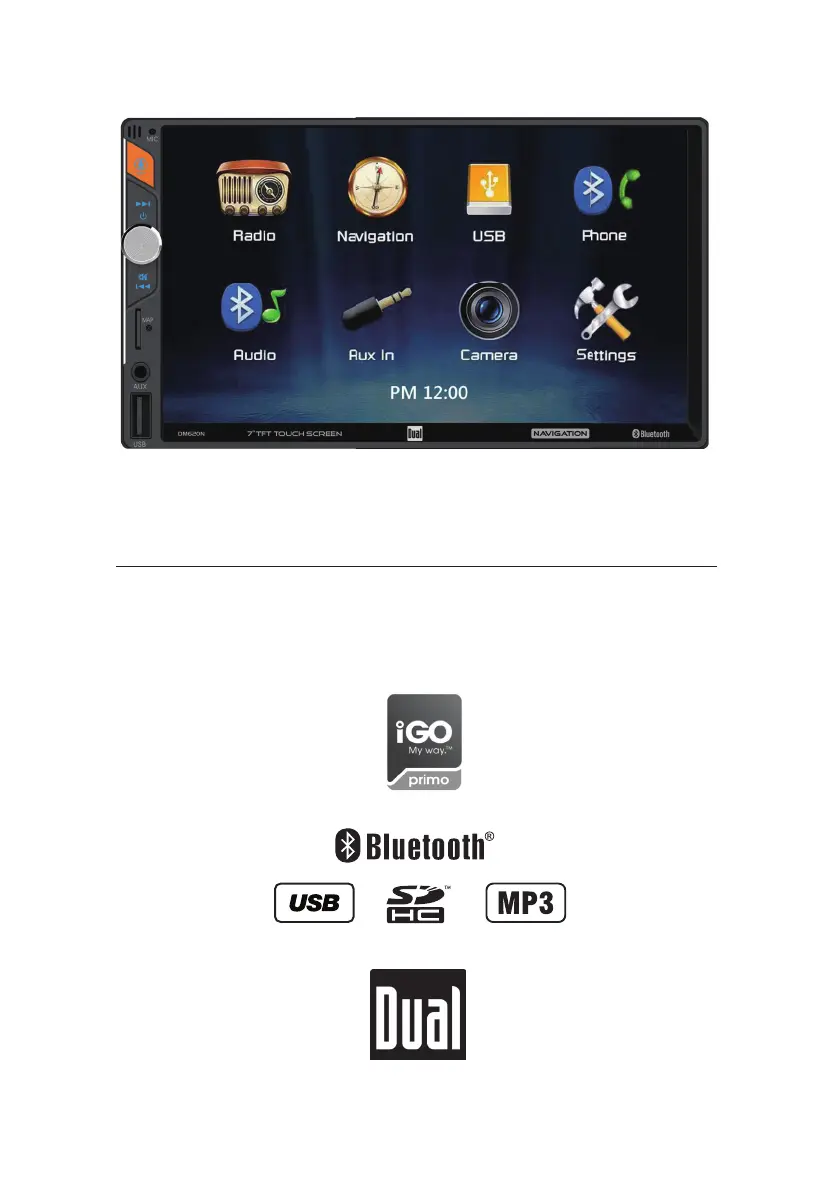
INSTALLATION/OWNER’S MANUAL
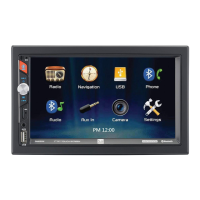
Media Receiver with Bluetooth®
featuring a 7" Touch Screen Display
DM620N

Questions and Answers

  • L
    Lauren SimonJul 29, 2025
    How to fix a Dual Electronics Corporation Receiver that will not turn on?
    • L
      Lisa SmithJul 29, 2025
      If your Dual Electronics Corporation Receiver unit isn't turning on, it could be due to several reasons. First, check the yellow and red wire connections to ensure they have the correct voltage (11~16VDC). Also, verify that the black wire is properly connected to the ground. Lastly, inspect the fuse and replace it if it's blown.
  • E
    Eric YangAug 6, 2025
    What to do if my Dual Electronics Corporation Receiver has power but no sound?
    • B
      Brian BrewerAug 6, 2025
      If your Dual Electronics Corporation Receiver has power but no sound, the issue might be with the speaker wires. Check the connections at the speakers to ensure they are properly connected. Also, make sure that the speaker wires are insulated from each other and the chassis ground.
  • C
    carrie76Aug 13, 2025
    Why does my Dual Electronics Corporation Receiver keep blowing fuses?
    • K
      Karen JoyceAug 13, 2025
      If your Dual Electronics Corporation Receiver keeps blowing fuses, it could be due to a few reasons. Check if the yellow or red wire is touching the chassis ground and look for any pinched wires. Similarly, inspect the speaker wires to ensure they are not touching the chassis ground, and check for pinched wires there as well. Finally, make sure you are using fuses with the correct rating.
  • S
    Sarah WalkerAug 21, 2025
    What to do if there is no video display when reversing with Dual Electronics Corporation DM620N Receiver?
    • C
      Caroline MorrisAug 21, 2025
      If you're experiencing no video display on your Dual Electronics Corporation Receiver when in reverse, there are a couple of things to check. First, ensure that the reverse circuit is properly connected at the reverse lamp. Also, verify that the vehicle is indeed in reverse gear.

Summary

Safety Information

Wiring Diagram - Inputs;Outputs

General Operation

Power, Volume, and Mute Controls

How to control power, volume, and mute functions.

Mode Selection and Input Methods

Switching modes and using Aux/USB inputs.

Reset and Main Menu Access

Resetting the unit and accessing the main menu.

Setup Menu

Settings Options

Options for time, beep, camera, loudness, radio area, and calibration.

Audio Settings

Adjusting sound effects like EQ, Treble/Bass, or Balance/Fader.

Bluetooth Settings

Features for auto-connect and auto-answer.

AM;FM Tuner Operation

USB Operation

Bluetooth Operation

Preparation and Pairing

Steps for preparing and pairing a Bluetooth device.

Connecting a Paired Device

How to auto-connect or manually connect a previously paired device.

Navigation Operation

Specifications

Troubleshooting

General Troubleshooting

Common issues and their solutions.

Dual Electronics Corporation DM620N Specifications

General IconGeneral
Screen Size (Diagonal)6.2 Inches
TouchscreenYes
BluetoothYes
USB InputYes
SD Card InputYes
Auxiliary InputYes
Subwoofer OutputYes
Steering Wheel Control CompatibleYes
NavigationNo
Rear Camera InputYes
Video OutputYes
USB PortYes
AM/FM TunerYes
Remote ControlYes
DIN Size2 DIN
Radio TunerYes

Related product manuals