EasyManua.ls Logo

Dual Electronics Corporation DM720 - User Manual

Dual Electronics Corporation DM720
20 pages
Print Icon
To Next Page IconTo Next Page
Loading...
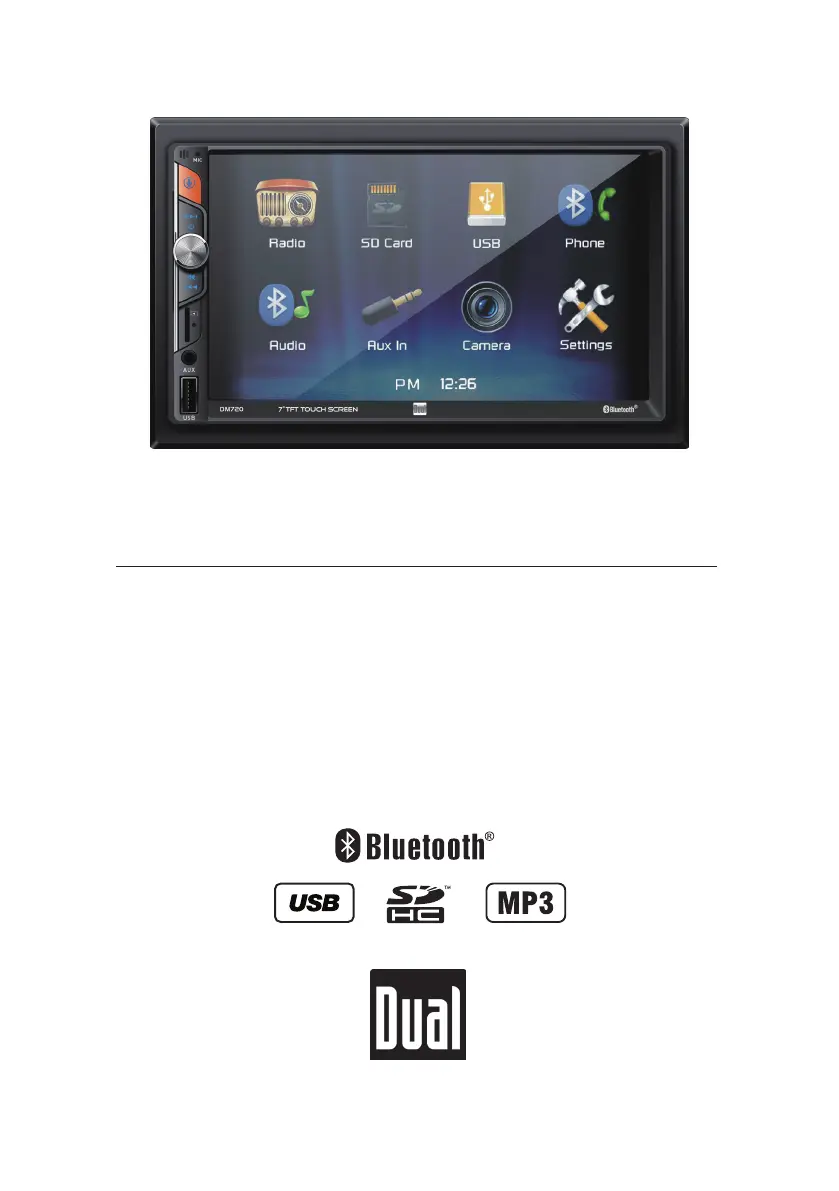
INSTALLATION/OWNER’S MANUAL
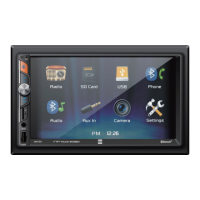
Media Receiver with Bluetooth®
featuring a 7" Touch Screen Display
DM720

Questions and Answers

  • R
    Richard MaynardAug 10, 2025
    How to fix a Dual Electronics Corporation Receiver that will not turn on?
    • K
      Krystal PorterAug 10, 2025
      If your Dual Electronics Corporation Receiver isn't powering on, here's what to check: * Ensure the yellow and red wires are correctly connected and receiving the proper voltage (11~16VDC). * Verify the black wire is properly connected to the ground. * Inspect the fuse(s) and replace them if they're blown.
  • F
    Francisco MartinezAug 15, 2025
    Why does my Dual Electronics Corporation DM720 keep blowing fuses?
    • J
      joneslindseyAug 15, 2025
      If your Dual Electronics Corporation Receiver keeps blowing fuses, the issue might stem from: * A yellow or red wire touching the chassis ground: Inspect for any pinched wires. * Speaker wires contacting the chassis ground: Again, check for pinched wires. * An incorrect fuse rating: Ensure you're using fuses with the correct rating.
  • R
    Rodney FlynnAug 21, 2025
    What to do if Dual Electronics Corporation Receiver has power but no sound?
    • P
      perkinssandraAug 21, 2025
      If your Dual Electronics Corporation Receiver has power but no sound, consider the following: * Check the speaker wire connections at the speakers. * Make sure that bare speaker wires aren't touching each other or the chassis ground; insulate them if they are.
  • A
    Allison VasquezAug 28, 2025
    Why does my Dual Electronics Corporation Receiver have audio but no video?
    • K
      Karen CarterAug 28, 2025
      If your Dual Electronics Corporation Receiver has audio but no video, it could be due to: * The parking brake safety circuit not being connected: Check the connections at the parking brake. * The parking brake not being applied: Apply the parking brake.
  • K
    Karen ScottSep 3, 2025
    What to do if there is no video display on my Dual Electronics Corporation DM720 Receiver when in reverse?
    • R
      Rachel EsparzaSep 3, 2025
      If there's no video display on your Dual Electronics Corporation Receiver when in reverse, check these: * Ensure the reverse circuit is properly connected at the reverse lamp. * Confirm that the vehicle is actually in reverse gear.

Summary

Safety Information

Preparation

Wiring Diagram

General Operation

AM;FM Tuner Operation

Radio Operation Controls

Explains controls for Radio Operation, Main Menu, Current Mode, Tuning, Band, and Presets.

USB;microSD Card Operation

Playing Audio Files

Guide to playing MP3 or FLAC files from USB devices or microSD cards.

Bluetooth Operation

Pairing and Connecting Devices

Instructions for pairing a new Bluetooth device and connecting to a previously paired device.

Bluetooth Phone and Music Controls

Guide to accessing and controlling Bluetooth phone and music features, including call management.

Rear Camera Operation

Connecting and Using Rear Camera

Details on connecting an optional rear camera and manual/auto selection methods.

Technical Specifications

Troubleshooting Common Issues

Power and Sound Issues

Solutions for unit not turning on, no sound, or blown fuses.

Display and Video Issues

Troubleshooting for no video display or audio without video, including reverse camera issues.

Dual Electronics Corporation DM720 Specifications

General IconGeneral
BrandDual Electronics Corporation
ModelDM720
CategoryReceiver
LanguageEnglish

Related product manuals