EasyManua.ls Logo

Dual Electronics Corporation XVM296BT - User Manual

Dual Electronics Corporation XVM296BT
20 pages
Print Icon
To Next Page IconTo Next Page
Loading...
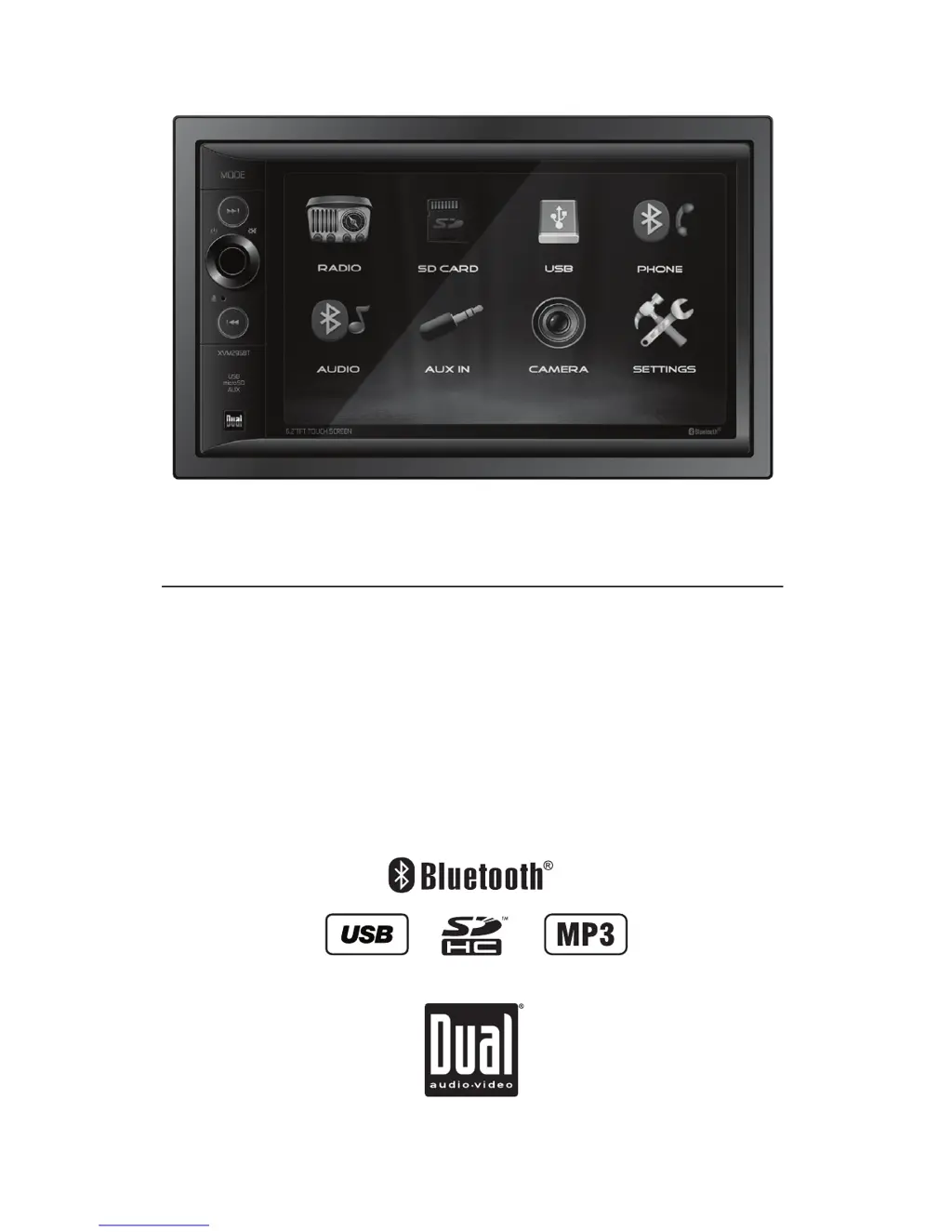
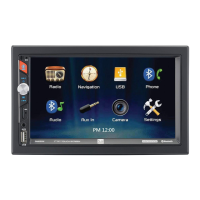
INSTALLATION/OWNER’S MANUAL
Multimedia Receiver with Bluetooth®
featuring a 6.2" Touch Screen Display
XVM296BT

Questions and Answers

  • T
    tgregoryAug 2, 2025
    What to do if my Dual Electronics Corporation XVM296BT unit will not turn on (no power)?
    • T
      Todd DavidAug 3, 2025
      If your Dual Electronics Corporation Receiver isn't powering on, there are several things to check: * Ensure the yellow and red wires are connected and have the correct voltage (11~16VDC). * Verify the black wire is properly connected to ground. * Inspect and replace any blown fuses.
  • J
    Justin AlvarezAug 7, 2025
    What to do if my Dual Electronics Corporation XVM296BT Receiver unit blows fuses?
    • H
      holly60Aug 7, 2025
      If your Dual Electronics Corporation Receiver keeps blowing fuses, here's what you should check: * Look for pinched yellow or red wires touching the chassis ground. * Check if any speaker wires are touching the chassis ground. * Make sure you are using fuses with the correct rating.
  • A
    Adam BakerAug 12, 2025
    What to do if my Dual Electronics Corporation Receiver unit has power but no sound?
    • L
      Lisa HermanAug 12, 2025
      If your Dual Electronics Corporation Receiver powers on but produces no sound, try these steps: * Check the speaker wire connections at the speakers. * Ensure that no speaker wires are touching each other or the chassis ground; insulate any bare wires to prevent this.
  • J
    Julie ChangAug 17, 2025
    Why does my Dual Electronics Corporation XVM296BT Receiver unit have audio but no video?
    • J
      Jacqueline SolisAug 17, 2025
      If your Dual Electronics Corporation Receiver has audio but no video, it might be due to these reasons: * The parking brake safety circuit might not be connected, so check those connections. * The parking brake might not be applied.
  • R
    Rebecca MurphyAug 22, 2025
    What to do if there is no video display when in reverse on my Dual Electronics Corporation XVM296BT?
    • S
      Sarah ScottAug 22, 2025
      If you're not getting a video display when your Dual Electronics Corporation Receiver is in reverse, consider the following: * Verify the reverse circuit is connected properly at the reverse lamp. * Ensure the vehicle is actually in reverse gear.
  • C
    Cristian RichardsonAug 27, 2025
    How to fix IR remote if it does not work with my Dual Electronics Corporation XVM296BT Receiver?
    • M
      Megan FordAug 28, 2025
      If the IR remote for your Dual Electronics Corporation Receiver isn't working, replace the battery.

Summary

Safety Information

FCC Compliance

Ensures compliance with FCC Part 15 rules for digital devices operating under specific conditions.

Preparation and Installation

Wiring Diagram and Inputs;Outputs

Control Panel Overview

General Operation Guide

Setup Menu Configuration

Access and configure settings, audio, and Bluetooth options via the Setup Menu.

AM;FM Tuner Operation

USB;SD Card Media Playback

Bluetooth Device Pairing and Phone Operations

Product Specifications

Limited One Year Warranty

Troubleshooting Guide

Dual Electronics Corporation XVM296BT Specifications

General IconGeneral
BluetoothYes
USB PortYes
Video PlaybackYes
AUX InputYes
Peak Power Output50 watts
Steering Wheel Control CompatibleYes
Backup Camera InputYes
AM/FM TunerYes
Remote ControlYes
Display TypeLCD
Compatible FormatsMP3, WMA, WAV, AAC

Related product manuals