EasyManua.ls Logo

Dual DC404iM - User Manual

Dual DC404iM
28 pages
Print Icon
To Next Page IconTo Next Page
Loading...
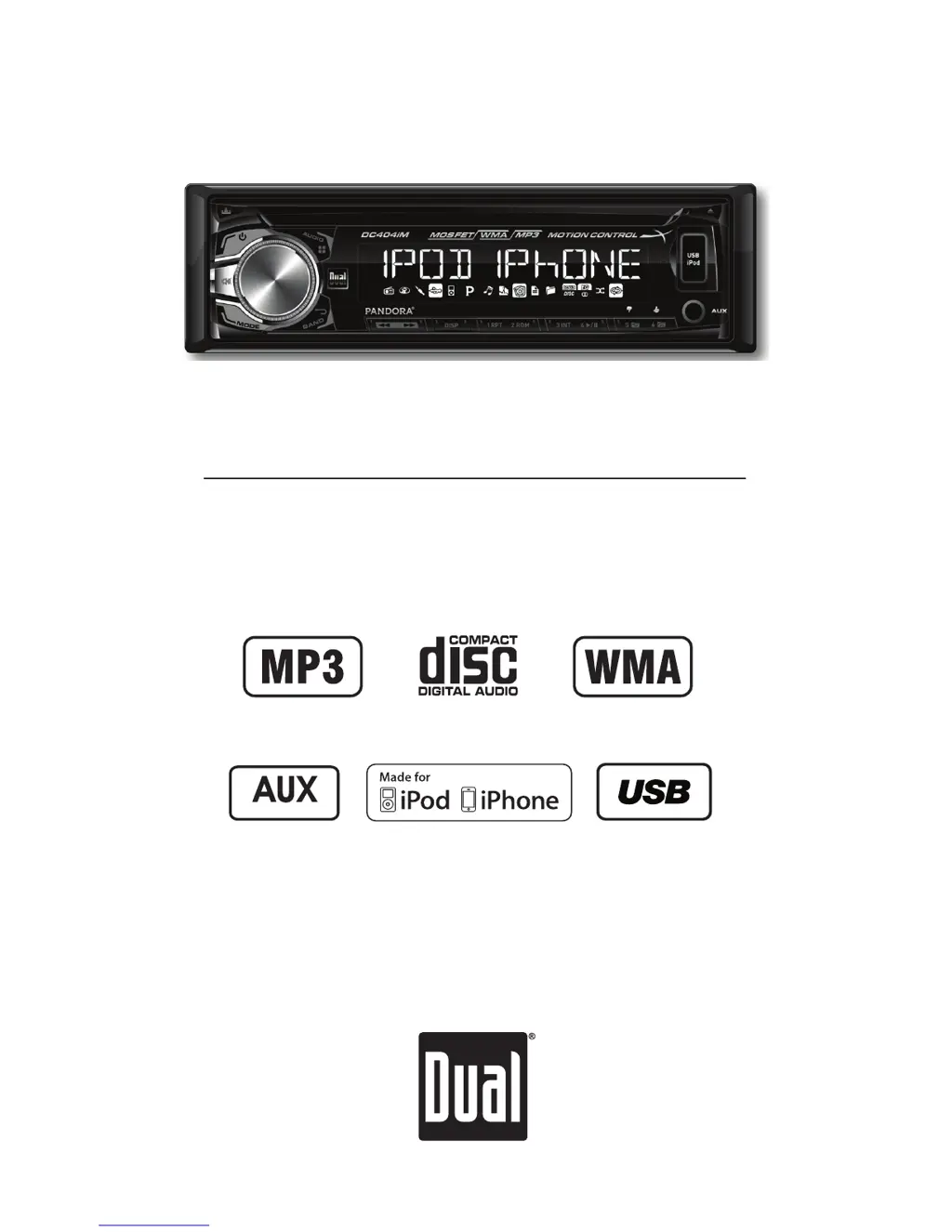
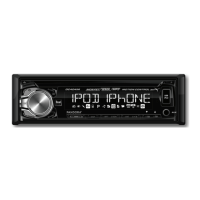
INSTALLATION/OWNER'S MANUAL
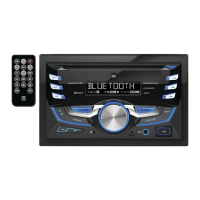
AM/FM/CD Receiver with Detachable Face
DC404iM
Front and Rear Inputs
Front Input

Questions and Answers

  • S
    schmidtmeganAug 14, 2025
    Why does my Dual DC404iM Car Receiver unit blow fuses?
    • G
      georgeryanAug 15, 2025
      Your Dual Car Receiver might be blowing fuses due to several reasons. It could be that the yellow or red wire is touching the chassis ground, so check for any pinched wires. Alternatively, speaker wires might be touching the chassis ground, so inspect those for pinches as well. Finally, the fuse might have an incorrect rating, so ensure you are using a fuse with the correct rating.
  • A
    Amanda DeanAug 17, 2025
    What to do if my Dual DC404iM unit will not turn on (no power)?
    • A
      Amanda MyersAug 18, 2025
      If your Dual Car Receiver isn't turning on, there are a few things to check: * First, ensure the yellow wire is correctly connected and has the proper voltage (11~16VDC). * Second, verify the black wire is properly connected to the ground. * Lastly, check if the fuse is blown and replace it if necessary.
  • M
    Melissa DelgadoAug 21, 2025
    What to do if my Dual DC404iM Car Receiver unit has power but no sound?
    • B
      Brandon BallardAug 21, 2025
      If your Dual Car Receiver has power but isn't producing any sound, here's what you can do: First, check the speaker wire connections at the speakers to ensure they are properly connected. Second, inspect the speaker wires to ensure that none of them are touching each other or the chassis ground; insulate any bare wires to prevent this.
  • S
    sandovaljenniferAug 25, 2025
    Why does my Dual DC404iM Car Receiver show 'PROTECT' on the display?
    • W
      wudouglasAug 25, 2025
      If your Dual Car Receiver displays 'PROTECT', it means the WMA file you're trying to play is copy-protected by DRM (Digital Rights Management). To resolve this, use WMA files that are not copy-protected when writing the disc.
  • H
    hschwartzAug 28, 2025
    How to fix excessive skipping on Dual DC404iM?
    • D
      Dave DrakeAug 28, 2025
      If your Dual Car Receiver is skipping excessively, it could be due to a couple of reasons. First, make sure the unit is mounted correctly and that the backstrap is secure; check the mounting sleeve and backstrap support. Second, inspect the media (CD, CD-R, or CD-RW) for any physical defects like scratches.
  • P
    Paul WrightAug 31, 2025
    Why does my Dual DC404iM unit will not accept a disc?
    • R
      richardriveraAug 31, 2025
      If your Dual Car Receiver won't accept a disc, it could be due to the CD mechanism being out of alignment. Press and hold the EJECT button for 3 seconds to reset the CD mechanism position. Also, check if the CD transit screws are still in place and remove the 2 transit screws located on top of the unit.
  • N
    Norman BishopSep 4, 2025
    What does ERROR 2 mean on my Dual DC404iM display?
    • L
      Lauren MoralesSep 4, 2025
      If you see 'ERROR 2' on your Dual Car Receiver display, it indicates a disc read error or that the disc is inserted upside down. Try pressing the eject button or the RESET button.
  • J
    James SullivanSep 7, 2025
    Why does my Dual DC404iM Car Receiver display 'NO FILE'?
    • W
      William TaylorSep 7, 2025
      If your Dual Car Receiver displays 'NO FILE', it means the selected file is not available in direct or alphanumeric search modes. Try repeating the search using valid parameters.
  • K
    Kathryn HayesSep 10, 2025
    Why does my Dual DC404iM display 'NO SUPPORT'?
    • S
      Sandra HartmanSep 12, 2025
      The 'NO SUPPORT' message on your Dual Car Receiver indicates that an invalid ID3 tag version is present or that an ID3 tag character is not supported. Version 1.0 to 2.4 ID3 tags are supported, and only ASCII characters are supported.

Dual DC404iM Specifications

General IconGeneral
BrandDual
ModelDC404iM
CategoryCar Receiver
LanguageEnglish

Related product manuals