EasyManua.ls Logo

Dual DC535Bi - User Manual

Dual DC535Bi
28 pages
Print Icon
To Next Page IconTo Next Page
Loading...
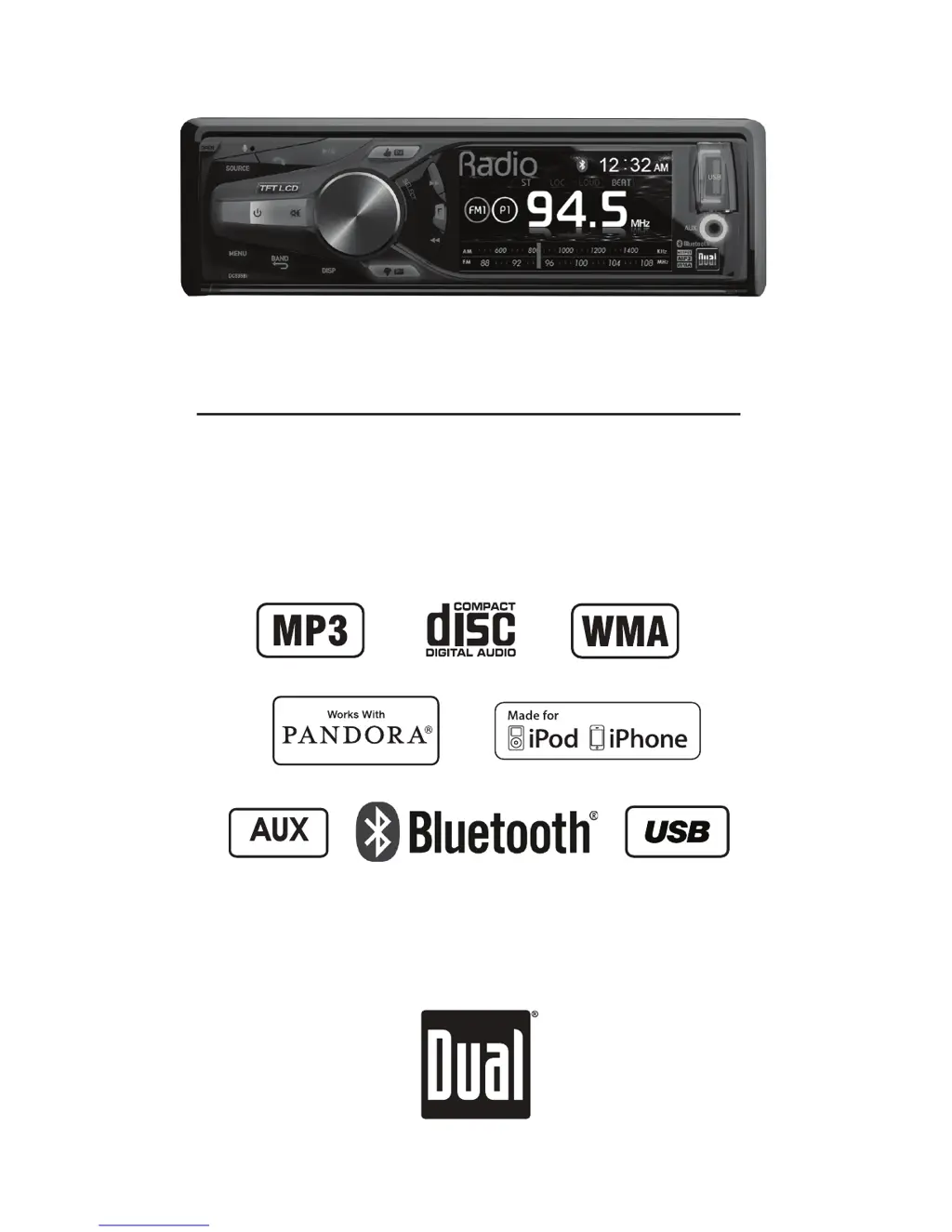
INSTALLATION/OWNER'S MANUAL
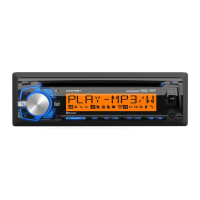
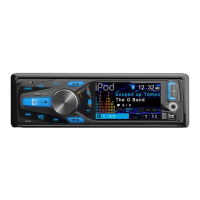
CD Receiver
DC535Bi
Front Input

Questions and Answers

  • H
    heather41Jul 31, 2025
    How to fix a Dual Car Receiver that won't turn on?
    • K
      Kathleen MillerJul 31, 2025
      If your Dual Car Receiver isn't turning on, here's what you can check: * **Yellow wire:** Ensure it's properly connected and has the correct voltage (11-16VDC). * **Black wire:** Verify it's securely connected to ground. * **Fuse:** If blown, replace it with a new one.
  • U
    usandersAug 4, 2025
    What to do if my Dual Car Receiver has power but no sound?
    • E
      edward87Aug 4, 2025
      If your Dual Car Receiver powers on but produces no sound, consider the following: * **Speaker wires:** Check the connections at the speakers to ensure they are properly connected. * **Short circuit:** Make sure no speaker wires are touching each other or the chassis ground. Insulate any bare wires to prevent this.
  • J
    Jared MayerAug 9, 2025
    Why does my Dual Car Receiver keep blowing fuses?
    • C
      Carla ChaseAug 9, 2025
      If your Dual Car Receiver is blowing fuses, the following might be the reason: * **Wire contact:** Check if the yellow or red wire is touching the chassis ground. Look for any pinched wires. * **Speaker wires:** Inspect the speaker wires to ensure they are not touching the chassis ground; again, look for pinched wires. * **Fuse rating:** Ensure you are using a fuse with the correct rating.
  • K
    Katie KingAug 13, 2025
    How to stop my Dual Car Receiver from skipping?
    • S
      Samantha SchwartzAug 13, 2025
      Excessive skipping on your Dual Car Receiver can be due to: * **Mounting issues:** Verify the unit is mounted correctly and the backstrap is secure. Check the mounting sleeve and backstrap support. * **Media defects:** Inspect the CD, CD-R, or CD-RW for scratches or physical damage.
  • M
    mariasotoAug 17, 2025
    What does 'NO FILE' mean on my Dual Car Receiver display?
    • L
      lynn47Aug 17, 2025
      If 'NO FILE' appears on your Dual Car Receiver display, here are potential causes and solutions: * **Disc read error:** Press the eject button or RESET. * **Focus error/upside down disc:** Press the eject button or RESET. * **DRM-protected WMA file:** Use WMA files that are not DRM protected when writing the disc. * **No valid files:** Check the device for valid MP3/WMA files. * **Communication error:** Remove and reconnect the device.
  • D
    Dr. Scott PerezAug 21, 2025
    What to do if my Dual Car Receiver won't accept a disc?
    • J
      jensenlisaAug 21, 2025
      If your Dual Car Receiver won't accept a disc: * **CD mechanism:** Press EJECT to reset the CD mechanism position. * **Transit screws:** Remove the two transit screws located on top of the unit.
  • A
    Amber LongAug 26, 2025
    What does 'NO SUPPORT' mean on my Dual Car Receiver display?
    • B
      Benjamin SmithAug 26, 2025
      If 'NO SUPPORT' is displayed on your Dual Car Receiver, it means an invalid ID3 tag version is present. Only version 1.0 to 2.4 ID3 tags are supported.

Summary

Preparation

Before You Start

Safety precautions and initial checks before installing the unit.

Getting Started

Step-by-step guide for initial installation of the head unit.

Wiring Diagram

Receiver Control Locations

Remote Control Locations

General Operation

Audio Setup Menu

Details for adjusting equalization, bass, middle, treble, balance, fader, and subwoofer settings.

General Setup Menu

Options for tuner spacing, clock mode, scrolling, beep confirmation, and programmable turn-on volume.

Gain and Screen Setup

Adjusting tuner, disc, aux, Bluetooth, USB, iPod, Pandora gain, and screen brightness.

AM;FM Tuner Operation

Tuning and Seeking

Step-by-step instructions for tuning radio frequencies and finding strong stations.

Station Presets

Procedures for storing and recalling favorite radio stations across different bands.

CD Operation

Playback Controls

Details on track selection, fast forward/reverse, pause, repeat, random, and intro functions.

CD Compatibility

Information on compatible and incompatible CD types, including CD-R/RW.

MP3;WMA Operation

Playback Modes

Explains Repeat, Random, and Intro functions for MP3/WMA files.

File;Folder Search

Step-by-step guide to navigating and selecting MP3/WMA files and folders.

Compatibility and Support

Lists compatible file types, formats, and limits for CD and USB media.

iPod Operation

Connecting and Searching

Steps to connect an iPod/iPhone and navigate the search mode for music.

Playback Control

Functions for song selection, fast forward/reverse, pause, repeat, random, and intro playback.

Bluetooth Operation

Pairing and Connecting Devices

Steps for pairing new devices and reconnecting previously paired devices.

Call Management

How to dial, redial, receive, and end phone calls using Bluetooth.

Audio Streaming and Setup

Streaming music, resetting Bluetooth, and configuring setup options like Auto Connect.

Pandora Operation

Pandora Setup and Playback

Connecting iPod/iPhone, changing stations, shuffling, skipping tracks, and thumbs up/down.

Pandora Troubleshooting

Notes on device compatibility and potential service/data charges for Pandora.

Limited One-Year Warranty

Warranty Coverage and Exclusions

Specifies what is covered (defects) and what is not covered (misuse, installation costs).

Service Procedures

Instructions on how to obtain service, including contacting customer support and shipping requirements.

Troubleshooting

Power and Sound Issues

Solutions for units not turning on or having no sound, including checking wires and fuses.

Playback and Display Errors

Fixes for skipping, NO FILE/NO SUPPORT messages, and disc read errors.

Specifications

FCC Compliance

Dual DC535Bi Specifications

General IconGeneral
Tuner BandsAM/FM
TouchscreenYes
BluetoothYes
USB PortYes
SD Card SlotYes
AUX InputYes
Backup Camera InputYes
CompatibilityUniversal
Screen Size6.2 inches
DisplayLCD
Resolution800 x 480

Related product manuals