9
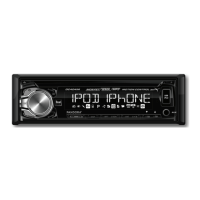
DC404iM OPERATION
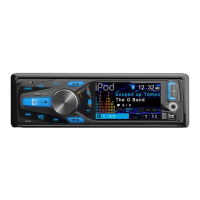
Motion Control Overview
In Tuner mode
In CD, USB
and iPod mode
Motion control allows you to use simple hand gestures
to controlt the radio. Easily perform most-used functions
such as play/pause, volume up/down, and track forwards/
backwards.
Swipe your hand:
- Up across the sensor to increase the volume
- Down across the sensor to decrease the volume
- Right across the sensor to seek up and tune to the next
strong station
- Left across the sensor to seek down and tune to the next
strong station
Put your hand over the sensor to mute the audio
Swipe your hand:
- Up across the sensor to increase the volume
- Down across the sensor to decrease the volume
- Right across the sensor to skip to the next track
- Left across the sensor to return to the beginning of the
previous track.
Put your hand over the sensor to pause/play the track.
Note: The motion control feature may not work properly
with a large USB flash drive or a USB cable inserted. A low
profile USB flash drive is recommended.
Motion Control


 To Next Page