5
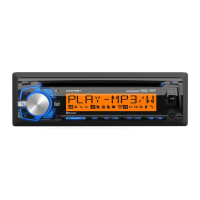
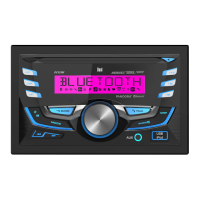
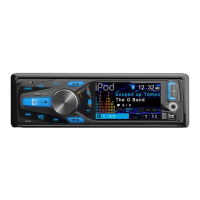
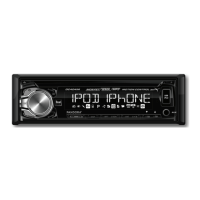
DC404iM OPERATION
Press or any other button (except EJECT) to turn the unit
on. Press to turn the unit off.
Press MODE to select between AM/FM, CD player, auxiliary
input, USB and operation of iPod
®
/iPhone
®
. Modes of
operation are shown in the display.
NOTE: CD, USB and operation of iPod modes will not appear
unless a CD is inserted or USB/iPod devices are connected.
The DC404iM offers a 3.5 mm port on the front panel. Use to
connect audio device, MP3 player, etc.
Adjust volume using volume knob (00-30).
Press DISP to select between clock and different types of
information, such as radio frequency, CD track/elapsed time
or MP3/WMA song information.
Press RESET upon initial installation or if abnormal
operation occurs. Reset button is located behind the front
panel.
With the unit on, press and hold DISP until the clock begins
to flash, then release. Press TUNE
nn
to adjust the hours
and TUNE
ll
to adjust the minutes. Press DISP momen-
tarily to save the selected time.
The clock will display 12-hour AM/PM time in USA frequency
spacing mode (PM 10
:
00). In European frequency spacing
mode, the clock will display 24-hour time (22:00).
Press and hold AUDIO/MENU for more than 3 seconds to
access the setup menu. Press AUDIO/MENU momentarily
to select between the menu functions and rotate the volume
knob left/right to adjust or activate the desired function.
Power On/Off
Mode
Auxiliary Input
Volume
Display
Reset
Set the Clock
12/24-hour Clock
Setup Menu
General Operation


 To Next Page