9
Installing the Faceplate
Power On/Off
Volume
Mute
Mode
Auxiliary Input
USB Port
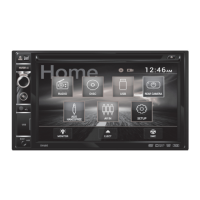
Main Menu
Align the faceplate with the front of the unit, then snap in place
beginning with the left side.
Momentarily press
to turn the unit on or off.
Rotate the volume knob to increase or decrease the volume level.
Momentarily press MUTE to silence the audio. Momentarily press MUTE
again to return to the previously selected volume. Rotating the volume
knob while the volume is muted will also cancel the mute function.
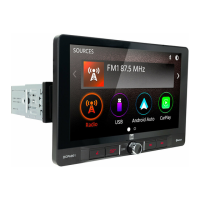
Press MODE to step through all available input modes: Radio, Disc
(which includes DVD and CD playback), USB, Camera, Hands Free
and AV In. Modes of operation are indicated on the display and/or the
monitor. USB flash drive must be connected/inserted to appear in the
mode selection string.
Connect external audio/video devices to the 3.5mm auxiliary input on
the front panel.
Connect a USB device to play MP3/WMA files or view AVI, MP4 video
files or JPG photos.
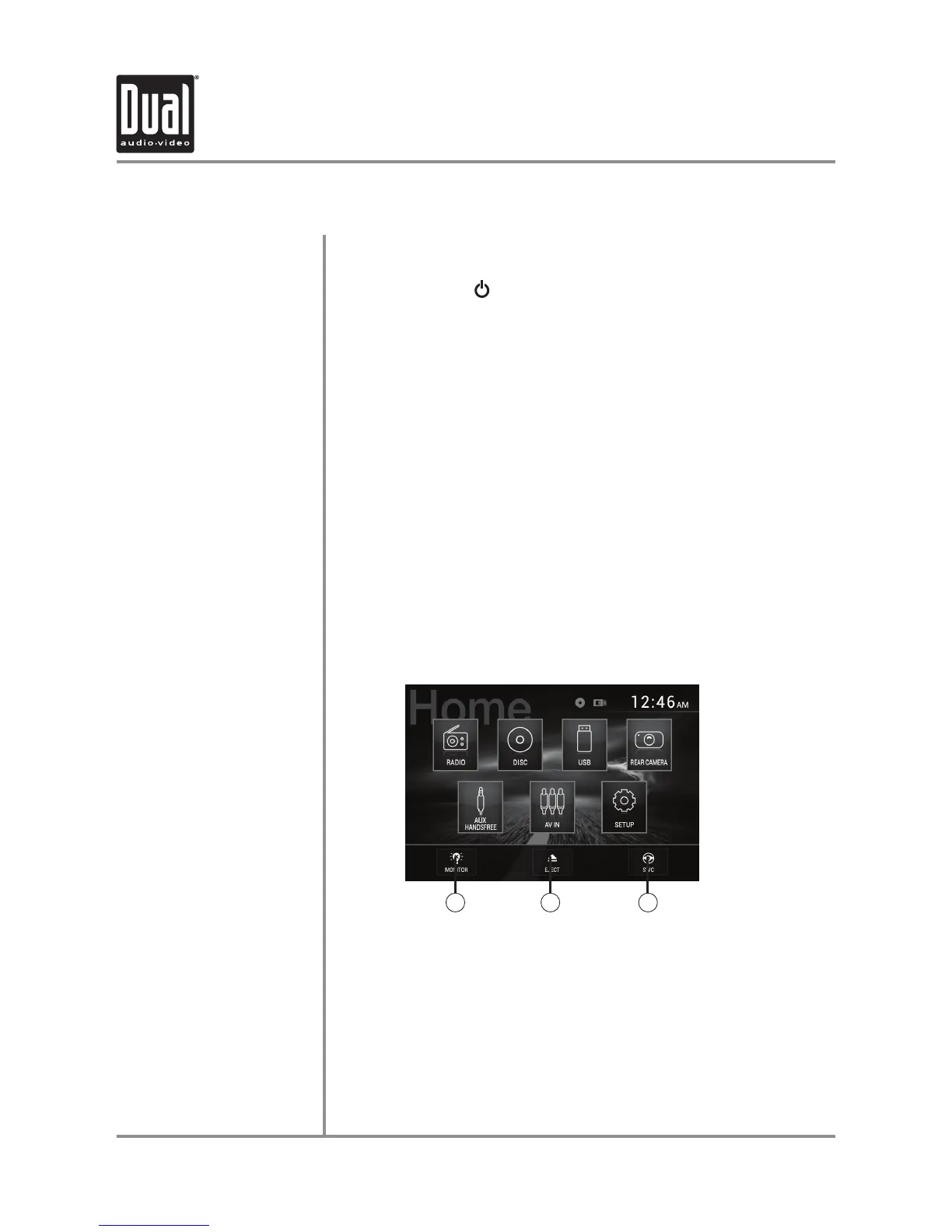
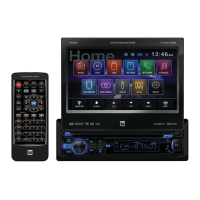
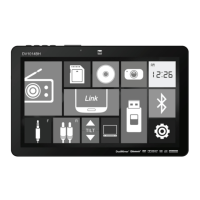
From any operational mode, press the house icon in the top left corner
to access the Main Menu screen.
1. Put the monitor into standby mode.
2. Eject the disc.
3. Set up steering wheel controls (view Steering Wheel Controls insert
included with the unit for details).
General Operation
DV605 OPERATION
1 2 3


 To Next Page