EasyManua.ls Logo

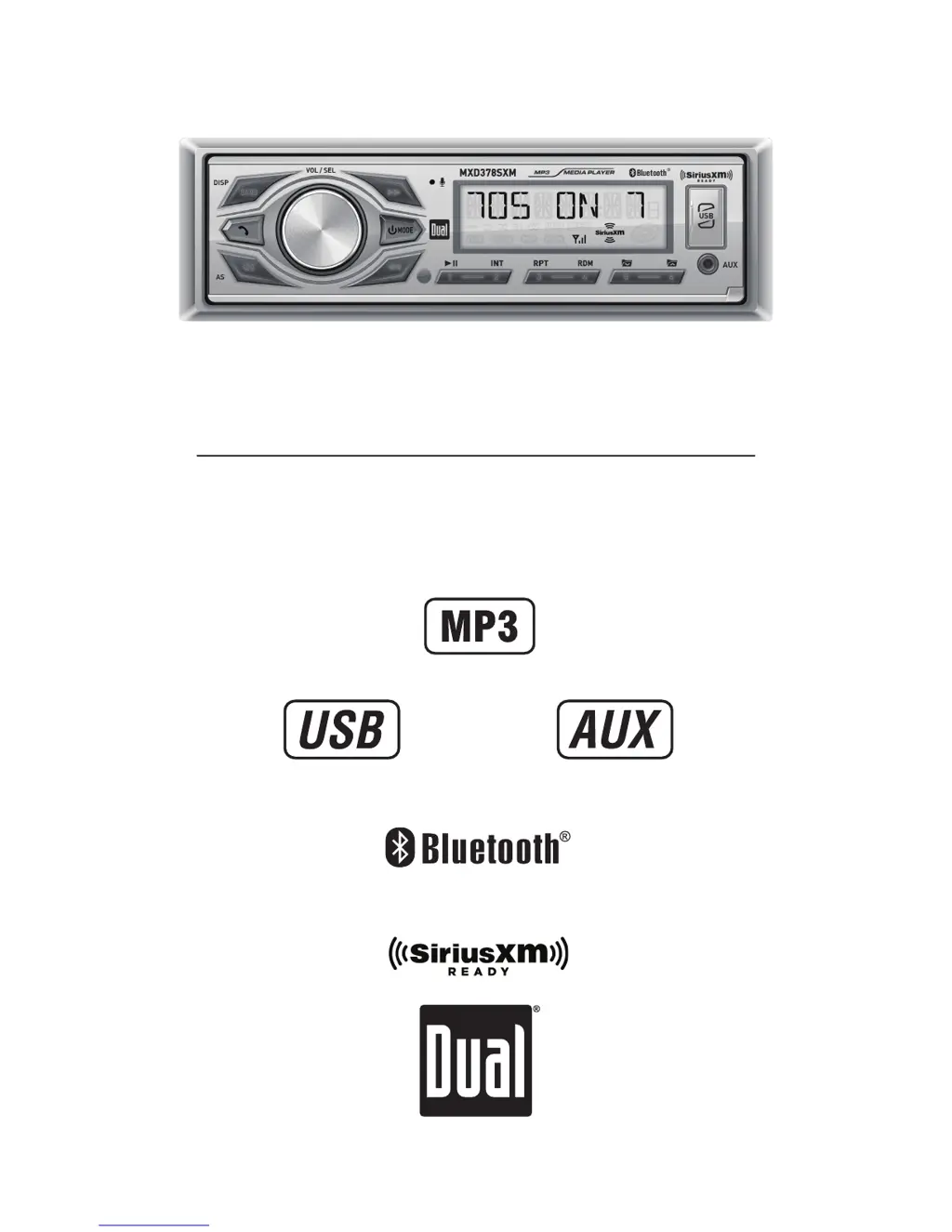
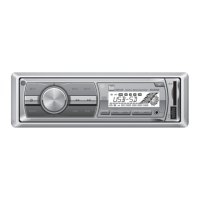
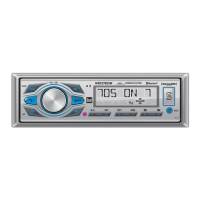
Dual MXD378SXM - User Manual

Dual MXD378SXM
17 pages
Print Icon
To Next Page IconTo Next Page
Loading...
INSTALLATION/OWNER'S MANUAL
AM/FM/SiriusXM - Ready Receiver with Bluetooth / Detachable Face
(Includes SiriusXM Connect Tuner and Antenna)
MXD378SXM
TM

Questions and Answers

  • K
    Kimberly JohnsonAug 3, 2025
    What to do if my Dual MXD378SXM Marine Equipment unit will not turn on?
    • L
      Leah MillerAug 3, 2025
      If your Dual Marine Equipment unit isn't powering on, several factors could be at play. First, check the yellow and red wires to ensure they are properly connected and receiving the correct voltage (11~16VDC for the red wire). Also, verify that the black wire is securely connected to ground. Finally, inspect the fuse and replace it if it's blown.
  • N
    Natalie WilsonAug 9, 2025
    Why does my Dual Marine Equipment unit have power but no sound?
    • A
      Austin MooreAug 9, 2025
      If your Dual Marine Equipment unit powers on but produces no sound, the issue likely lies with the speaker connections. First, check the connections at the speakers to ensure they are properly connected. Also, make sure that none of the speaker wires are touching each other or the chassis ground. Insulate any bare speaker wires to prevent this. Finally, inspect the yellow or red wire to ensure it is not touching the chassis ground. Check for any pinched wires.
  • R
    Ryan JohnsonAug 15, 2025
    What to do if my Dual Marine Equipment unit blows fuses?
    • F
      Frances DanielAug 15, 2025
      If your Dual Marine Equipment unit is blowing fuses, it could be due to a couple of reasons. A common cause is speaker wires touching the chassis ground; check for any pinched wires. Another possibility is an incorrect fuse rating, so ensure you are using a fuse with the correct rating.
  • J
    Joel HuangAug 20, 2025
    What to do if 'NO FILE' appears on my Dual Marine Equipment display?
    • J
      Justin Robinson MDAug 20, 2025
      If 'NO FILE' is displayed on your Dual Marine Equipment, it means the device cannot find any playable MP3 files. Check the device to ensure it contains valid MP3 files.
  • G
    gbrownAug 27, 2025
    Why does 'NO SUPPORT' appear on my Dual MXD378SXM display?
    • M
      Michael VasquezAug 27, 2025
      If 'NO SUPPORT' appears on the display of your Dual Marine Equipment, it indicates that an invalid ID3 tag version is present.

Summary

Installation Guide

Preparation and Safety

General preparation steps before installing the head unit, including safety precautions.

Typical DIN Mounting

Steps for mounting the head unit using the typical DIN installation method.

ISO Mounting Procedure

Instructions for mounting the head unit using the ISO mounting method with existing brackets.

Wiring Diagram

Detailed wiring diagram illustrating connections for the car stereo system.

User Operation Manual

Control Layout

Identifies the location and function of all buttons and controls on the head unit and remote.

General Operation Modes

Explains basic functions like power, volume, mute, display settings, and clock setting.

AM;FM Tuner Functions

Instructions for using the AM/FM tuner, including seek, manual tuning, and presets.

USB Media Playback

Guide for playing MP3 files via USB, including track selection, pause, and folder access.

Bluetooth Connectivity

Steps for pairing a new Bluetooth device and troubleshooting streaming audio.

SiriusXM Activation and Access

Information on activating and accessing SiriusXM radio service and preview channels.

SiriusXM Controls and Presets

Details on selecting SXM bands, display modes, and managing presets for SiriusXM.

SiriusXM Advanced Features

Explains direct channel tuning, browsing, category browsing, and parental control for SiriusXM.

Troubleshooting Guide

Lists common problems, their causes, and recommended solutions for the unit.

SiriusXM Advisory Messages

Provides recommendations for various SiriusXM advisory messages like no signal or channel locked.

Limited One Year Warranty

Details the warranty coverage, what is covered, exclusions, and steps for service.

FCC Compliance Information

States the FCC compliance rules and guidelines for the device's operation.

Technical Specifications

Lists technical specifications for FM/AM tuners, general features, and amplifier power.

Dual MXD378SXM Specifications

General IconGeneral
BrandDual
ModelMXD378SXM
CategoryMarine Equipment
LanguageEnglish

Related product manuals