EasyManua.ls Logo

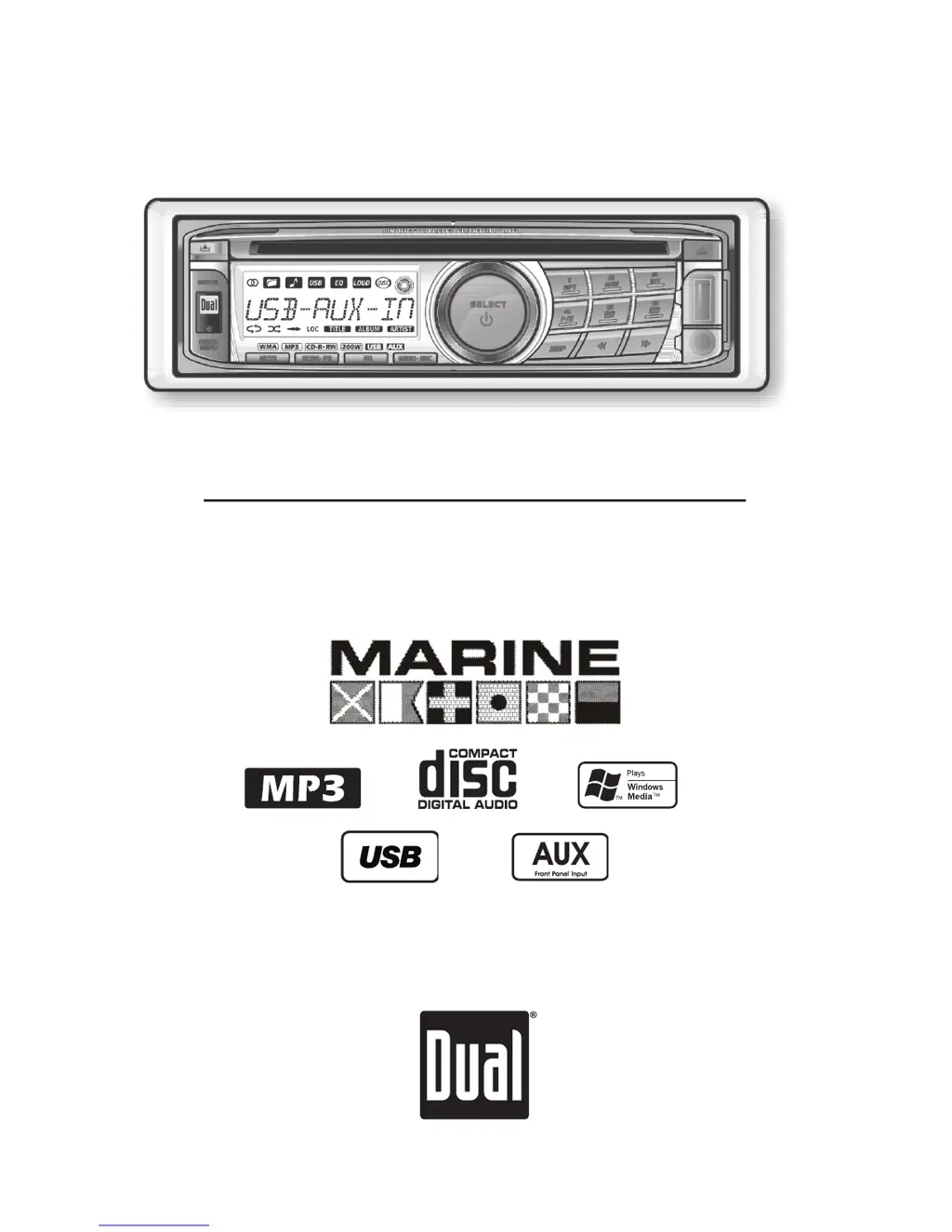
Dual MXDM66 - User Manual

Dual MXDM66
24 pages
Print Icon
To Next Page IconTo Next Page
Loading...
INSTALLATION/OWNER'S MANUAL
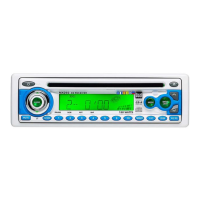
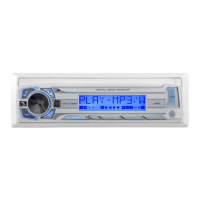
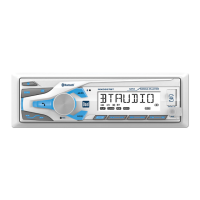
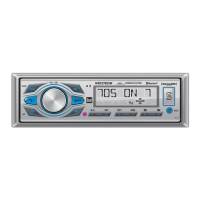
AM/FM/CD/MP3/WMA/USB/3.5mm 
Marine Receiver with Detachable Face
MXDM66

Questions and Answers

  • L
    Lori BenitezAug 17, 2025
    What to do if my Dual Marine Equipment unit will not turn on (no power)?
    • M
      Madison EvansAug 17, 2025
      If your Dual Marine Equipment unit isn't powering on, several issues could be the cause. First, check the yellow wire connection to ensure it's properly connected and receiving the correct voltage (11~16VDC). Next, verify the black wire is securely connected to ground. Finally, inspect the fuse and replace it if it's blown.
  • M
    Michael SpearsAug 20, 2025
    Why does my Dual MXDM66 Marine Equipment unit have power but no sound?
    • C
      Chris NguyenAug 20, 2025
      If your Dual Marine Equipment unit powers on but produces no sound, the issue likely lies with the speaker connections. Check the speaker wires at the speakers to ensure they are properly connected. Also, make sure that no bare speaker wires are touching each other or the chassis ground; insulate them if they are.
  • B
    Brittany OwensAug 23, 2025
    What causes my Dual Marine Equipment unit to blow fuses?
    • E
      edwardscottAug 23, 2025
      If your Dual Marine Equipment unit is blowing fuses, there are a few potential causes. Check for pinched yellow or red wires touching the chassis ground, and also inspect the speaker wires for the same issue. Finally, ensure that you are using a fuse with the correct rating.
  • J
    Jordan ClarkAug 26, 2025
    What to do if ERROR-01 appears on my Dual Marine Equipment display?
    • S
      strongjohnAug 27, 2025
      If you see ERROR-01 on the display of your Dual Marine Equipment, it indicates a disc read error. Try pressing the EJECT button or the RESET button.
  • A
    Ashley HerringAug 28, 2025
    What does it mean if 'PROTECT' appears on the display of my Dual MXDM66?
    • J
      Jessica MartinezAug 28, 2025
      If 'PROTECT' is displayed on your Dual Marine Equipment, it means the WMA file you're trying to play is copy-protected by DRM (Digital Rights Management). To resolve this, create a disc using WMA files that are not copy-protected.
  • G
    gwilliamsAug 31, 2025
    How to fix excessive skipping on my Dual Marine Equipment?
    • U
      unixonAug 31, 2025
      Excessive skipping on your Dual Marine Equipment can often be attributed to a few factors. Begin by inspecting the mounting sleeve and backstrap support to ensure the unit is correctly and securely mounted. Additionally, examine the media (CD, CD-R, or CD-RW) for any scratches or physical defects.
  • D
    Denise FernandezSep 2, 2025
    What does it mean when 'ERROR-02' appears on my Dual MXDM66 Marine Equipment display?
    • M
      manuel78Sep 3, 2025
      If 'ERROR-02' appears on the display of your Dual Marine Equipment, it indicates a focus error or that the disc is inserted upside down. Press the EJECT or RESET button to attempt to resolve the issue.
  • A
    Amy WilsonSep 5, 2025
    What does 'NO FILE' on my Dual Marine Equipment display mean?
    • A
      Aaron MarquezSep 6, 2025
      If 'NO FILE' appears on your Dual Marine Equipment display, it means the selected file is not available in direct or alphanumeric search modes. Try repeating the search using valid parameters.
  • M
    Matthew McdowellSep 8, 2025
    Why does my Dual Marine Equipment display 'INVALID'?
    • H
      Hannah GarzaSep 8, 2025
      If your Dual Marine Equipment displays 'INVALID', it means the file format is incompatible. Make sure you write the disc using valid audio files with .mp3 or .wma file extensions.
  • T
    Terri SnowSep 12, 2025
    What to do if my Dual MXDM66 unit will not accept a disc?
    • H
      Hunter BakerSep 12, 2025
      If your Dual Marine Equipment unit won't accept a disc, there are a couple of things to check. First, try pressing and holding the EJECT button for 3 seconds to reset the CD mechanism position. Also, make sure you've removed the 2 transit screws located on top of the unit.

Summary

Dual MXDM66 Installation

Installation Preparation

Steps and precautions before installing the unit.

Wiring Diagram

Visual guide to connecting wires for the unit.

Dual MXDM66 Operation

Receiver Control Locations

Identifies buttons and ports on the receiver unit.

Remote Control Locations

Identifies buttons on the remote control for operation.

General Operation and Settings

Explains basic functions, faceplate handling, and clock settings.

Setup Menu Navigation and Options

How to access and configure unit settings via the setup menu.

Audio Adjustments and Source Volume

Detailed explanation of audio settings and source volume level control.

AM;FM Tuner Operation

How to use the AM/FM tuner, including tuning and station presets.

CD Player Functions and Modes

How to use the CD player, including playback modes and compatibility.

MP3;WMA CD Playback and Support

Playing MP3/WMA files from CDs, including icons and character limits.

MP3;WMA CD Navigation

How to navigate folders and files on MP3/WMA CDs.

MP3;WMA CD Advanced Modes

Advanced repeat, random, and intro options for MP3/WMA discs.

MP3;WMA CD Media Compatibility

Lists compatible disc types, file formats, and recording standards for CDs.

MP3;WMA CD Technical Details

ESP, sampling rates, bit rates, tag display, and recommended burn settings for CDs.

USB MP3;WMA File Playback and Control

Connecting and playing MP3/WMA files from USB, including navigation and control.

USB MP3;WMA Advanced Modes

Repeat, random, intro options, and folder access for USB playback.

USB MP3;WMA File Specifications

Character limits, compatibility, playback order, and USB device requirements.

USB MP3;WMA Technical Information

ESP, rates, tags, and USB charging functionality.

General Troubleshooting Guide

Lists common problems and their corresponding causes and solutions.

Specific Error and Handling Troubleshooting

Addresses specific error messages and unit/disc handling problems.

Limited One Year Warranty

Warranty Service and Coverage

Steps for warranty service, coverage details, and eligibility.

Specifications

Product Specifications Overview

Technical details for CD player, tuners, general unit, and power standards.

Notes

Dual MXDM66 Specifications

General IconGeneral
BrandDual
ModelMXDM66
CategoryMarine Equipment
LanguageEnglish

Related product manuals