EasyManua.ls Logo

Dual MR100 - User Manual

Dual MR100
16 pages
Print Icon
To Next Page IconTo Next Page
Loading...
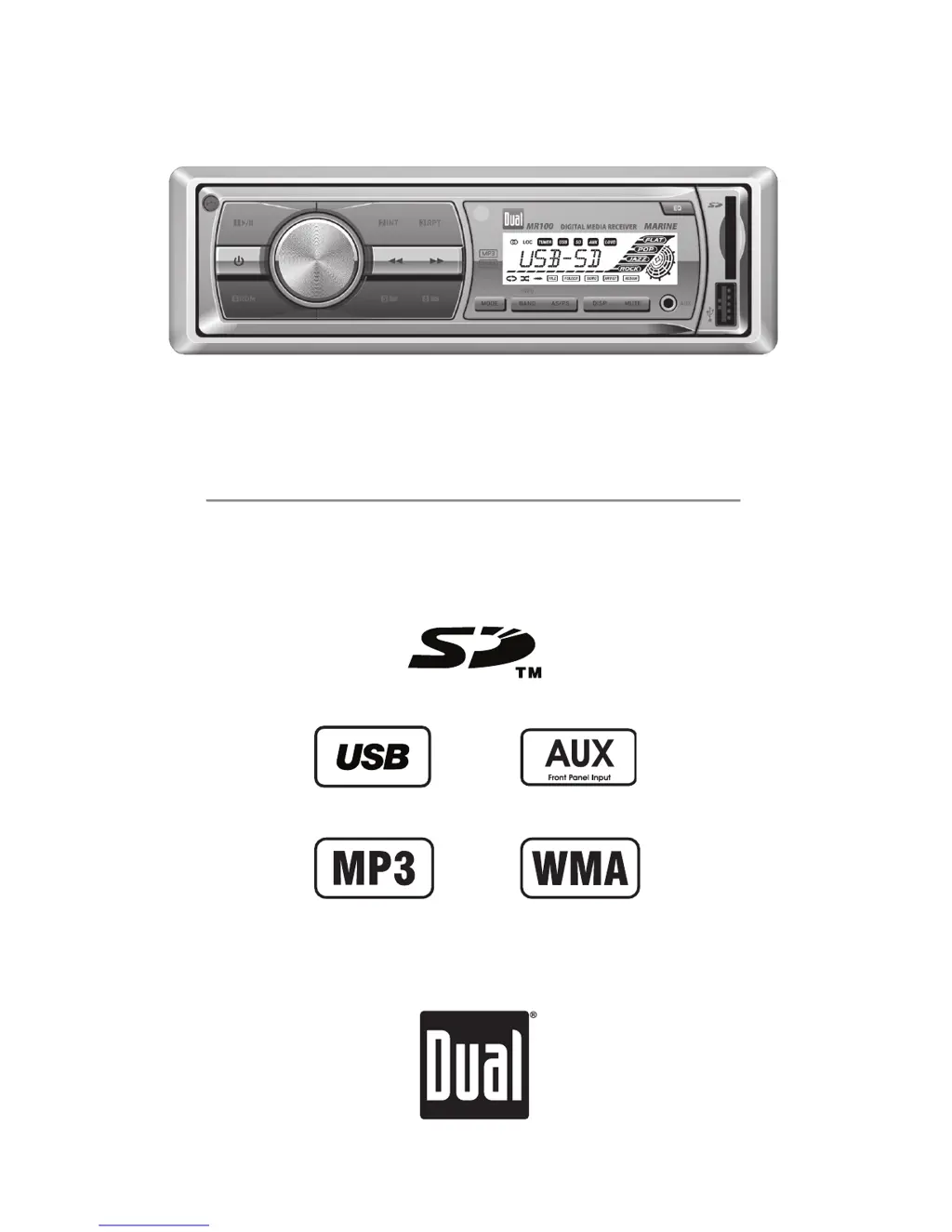
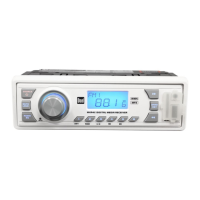
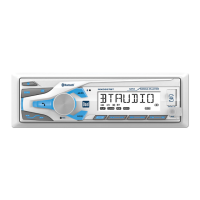
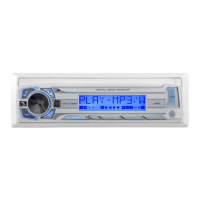
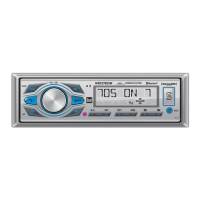
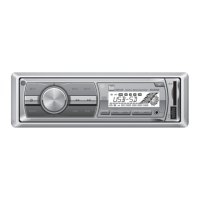
Digital Media Marine Receiver
MR100
INSTALLATION/OWNER'S MANUAL

Questions and Answers

  • R
    Robert LawrenceJul 26, 2025
    How to fix a Dual MR100 that will not turn on?
    • O
      Oscar JonesJul 26, 2025
      If your Dual Marine Equipment unit isn't turning on, start by checking the yellow wire connection for proper voltage (11~16VDC). Then, verify the black wire is properly connected to ground. Finally, inspect the fuse and replace it if necessary.
  • K
    kimberlypowersAug 2, 2025
    Why does my Dual Marine Equipment keep blowing fuses?
    • S
      Stephen JonesAug 2, 2025
      If your Dual Marine Equipment unit is blowing fuses, there could be a few reasons. First, check the yellow or red wire for any pinching that might cause it to touch the chassis ground. Next, inspect the speaker wires for similar issues. Finally, make sure you're using a fuse with the correct rating.
  • J
    John CamachoAug 9, 2025
    What to do if my Dual MR100 Marine Equipment has power but no sound?
    • S
      Shawn NewmanAug 10, 2025
      If your Dual Marine Equipment unit has power but no sound, start by checking the speaker wire connections at the speakers. Also, ensure that bare speaker wires are insulated from each other and the chassis ground.
  • N
    Natasha Zuniga MDAug 17, 2025
    What to do if my Dual MR100 displays "SD ERR" or "USB ERR"?
    • D
      Dr. Larry FergusonAug 17, 2025
      If you see "SD ERR" or "USB ERR" on your Dual Marine Equipment display, it might be due to a compatibility issue with your USB or SD card. Ensure that the device capacity is less than 32GB and that the file system is FAT or FAT32.

Summary

MR100 Installation

Preparation

Steps for preparing the unit before installation.

Before You Start

Crucial steps before beginning the installation process.

Getting Started

Initial steps for mounting and connecting the unit.

MR100 Operation

Control Locations - Receiver

Identifies and describes the controls on the front panel of the receiver.

Control Locations - Remote

Identifies and describes the controls on the remote control unit.

General Operation

Details basic functions like power, mode selection, display, and volume.

Tuner Operation

Instructions for using the radio tuner, including tuning and presets.

SD Card; USB Operation

Guide to playing music from SD cards and USB devices.

MR100 Warranty

Limited One Year Warranty

Explains the terms and conditions of the product's one-year limited warranty.

MR100 Operation

Troubleshooting

Provides solutions for common problems encountered with the unit.

Specifications

Lists the technical specifications for the FM tuner, AM tuner, and general features.

FCC Compliance

Details the FCC compliance statements and operating conditions for the device.

Dual MR100 Specifications

General IconGeneral
BrandDual
ModelMR100
CategoryMarine Equipment
LanguageEnglish

Related product manuals