9
MR100 OPERATION
SD Card / USB Operation
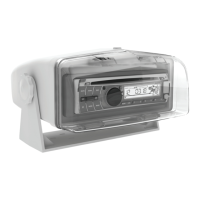
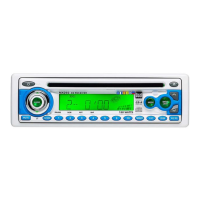
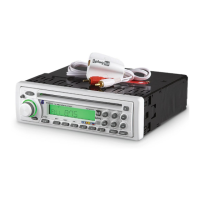
PlayMP3/WMA/WAVfilesfrommanymassstoragedevices
byconnectingthemtotheMR100'sUSBport.
ToplayMP3/WMA/WAVfilesfromanSDcard,insertanSD
cardintotheMR100'sSDcardslotwiththelabelfacingleft.
Itwillclickintoplacewhenproperlyinserted.Toremove
thecard,pressinuntilitclicks,thenpulltoremove.
WhenaUSBorSDcarddeviceisfirstconnected,playback
willbeginautomatically.Dependingonthenumberoffiles
andfolders,thedevicemaytakeseveralsecondstobegin
playback.IfnovalidMP3/WMA/WAVfilesaredetected,"NO
FILE"willbedisplayed.
Press TRACK
ll
toskiptothebeginningofthenext
track.PressTRACK
nn
toreturntothebeginningofthe
previoustrack.
PressandholdTRACK
ll
or TRACK
nn
to fast
forwardorreverseatrack.
Press
l
/
II
totemporarilystopplayback.
Press
l
/
II
againtoresumeplayback.
Press
toselectthepreviousfolder.
Press
toselectthenextfolder.
Press INTtoplaythefirst10secondsofeachtrack.Press
INT again to cancel.
Press RPTtocontinuouslyrepeatthecurrenttrack.Press
RPT again to cancel.
Press RDMtoplayallthetracksinrandomorder.Press
RDM again to cancel.
Intro,RepeatandRandomfunctionswillbekeptinmemory
whenselectingbetweenmodesorwhentheunitisturned
off/on.
Connecting a USB Device
(sold separately)
Inserting an SD Card
(sold separately)
Playing Music
Track Select
Fast Forward and Reverse
Pause
Folder Access
Intro
Repeat
Random


 To Next Page