EasyManua.ls Logo

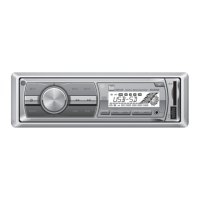
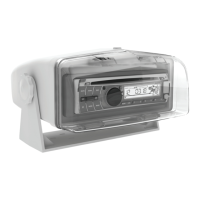
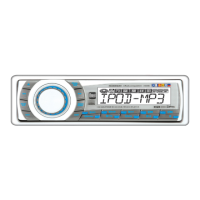
Dual MXDMA80 - User Manual

Dual MXDMA80
24 pages
Print Icon
To Next Page IconTo Next Page
Loading...
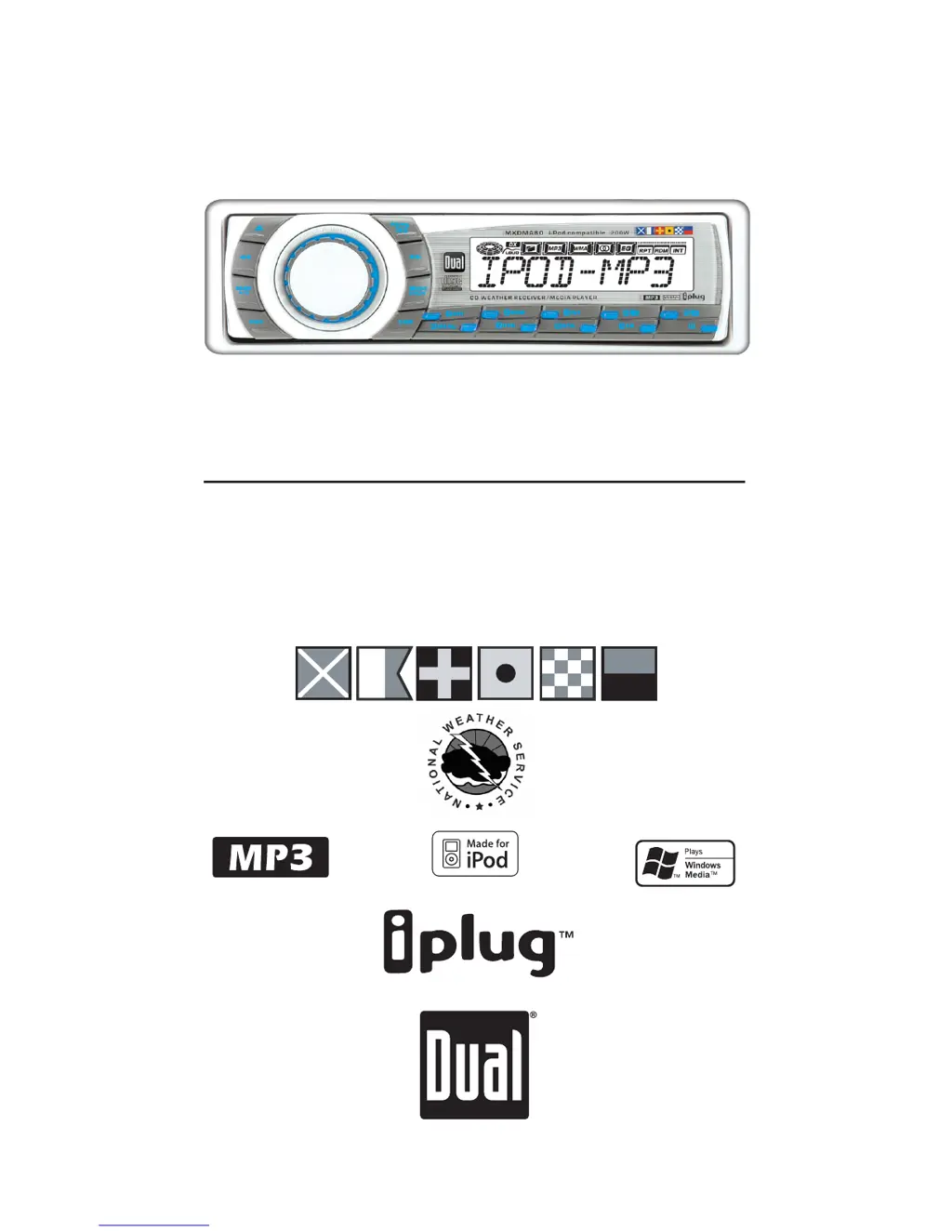
INSTALLATION/OWNERS MANUAL
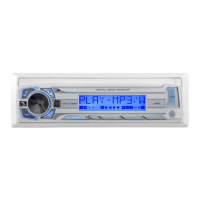
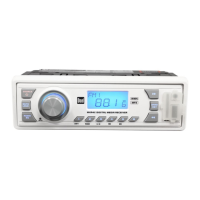
CD/MP3/iPod Ready Weather Receiver with Detach Face
MXDMA80
MARINE

Questions and Answers

  • R
    Rebecca AdkinsAug 18, 2025
    How to fix a Dual Marine Equipment that will not turn on?
    • C
      Christina JonesAug 18, 2025
      If your Dual Marine Equipment won't turn on, there are several potential causes: * The yellow wire might not be connected properly or have the incorrect voltage. Check the connections to ensure they're receiving the proper voltage (11~16VDC). * The black wire may not be connected to ground. Verify the connection to ground. * The fuse might be blown. If so, replace the fuse.
  • M
    Maria SwansonAug 21, 2025
    Why does my Dual Marine Equipment keep blowing fuses?
    • J
      Jessica VasquezAug 21, 2025
      If your Dual Marine Equipment keeps blowing fuses, it could be due to a few reasons: * The yellow or red wire might be touching the chassis ground. Inspect the wires for any pinched areas. * The speaker wires could be touching the chassis ground. Again, check for pinched wires. * The fuse might have an incorrect rating. Ensure you are using a fuse with the correct rating.
  • T
    Tina AllenAug 23, 2025
    What to do if my Dual MXDMA80 has power but no sound?
    • R
      Robert StephensAug 23, 2025
      If your Dual Marine Equipment has power but no sound, the issue likely lies with the speaker connections. Check the connections at the speakers themselves. It's also possible that one or more speaker wires are touching each other or the chassis ground. Make sure to insulate all bare speaker wires from each other and the chassis ground.
  • J
    John CastroAug 26, 2025
    Why is my Dual MXDMA80 Marine Equipment skipping excessively?
    • J
      Joseph FloresAug 26, 2025
      Excessive skipping in your Dual Marine Equipment can be caused by a couple of things. Ensure the unit is mounted correctly and that the backstrap is secure. Check the mounting sleeve and backstrap support. It could also be due to a physical defect in the media (CD, CD-R, or CD-RW). Inspect the media for any scratches.
  • N
    nicole68Aug 28, 2025
    What to do if my Dual MXDMA80 will not accept a disc?
    • R
      Rachel JonesAug 28, 2025
      If your Dual Marine Equipment won't accept a disc, it could be because the CD mechanism position is out of alignment. Try pressing and holding the EJECT button for 3 seconds to reset the CD mechanism position. Also, check to see if the CD transit screws are still in place. Remove the 2 transit screws located on top of the unit.
  • A
    Allison ShawAug 30, 2025
    Why does 'PROTECT' appear on my Dual MXDMA80 Marine Equipment display?
    • L
      ltaylorAug 31, 2025
      If 'PROTECT' appears on the display of your Dual Marine Equipment, it means the WMA file is copy-protected by DRM (Digital Rights Management). You should write the disc using WMA files that are not copy-protected.
  • K
    Kenneth SmithSep 2, 2025
    What does ERROR-01 mean on my Dual MXDMA80 Marine Equipment?
    • H
      Heather DownsSep 2, 2025
      If 'ERROR-01' appears on the display of your Dual Marine Equipment, it indicates a disc read error. Try pressing the eject or RESET button.
  • J
    Jessica MooreSep 4, 2025
    What does ERROR-02 mean on my Dual MXDMA80 Marine Equipment display?
    • C
      Cynthia ClaySep 4, 2025
      If 'ERROR-02' appears on the display of your Dual Marine Equipment, it indicates a focus error, or the disc is inserted upside down. Try pressing the eject or RESET button.
  • C
    carolyn45Sep 7, 2025
    What does ERROR-03 mean on my Dual MXDMA80 Marine Equipment?
    • T
      Thomas Jackson Jr.Sep 7, 2025
      If 'ERROR-03' appears on the display of your Dual Marine Equipment, it indicates a FAT error. Try pressing eject or RESET.
  • T
    Tiffany WilliamsSep 10, 2025
    What does ERROR-04 mean on my Dual MXDMA80 display?
    • S
      Stephanie LeeSep 10, 2025
      If 'ERROR-04' appears on the display of your Dual Marine Equipment, it indicates an MP3/WMA decode error. Try pressing eject or RESET.

Summary

Dual MXDMA80 Installation and Owners Manual

Installation Preparation

Installation Pre-checks and Procedures

Essential steps before and during unit installation, including safety and physical mounting.

Installation Wiring Diagram

Receiver Control Locations

Front Panel Controls and Display

Overview of all buttons, knobs, and the LCD display on the receiver's front panel.

General Operation - Basic Functions

Front Panel and Power Management

How to remove the front panel and turn the unit on or off.

Mode Selection and Volume Adjustment

Switching between operating modes and controlling audio volume.

General Operation - Setup Menu

Setup Menu Configuration

Customizing clock format, tuner spacing, and other system settings.

General Operation - Audio Settings

Audio Adjustments and Memory

Fine-tuning bass, treble, balance, fader, subwoofer, and saving settings.

Reset Functionality

Performing a system reset to restore default configurations.

Tuner Operation

Tuning and Station Presets

Methods for seeking, manually tuning, scanning, and storing radio stations.

Weatherband Tuner Operation

Weatherband Mode and Tuning

Selecting weatherband and performing manual or direct tuning.

CD Player Operation

Basic CD Playback Controls

Inserting, ejecting, track selection, and standard playback functions.

CD Media Compatibility

Information regarding compatible and incompatible CD-R/RW discs.

CD Player - MP3;WMA File Playback

MP3;WMA File Handling

Playing MP3/WMA discs, understanding icons, and displaying file information.

CD Player - MP3;WMA Navigation

MP3;WMA Search and Selection

Using button functions and direct selection for MP3/WMA files.

CD Player - MP3;WMA Advanced Navigation

Alphanumeric and Folder Navigation

Searching and browsing MP3/WMA files and folders by name or structure.

CD Player - MP3;WMA Playback Modes

MP3;WMA Repeat, Random, and Intro

Utilizing repeat, random play, and intro scan for MP3/WMA files and folders.

CD Player - MP3;WMA Compatibility

MP3;WMA Media and Recording Formats

Details on compatible media types and recording standards for MP3/WMA.

CD Player - MP3;WMA Technical Details

MP3;WMA Technical Specifications

Information on sampling rates, bit rates, tag display, and recommended settings.

iPod Operation

Connecting and Controlling iPod

How to connect an iPod and manage playback, display, and search functions.

iPod Advanced Features and Support

iPod Playback Controls and Compatibility

Using iPod playback features and understanding supported models and character limits.

Limited One Year Warranty

Warranty Coverage and Service

Details on warranty terms, exclusions, and procedures for obtaining service.

Product Specifications

Technical Specifications Summary

Overview of CD player, tuner, amplifier, and general unit specifications.

General Troubleshooting

User Notes

Additional User Notes

Dual MXDMA80 Specifications

General IconGeneral
Peak Output50W x 4
Wireless ConnectivityBluetooth
USB InputYes
AM/FM TunerYes
Pandora ControlYes
iHeartRadio ControlYes
Spotify ControlYes
Auxiliary InputYes
Channels4
Frequency Response20Hz - 20kHz
Signal-to-Noise Ratio80dB
Operating Voltage12V DC
TypeDigital Media Receiver
DIN Size1 DIN
WaterproofYes
Display TypeLCD

Related product manuals