EasyManua.ls Logo

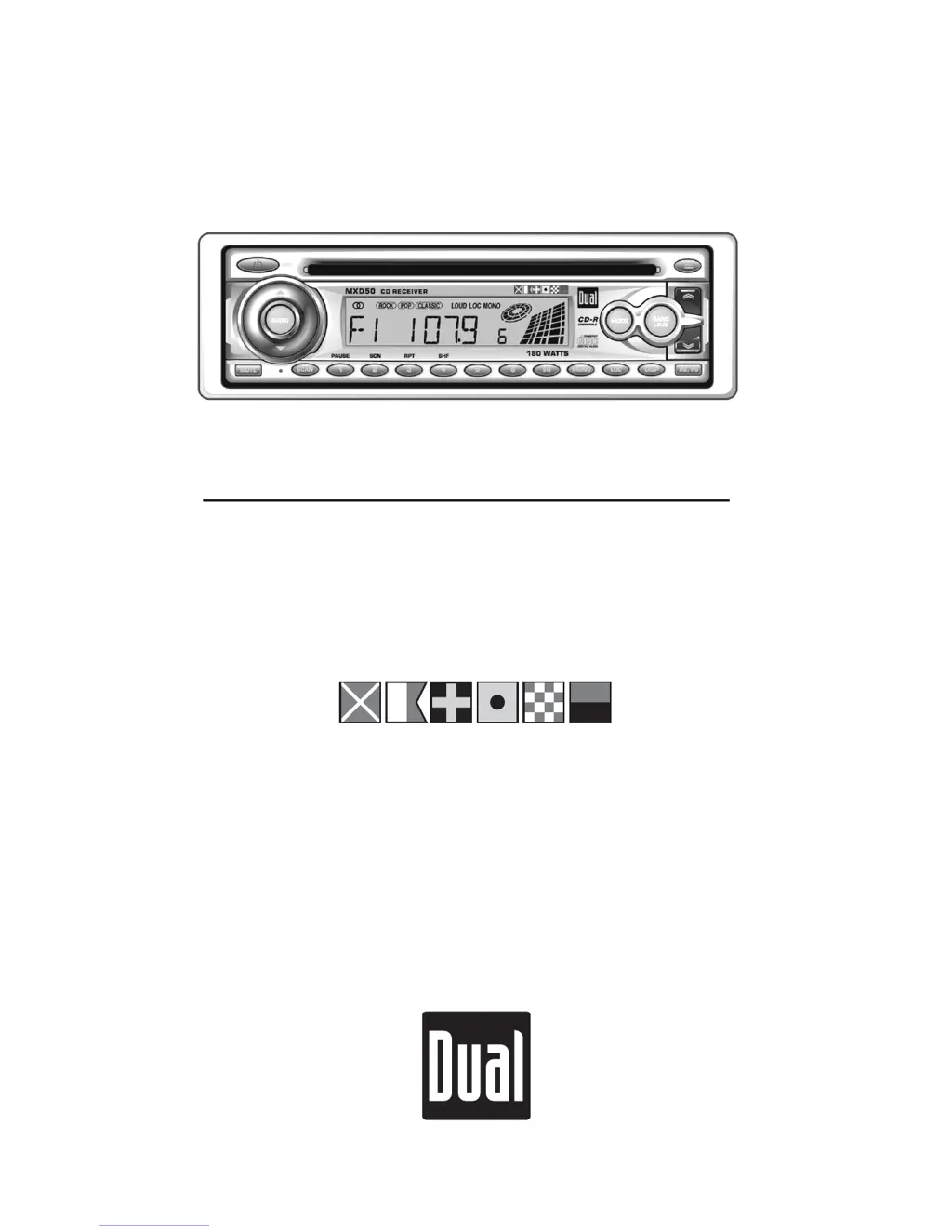
Dual MXD50 - User Manual

Dual MXD50
12 pages
Print Icon
To Next Page IconTo Next Page
Loading...
INSTALLATION/OWNERS MANUAL
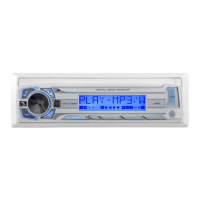
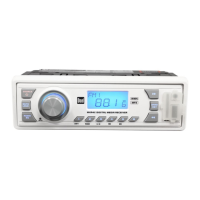
AM/FM/CD Marine Receiver
MXD50
MARINE

Questions and Answers

  • R
    Rachel BrooksJul 30, 2025
    What to do if my Dual MXD50 unit will not turn on?
    • A
      Amber WoodsJul 30, 2025
      If your Dual Marine Equipment unit is not turning on, there could be several reasons. First, check that the yellow and red wires are properly connected and receiving the correct voltage (11~16VDC). Next, ensure the black wire is correctly connected to ground. Finally, inspect the fuse and replace it if it's blown.
  • S
    Sarah JonesAug 4, 2025
    Why does my Dual MXD50 Marine Equipment unit blow fuses?
    • J
      John BlackwellAug 4, 2025
      If your Dual Marine Equipment unit is blowing fuses, it could be due to a few reasons. Check if the yellow or red wire is touching the chassis ground, looking for any pinched wires. Also, examine the speaker wires to ensure they are not touching the chassis ground, again checking for pinched wires. Finally, verify that you are using a fuse with the correct rating.
  • K
    keithsimsAug 9, 2025
    What to do if my Dual MXD50 has power but no sound?
    • T
      Todd GrahamAug 9, 2025
      If your Dual Marine Equipment unit has power but no sound, start by checking the speaker wire connections at the speakers. Also, make sure that none of the bare speaker wires are touching each other or the chassis ground. Insulate any that are.
  • M
    Marvin AriasAug 14, 2025
    Why is my Dual MXD50 Marine Equipment skipping excessively?
    • E
      Elijah FowlerAug 14, 2025
      Excessive skipping in your Dual Marine Equipment unit can occur if the unit isn't mounted correctly or the backstrap isn't secure. Check the mounting sleeve and backstrap support. Also, inspect the media (CD or CD-R) for any physical defects like scratches.
  • C
    Clifford SchmidtAug 19, 2025
    What does Error 1 on my Dual MXD50 Marine Equipment mean and how to fix it?
    • A
      Adam RodriguezAug 19, 2025
      If Error 1 appears on the display of your Dual Marine Equipment, it indicates a mechanism error. Try pressing the eject button or the RESET button.
  • B
    Brian HodgeAug 25, 2025
    What does Error 2 on my Dual MXD50 Marine Equipment mean and how do I fix it?
    • A
      aknightAug 25, 2025
      If Error 2 appears on the display of your Dual Marine Equipment, it indicates a servo error. Try pressing the eject button or the RESET button.

Summary

MXD50 Installation Guide

Preparation Steps

Read the entire manual before beginning the installation process.

Pre-Installation Checks

Disconnect battery and avoid extreme temperature or dust locations.

Initial Installation Procedure

Remove transit screws, use keys to slide unit out, install mounting sleeve.

Typical Mounting Method

Diagram showing how to mount the unit using provided hardware.

MXD50 Installation Wiring

Wiring Diagram

Illustrates connections for antenna, amplifier, power, and speakers.

Fuse Information

Guidance on correct fuse type and amperage for replacement.

MXD50 Operation Controls

Control Locations Overview

Labels and numbers for all front panel controls.

MXD50 General Operations

Basic Functions

Power, Mode, Loudness, Volume, Mute, EQ, Display, and Clock setting procedures.

MXD50 Advanced Operations

Unit Reset and Audio Adjustments

Resetting the unit and adjusting Bass, Treble, Balance, and Fader.

MXD50 Tuner Functions

Tuner Operation Modes

Seek Tuning, Manual Tuning, Scan Tuning, FM Mono/Stereo, Local/Distance, Band, Frequency Spacing.

MXD50 CD Player Functions

CD Player Operation

Inserting, ejecting, track selection, FF/RW, Pause, Scan, Repeat, Shuffle, and CD-R compatibility.

MXD50 Warranty Information

Limited One-Year Warranty

Details warranty coverage, exclusions, and claim procedures.

MXD50 Technical Specifications

Specifications Summary

Technical specs for CD Player, FM Tuner, AM Tuner, and general unit features.

MXD50 Troubleshooting Guide

Problem Resolution

Lists common problems, their causes, and suggested solutions.

Dual MXD50 Specifications

General IconGeneral
Conformal Coated PCBYes
CD PlaybackNo
AM/FM TunerYes
USB InputYes
Auxiliary InputYes
Channels4
Voltage Range12V DC
Maximum Power50W x 4
Preamp OutputsYes
WaterproofYes
Frequency RangeFM: 87.5 MHz - 108 MHz, AM: 530 kHz - 1710 kHz

Related product manuals