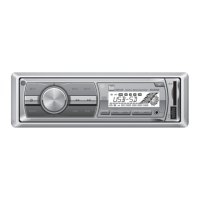
6
MXD50 OPERATION
General Operation
Press and hold for more than 2 seconds to RESET the unit
upon initial installation, when selecting between
US/European frequency spacing or if abnormal operation
occurs.
Press
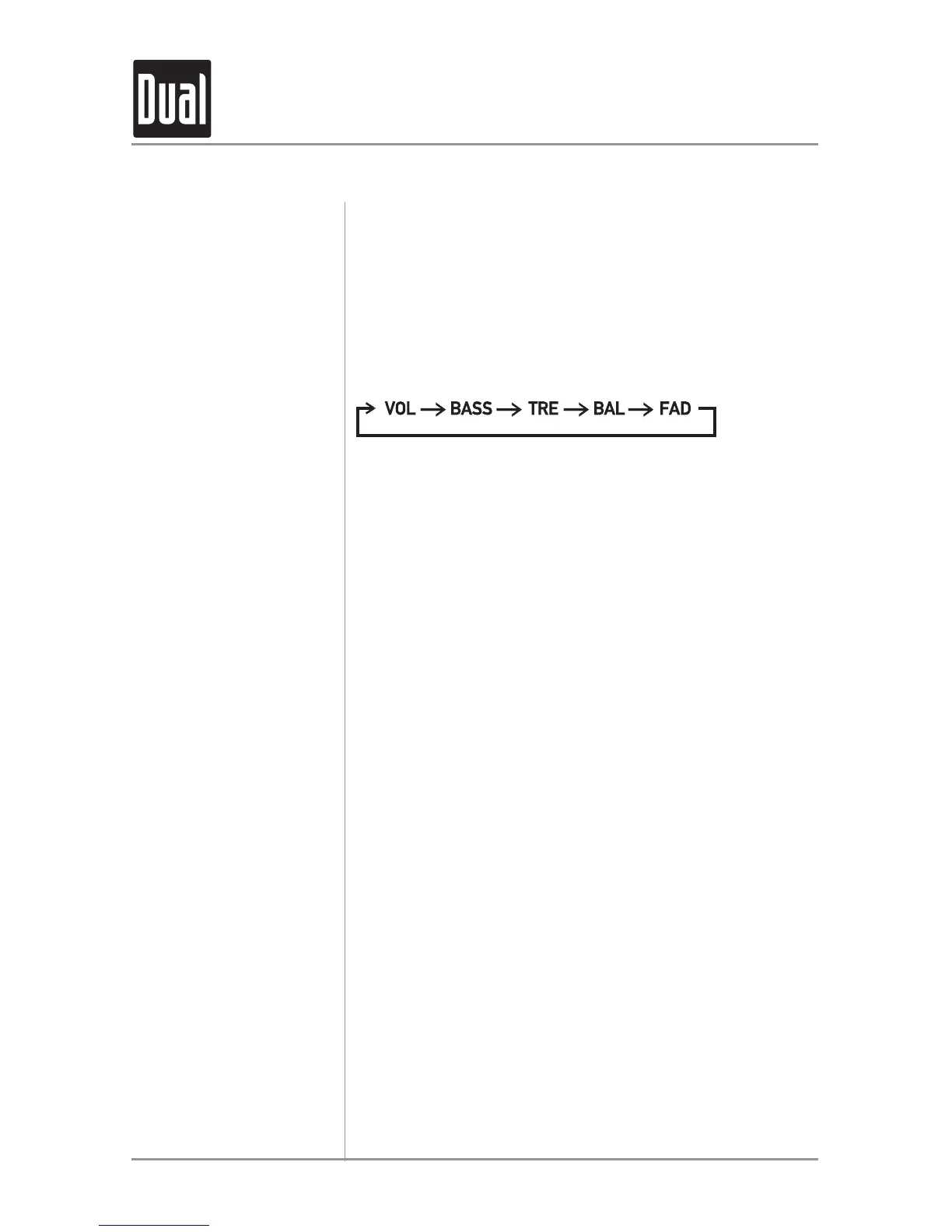
AUDIO to select between Volume (default), Bass,
Treble, Balance & Fader.
Press
AUDIO until BAS appears
Press
VOLUME ▲ or ▼ to adjust
(+10 maximum / -10 minimum)
Press
AUDIO until TRB appears
Press
VOLUME ▲ or ▼ to adjust
(+10 maximum / -10 minimum)
Press
AUDIO until BAL appears
Press
VOLUME ▼ (LEFT) or ▲ (RIGHT) to adjust
(BAL 10L/BAL 10R) L=R represents equal balance.
Press
AUDIO until FAD appears
Press
VOLUME ▼ (FRONT) or ▲ (REAR) to adjust
(FAD 10F/FAD 10R) F=R represents equal balance.
Reset
Audio
Bass
Treble
Balance
Fader


 To Next Page