EasyManua.ls Logo

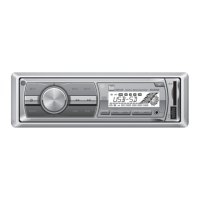
Dual MXD55 - User Manual

Dual MXD55
12 pages
Print Icon
To Next Page IconTo Next Page
Loading...
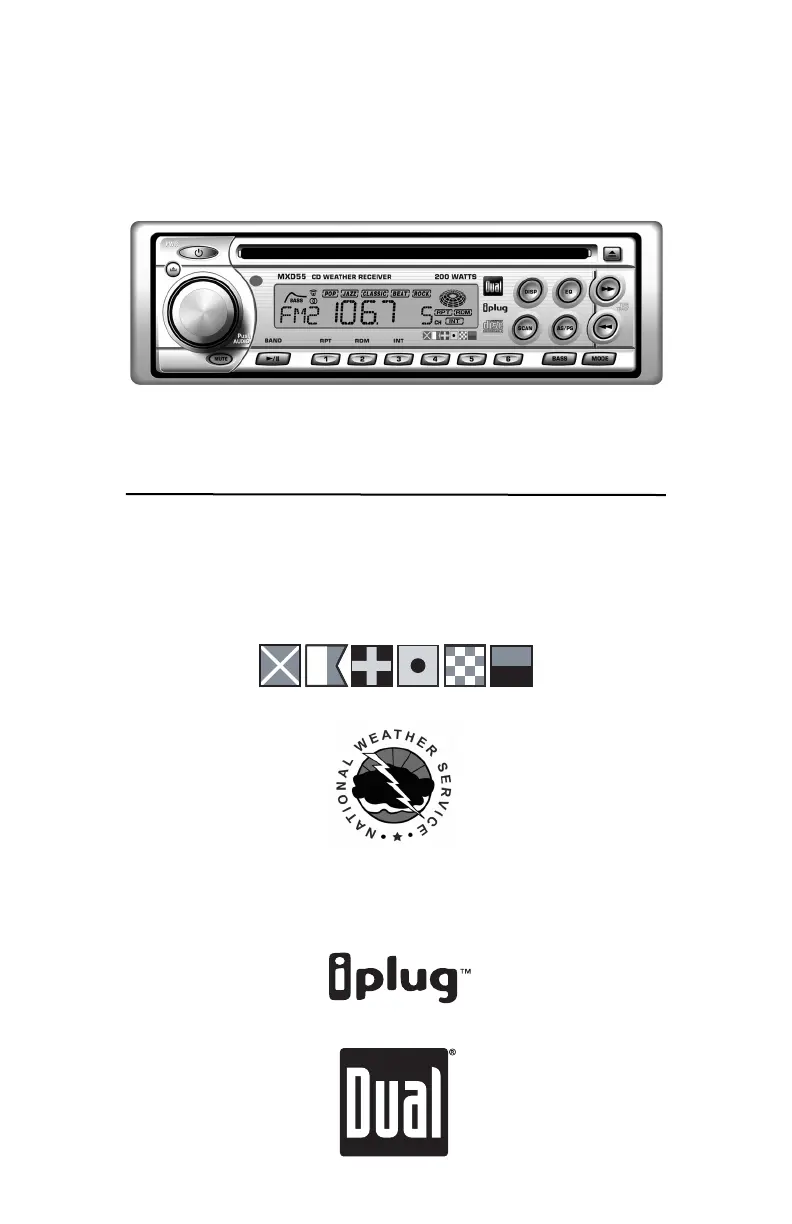
INSTALLATION/OWNER’S MANUAL
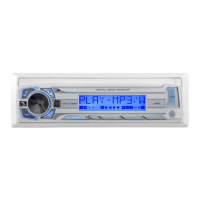
AM/FM/CD Marine Receiver
MXD55
MARINE

Questions and Answers

  • B
    Brett FloresAug 17, 2025
    Why won't my Dual MXD55 turn on?
    • J
      Jeffrey Ellis DDSAug 17, 2025
      Your Dual Marine Equipment might not be turning on due to several reasons: * The yellow or red wire may not be connected properly, or the voltage is incorrect. Check the connections to ensure the voltage is between 11 and 16VDC. * The black wire may not be connected. Check the connection to ground. * The fuse might be blown. Replace the fuse.
  • A
    Anthony ReynoldsAug 20, 2025
    What to do if my Dual Marine Equipment unit blows fuses?
    • K
      Kristi BeckAug 20, 2025
      If your Dual Marine Equipment unit is blowing fuses, there could be a few reasons: * The yellow or red wire might be touching the chassis ground. Check for any pinched wires. * The speaker wires might be touching the chassis ground. Check for any pinched wires. * The fuse might have an incorrect rating. Use a fuse with the correct rating.
  • A
    aloveAug 22, 2025
    What to do if my Dual MXD55 Marine Equipment has power but no sound?
    • B
      Brent JacksonAug 22, 2025
      If your Dual Marine Equipment has power but no sound, it could be due to the following: * The speaker wires may not be connected. Check the connections at the speakers. * One or more speaker wires might be touching each other or the chassis ground. Insulate all bare speaker wires from each other and the chassis ground.
  • T
    Tyler OlsonAug 26, 2025
    Why is my Dual MXD55 Marine Equipment skipping excessively?
    • M
      Michael MorganAug 26, 2025
      Excessive skipping in your Dual Marine Equipment can be caused by: * Incorrect mounting or an unsecured backstrap. Check the mounting sleeve and backstrap support. * Physical defects in the media (CD or CD-R). Check the media for scratches.
  • A
    Anthony HolmesAug 28, 2025
    What does ER07 on Dual Marine Equipment mean?
    • M
      Matthew EvansAug 28, 2025
      If 'ER07' appears on the display of your Dual Marine Equipment, it indicates a focus error or that the disc is inserted upside down. Try pressing the eject button or the RESET button.
  • X
    xlongAug 31, 2025
    What does ER02 mean on Dual MXD55?
    • K
      Katelyn PatelAug 31, 2025
      If 'ER02' appears on the display of your Dual Marine Equipment, it indicates a load/eject operation error. Try pressing the eject button or the RESET button.
  • C
    Carla FrenchSep 3, 2025
    What does ER06 mean on Dual Marine Equipment?
    • L
      larry81Sep 3, 2025
      If 'ER06' appears on the display of your Dual Marine Equipment, it indicates a sled operation error. Try pressing the eject button or the RESET button.
  • G
    Gina RyanSep 5, 2025
    What does ER08 mean on Dual Marine Equipment?
    • D
      Destiny DeleonSep 5, 2025
      If 'ER08' appears on the display of your Dual Marine Equipment, it indicates a CLV (PLL) operation error. Try pressing the eject button or the RESET button.
  • L
    lisavaldezSep 8, 2025
    What does ER03 mean on Dual MXD55 Marine Equipment?
    • F
      fclarkSep 8, 2025
      If 'ER03' appears on the display of your Dual Marine Equipment, it indicates a focus adjustment error. Try cleaning or replacing the media.
  • E
    eric67Sep 12, 2025
    What does ER04 mean on Dual MXD55 Marine Equipment?
    • M
      Mrs. Ashley ThomasSep 12, 2025
      If 'ER04' appears on the display of your Dual Marine Equipment, it indicates a tracking auto adjustment error. Try cleaning or replacing the media.

Summary

Preparation

Before You Start

Essential safety precautions and installation considerations before beginning.

Getting Started

Steps for mounting the unit, connecting wiring, and securing the faceplate.

Wiring Diagram

Antenna Connector

Connection point for the radio antenna.

Auxiliary Input

Input for connecting external audio devices.

Rear Preamp Output

Output for connecting to an amplifier.

Remote Turn-On

Signal to turn on amplifiers or power antennas.

Ground Connection

Connection point for chassis ground.

Accessory Power

Connection for ignition or switched 12-volt source.

Memory Power

Connection for constant 12-volt source to retain memory.

Speaker Outputs

Connections for left and right front and rear speakers.

Fuse Information

Information about the unit's fuse and replacement guidelines.

Control Locations

Control Identification

Identifies and labels all physical controls on the unit.

Faceplate Attachment Method

Details on securing the faceplate for semi-permanent installation.

General Operation

Faceplate Removal and Re-installation

Instructions on how to remove and re-install the faceplate.

Power On;Off Procedure

How to turn the unit on and off.

Mode Selection

How to select different operating modes (AM/FM, CD, etc.).

Bass Boost Feature

Activating and deactivating the bass boost feature.

Volume Adjustment

How to adjust the volume using the rotary encoder.

Programmable Turn-On Volume

Setting a preferred volume level when the unit is turned on.

Confirmation Beep Setting

Turning the confirmation beep sound on or off.

Mute Audio Function

Silencing or un-silencing the audio output.

Preset EQ Curves

Selecting different equalization presets.

Display Information

Changing what is shown on the display.

Setting the Clock

Instructions for setting the unit's clock.

Clock Display Format

How the clock displays time formats.

General Operation Continued

Programmable Display Priority

Setting display preference for frequency or time.

Programmable Clock Priority

Setting clock display preference when the unit is off.

Resetting the Unit

How to reset the unit to factory defaults.

Audio Adjustments Overview

Detailed guide to adjusting volume, bass, treble, balance, and fader.

Source Audio Memory Function

How settings are retained for different audio sources.

AM;FM Tuner Operation

Seek Tuning Method

Automatically finding the next strong radio station.

Manual Tuning Method

Manually tuning to specific radio frequencies.

Scan Tuning Function

Previewing strong stations on the current band.

Band Selection Options

Switching between FM1, FM2, FM3, AM1, and AM2 bands.

Frequency Spacing Setup

Setting radio frequency spacing for different regions.

Storing and Recalling Presets

Saving and retrieving favorite radio stations.

Automatic Station Storage

Auto-scanning and storing the strongest stations.

Preset Station Scanning

Scanning through stored preset stations.

Weatherband Tuner Operation

Weatherband Manual Tuning

Manually tuning to weatherband frequencies.

Weatherband Direct Tuning

Accessing weatherband stations via preset buttons or BAND.

Weatherband Frequency Table

Table mapping buttons to weatherband frequencies.

CD Player Operation

Inserting a CD

How to insert a CD for playback.

Ejecting a CD

How to eject a CD from the player.

Track Navigation

Navigating between tracks on a CD.

Fast Forward and Reverse Playback

Speeding up or reversing playback within a track.

Pause and Resume Playback

Temporarily stopping and resuming CD playback.

Intro Scan Feature

Playing the first 10 seconds of each track.

Repeat Track Function

Repeating a selected track.

Random Playback Mode

Playing tracks in a random order.

CD-R Media Compatibility

Notes on compatibility with CD-R media.

Limited One-Year Warranty

Warranty Service within USA

Instructions for warranty service within the USA.

Warranty Service outside USA

Instructions for warranty service outside the USA.

Warranty Damage Exclusions

Limitations on warranty coverage for damages.

Specifications

CD Player Specifications

Technical details for the CD player function.

FM Tuner Specifications

Technical details for the FM radio tuner.

AM Tuner Specifications

Technical details for the AM radio tuner.

Weatherband Tuner Specifications

Technical details for the weatherband tuner.

General Unit Specifications

Overall unit specifications like power, voltage, and dimensions.

Troubleshooting

Unit Power Issues

Solutions for power-related issues.

Audio Output Issues

Solutions for audio output problems.

Fuse Replacement Guide

Causes and solutions for blown fuses.

CD Skipping Solutions

Solutions for CD skipping issues.

Error Code Explanations and Fixes

Explanations and fixes for various error codes displayed.

Dual MXD55 Specifications

General IconGeneral
WaterproofYes
Conformal Coated PCBYes
CD PlayerNo
WeatherbandYes
DisplayLCD

Related product manuals