EasyManua.ls Logo

Dual XDVD1262 - User Manual

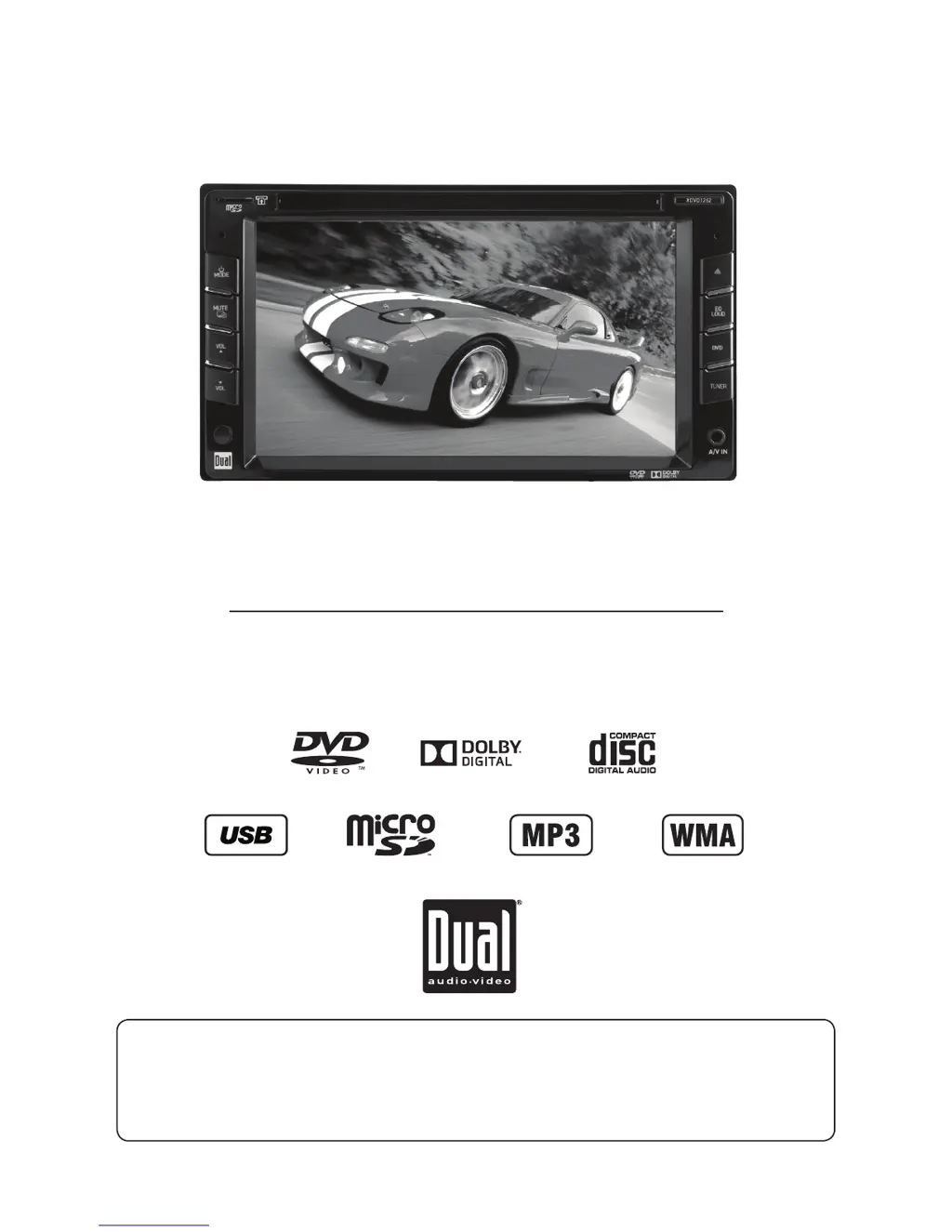
Dual XDVD1262
36 pages
Print Icon
To Next Page IconTo Next Page
Loading...
INSTALLATION/OWNER’S MANUAL
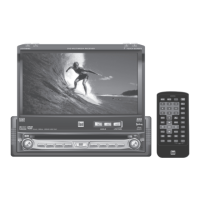
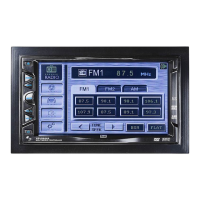
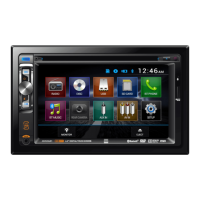
DVD Multimedia Receiver with 6.2” Touch Screen Display
XDVD1262
The DVD video display of the in-dash unit will not operate while the vehicle is moving. This is a safety feature
to prevent driver distraction. In-dash DVD video functions will only operate when vehicle is in Park and the
parking brake is engaged. It is illegal in most states for the driver to view video while the vehicle is in motion.
Safety Notes:

Other manuals for Dual XDVD1262

Questions and Answers

  • R
    Richard FranklinAug 15, 2025
    Why does my Dual Car Video System have power but no sound?
    • L
      Lindsay McdonaldAug 15, 2025
      If your Dual Car Video System has power but no sound, the issue might be with the speaker connections. Check the connections at the speakers to ensure they are properly connected. Also, make sure that none of the bare speaker wires are touching each other or the chassis ground; insulate them if they are.
  • P
    patrick41Aug 18, 2025
    What to do if my Dual Car Video System has audio but no video?
    • H
      Heather ChristianAug 18, 2025
      If your Dual Car Video System has audio but no video, the parking brake safety circuit might be the problem. Check the connections at the parking brake to ensure they are properly connected and that the parking brake is applied.
  • D
    David BerryAug 22, 2025
    Why is there no video display when reversing with my Dual Car Video System?
    • J
      Jeremy FordAug 22, 2025
      If you're not getting a video display when reversing with your Dual Car Video System, the reverse circuit might not be connected correctly, or the vehicle may not actually be in reverse. Check the connections at the reverse lamp to ensure they are secure.
  • J
    Joanne CameronAug 25, 2025
    How to fix a Dual XDVD1262 that won't turn on?
    • S
      Steven GrimesAug 25, 2025
      If your Dual Car Video System isn't powering on, several things could be the issue. First, check the yellow and red wires to ensure they're properly connected and receiving the correct voltage (11~16VDC). Next, verify the black wire is securely connected to ground. Lastly, inspect the fuse(s) and replace them if they're blown.
  • J
    John MitchellAug 28, 2025
    What to do if my Dual XDVD1262 keeps blowing fuses?
    • G
      Gina RuizAug 28, 2025
      If your Dual Car Video System keeps blowing fuses, there are a few potential causes. Check the yellow or red wire to ensure they are not touching the chassis ground, looking for any pinched wires. Also, inspect the speaker wires to make sure they aren't touching the chassis ground, again checking for pinched wires. Finally, verify that you are using fuses with the correct rating.
  • B
    Brian SmithAug 31, 2025
    How to stop excessive skipping on my Dual XDVD1262 Car Video System?
    • R
      rodriguezkellyAug 31, 2025
      If your Dual Car Video System is skipping excessively, first check the mounting sleeve to ensure the unit is mounted correctly. If the mounting is correct, inspect the media for scratches or physical defects.
  • E
    eric04Sep 4, 2025
    What to do if DVD does not start playback on Dual XDVD1262?
    • K
      Karen PerezSep 4, 2025
      If your DVD does not start playback on Dual Car Video System, you should check the media for scratches or any other physical defects.
  • L
    Lisa SchmidtSep 7, 2025
    Why does my Dual XDVD1262 IR remote not work?
    • J
      Joseph WilliamsSep 7, 2025
      If the IR remote for your Dual Car Video System isn't working, the first thing you should do is replace the battery.
  • K
    kdanielsSep 12, 2025
    What does "Wrong Region" mean on my Dual XDVD1262?
    • W
      William FrancisSep 12, 2025
      If "Wrong Region" appears on the display of your Dual Car Video System, it means there is a region code error. Use discs labeled "Region 1" or "All" only.

Summary

Product Introduction and Safety

Safety Notes

Crucial safety information regarding video playback while driving and parking brake activation.

Critical Safety Warnings

Driving Distraction and Parking Brake

Strict warnings about video display, distraction, and proper parking brake engagement.

General Safety and Installation Guidelines

Installation Precautions and Compliance

Covers installation, cleaning, temperature, FCC compliance, and general safety.

Installation Preparation

Wiring Diagram and Connections

Unit Input;Output Connections

Detailed diagram showing unit connections for antenna, USB, iPod, speakers, and audio/video inputs/outputs.

General Operation Features

Power, Volume, and Mode Management

Covers turning the unit on/off, adjusting volume, muting, and switching between input modes.

General Operation - Setup Menu

AM;FM Tuner Operation

Tuner Interface and Basic Functions

Details on tuning, station display, EQ, Local/Distance tuning, and Loudness function.

CD Player Operation

MP3;WMA;JPG File Playback

JPEG Image Viewing

DVD Setup - Region Management

DVD Setup - Parking Brake Initialization

Parking Brake Safety Feature Implementation

Details on the safety warning and steps for initializing the parking brake lock-out for video playback.

DVD Operation

DVD Operation Controls

iPod Operation

Auxiliary Inputs - AV1 & AV2

Limited One Year Warranty

Warranty Coverage and Service Information

Details on what is covered, exclusions, and the process for obtaining warranty service.

Troubleshooting Guide

Common Problems and Resolution

A table listing common issues, their causes, and recommended actions for resolution.

Dual XDVD1262 Specifications

General IconGeneral
Screen Size6.2 inches
Resolution800 x 480 pixels
DVD PlaybackYes
BluetoothYes
USB PortYes
SD Card SlotYes
Rear View Camera InputYes
TouchscreenYes
Steering Wheel Control CompatibleYes
AM/FM TunerYes
Auxiliary InputYes
iPod ControlYes
Audio Output Power50 watts x 4
Preamp Outputs3 (Front, Rear, Subwoofer)

Related product manuals