EasyManua.ls Logo

Dual XDVD710 - User Manual

Dual XDVD710
60 pages
Print Icon
To Next Page IconTo Next Page
Loading...
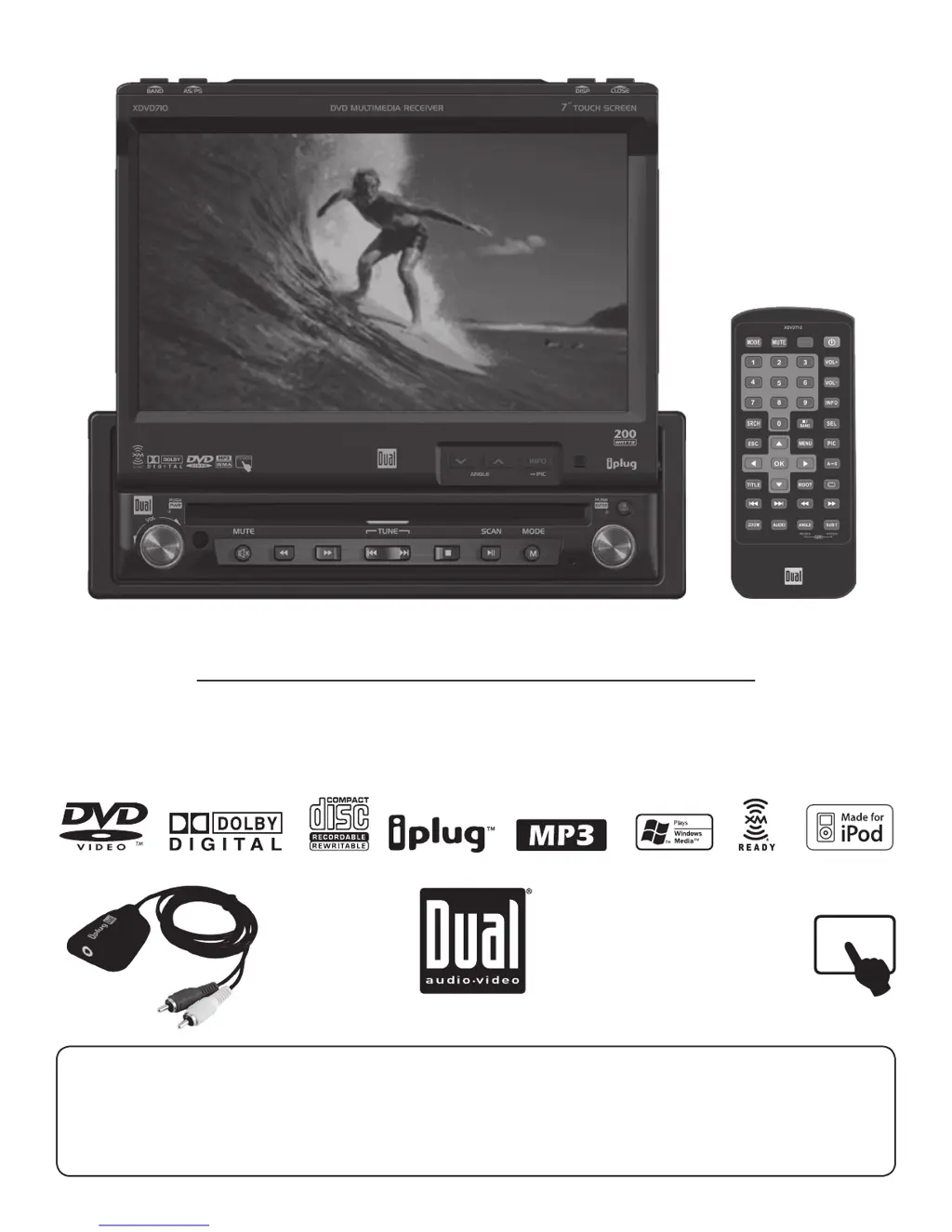
INSTALLATION/OWNER’S MANUAL
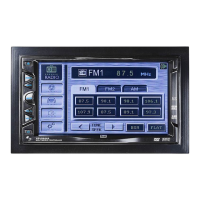
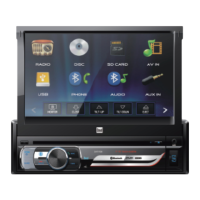
DVD Multimedia Receiver with 7” Touch Screen Display
XDVD710
The DVD video display of the in-dash unit will not operate while the vehicle is moving. This is a safety feature to
prevent driver distraction. In-dash DVD video functions will only operate when vehicle is in Park and the parking
brake is engaged. It is illegal in most states for the driver to view video while the vehicle is in motion.
Safety Notes:
TOUCH

Questions and Answers

Summary

Vehicle Operation Safety Warnings

Driver Distraction and Parking Brake Safety

Critical warnings about driver distraction and the necessity of engaging the parking brake for video operation.

Safety and Precautions

General Safety Notes

Important guidelines to prevent damage or injury during unit operation and installation.

Wiring Diagrams

Expanded Input;Output Connections

Detailed diagram illustrating all unit input and output connections for installation.

Optional A;V Connection Diagram

Visual guide for connecting external audio and video components like amplifiers and monitors.

Setup Menus

General Setup Menu Overview

Matrix detailing general settings such as Radio, Clock, Anti-theft, and Factory Defaults.

Radio Frequency Setting

Step-by-step guide to select the appropriate radio region for your country.

Clock Adjustment Procedure

Instructions for setting the unit's clock to 12-hour or 24-hour format.

Anti-Theft Code Setup

Guide to enabling and setting a 4-digit anti-theft password for unit security.

Screen Setup Options

Screen Setup Menu Overview

Matrix detailing screen settings like Brightness, Screen Tilt, and Screen Saver.

TFT Brightness Control

Instructions on how to adjust the brightness level of the TFT display.

TFT Angle Adjustment

Guide to setting the optimal viewing angle for the screen based on vehicle position.

Touch Screen Calibration

Procedure to calibrate the touch screen for accurate response to touch inputs.

DVD Operation

Parking Brake Initialization Procedure

Steps to initialize the parking brake safety feature for DVD video playback.

DVD Region Management

Information on DVD region codes and compatibility for playback.

XM Radio Operation

XM Tuner Activation Process

Steps to activate the XM Satellite Radio tuner and service.

Support and Specifications

Troubleshooting Guide

Common problems with the unit and their solutions, covering power, sound, fuses, and video.

XM Radio Troubleshooting

Specific troubleshooting steps for XM radio related issues like signal reception and display.

Technical Specifications

Unit Specifications

Detailed specifications for the DVD player, tuners, monitor, amplifier, and general unit features.

Dual XDVD710 Specifications

General IconGeneral
BrandDual
ModelXDVD710
CategoryCar Video System
LanguageEnglish

Related product manuals