EasyManua.ls Logo

Dual XPA2100 - User Manual

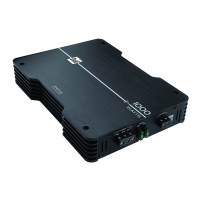
Dual XPA2100
12 pages
Print Icon
To Next Page IconTo Next Page
Loading...
INSTALLATION/OWNERS MANUAL
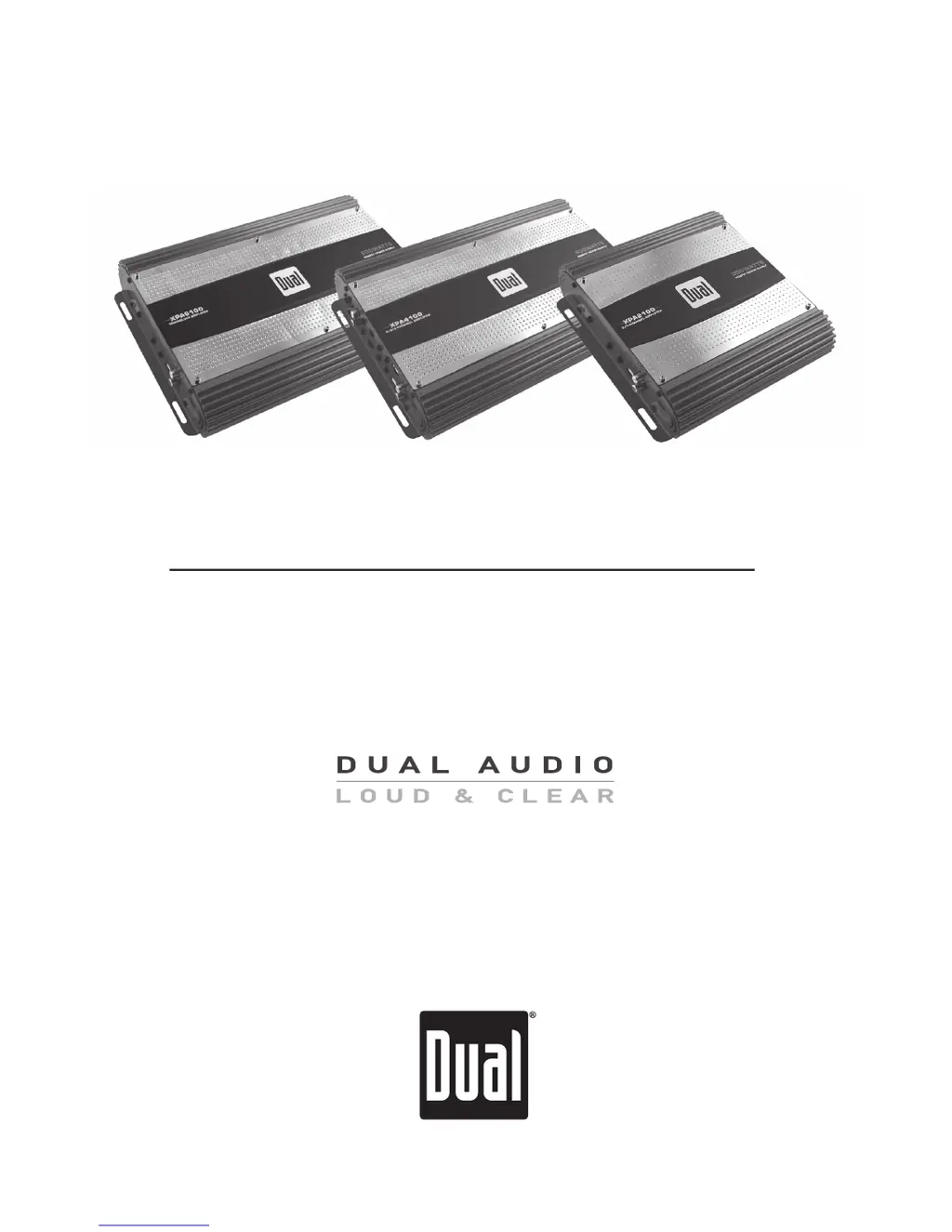
Mobile Power Amplifiers
XPA SERIES
XPA2100
XPA4100
XPA6100

Questions and Answers

Summary

Preparation

Before You Start

Important steps to take before beginning the amplifier installation process.

Mounting Location

Guidance on choosing the optimal position for amplifier installation.

Connection Descriptions

Power Wire (+12 V)

Details on connecting the main power wire to the amplifier.

Ground Wire (GND)

Instructions for establishing a proper ground connection for the amplifier.

Remote Turn-on Wire (REM)

Explanation of the remote turn-on wire connection to the head unit.

Speaker Wires

Guidance on connecting speaker wires to the amplifier, including polarity.

Input Signal

Information on connecting audio input signals (low level/high level).

Typical Wire Routing

Main Power Connections

Guide for connecting the main power, ground, and remote turn-on wires.

Fuse Rating

Information on the correct fuse type and amperage for replacement.

Power;Ground Wire Size

Recommendations for optimal wire gauge for power and ground connections.

Amplifier Connections

Speaker Connections

Guidance on connecting speakers, impedance loads, and wiring configurations.

Input Signal Connections

Methods for connecting audio sources via RCA or speaker wire inputs.

Configuration and Setup

Input Level Control

Adjusting the input level (gain) for optimal audio matching.

Input Mode Switch

Selecting the input mode (2 CH or 4 CH) based on head unit outputs.

Crossover Mode

Setting the crossover mode (LPF, HPF, FULL) for speaker filtering.

Crossover Frequency Control

Precise adjustment of the crossover frequency point.

Bass Boost

Adding boost at 45Hz for subwoofers; use with caution.

LED Indicator

Understanding the LED indicator for power (green) and protection (red).

Limited One-Year Warranty

What to do?

Steps to follow when seeking warranty service or troubleshooting.

Who is covered?

Details on warranty coverage eligibility for the original retail purchaser.

What is covered?

Specifies what defects in material and workmanship are covered by the warranty.

Exclusion of Certain Damages

Lists damages and liabilities not covered by the warranty terms.

Specifications

XPA2100 Specifications

Technical details for the XPA2100 amplifier, including power output and dimensions.

XPA4100 Specifications

Technical details for the XPA4100 amplifier, including power output and dimensions.

XPA6100 Specifications

Troubleshooting

Unit will not turn on

Diagnosing issues when the amplifier does not power on.

Unit has power - LED is green (but no sound)

Troubleshooting steps for when the amplifier powers on but produces no sound.

Unit blows fuse(s)

Identifying causes and solutions for blown fuses in the amplifier.

Engine noise

Resolving engine noise or RFI interference issues in the audio system.

LED illuminates red (protect mode)

Understanding and resolving amplifier protection mode indicated by a red LED.

Distorted audio output

Troubleshooting distorted audio, often related to input signal or load.

Low audio output

Addressing issues with low audio volume from the amplifier.

Weak bass

Diagnosing and fixing weak bass response, often due to speaker wiring.

Summary

Preparation

Before You Start

Important steps to take before beginning the amplifier installation process.

Mounting Location

Guidance on choosing the optimal position for amplifier installation.

Connection Descriptions

Power Wire (+12 V)

Details on connecting the main power wire to the amplifier.

Ground Wire (GND)

Instructions for establishing a proper ground connection for the amplifier.

Remote Turn-on Wire (REM)

Explanation of the remote turn-on wire connection to the head unit.

Speaker Wires

Guidance on connecting speaker wires to the amplifier, including polarity.

Input Signal

Information on connecting audio input signals (low level/high level).

Typical Wire Routing

Main Power Connections

Guide for connecting the main power, ground, and remote turn-on wires.

Fuse Rating

Information on the correct fuse type and amperage for replacement.

Power;Ground Wire Size

Recommendations for optimal wire gauge for power and ground connections.

Amplifier Connections

Speaker Connections

Guidance on connecting speakers, impedance loads, and wiring configurations.

Input Signal Connections

Methods for connecting audio sources via RCA or speaker wire inputs.

Configuration and Setup

Input Level Control

Adjusting the input level (gain) for optimal audio matching.

Input Mode Switch

Selecting the input mode (2 CH or 4 CH) based on head unit outputs.

Crossover Mode

Setting the crossover mode (LPF, HPF, FULL) for speaker filtering.

Crossover Frequency Control

Precise adjustment of the crossover frequency point.

Bass Boost

Adding boost at 45Hz for subwoofers; use with caution.

LED Indicator

Understanding the LED indicator for power (green) and protection (red).

Limited One-Year Warranty

What to do?

Steps to follow when seeking warranty service or troubleshooting.

Who is covered?

Details on warranty coverage eligibility for the original retail purchaser.

What is covered?

Specifies what defects in material and workmanship are covered by the warranty.

Exclusion of Certain Damages

Lists damages and liabilities not covered by the warranty terms.

Specifications

XPA2100 Specifications

Technical details for the XPA2100 amplifier, including power output and dimensions.

XPA4100 Specifications

Technical details for the XPA4100 amplifier, including power output and dimensions.

XPA6100 Specifications

Troubleshooting

Unit will not turn on

Diagnosing issues when the amplifier does not power on.

Unit has power - LED is green (but no sound)

Troubleshooting steps for when the amplifier powers on but produces no sound.

Unit blows fuse(s)

Identifying causes and solutions for blown fuses in the amplifier.

Engine noise

Resolving engine noise or RFI interference issues in the audio system.

LED illuminates red (protect mode)

Understanding and resolving amplifier protection mode indicated by a red LED.

Distorted audio output

Troubleshooting distorted audio, often related to input signal or load.

Low audio output

Addressing issues with low audio volume from the amplifier.

Weak bass

Diagnosing and fixing weak bass response, often due to speaker wiring.

Dual XPA2100 Specifications

General IconGeneral
Bass boost0 - 12 dB
Amplifier class-
Frequency range20 - 20000 Hz
Output impedance8 Ω
Input sensitivity200 mV
Built-in crossoverYes
Crossover frequency50 Hz
Audio output channels2.0 channels
Peak power per channel300 W
Signal-to-Noise Ratio (SNR)75 dB
Total Harmonic Distortion (THD)1 %
RMS power output per channel (2 Ohm)75 W
RMS power output per channel (4 Ohm)50 W
Speakers connectivity typeRCA
PurposeCar
MaterialAluminum
Product colorRed
Connectivity technologyWired
Built-in displayNo
Weight and Dimensions IconWeight and Dimensions
Depth233 mm
Width226 mm
Height54 mm

Related product manuals