EasyManua.ls Logo

Dual DBTMA100 - User Manual

Dual DBTMA100
9 pages
Print Icon
To Next Page IconTo Next Page
Loading...
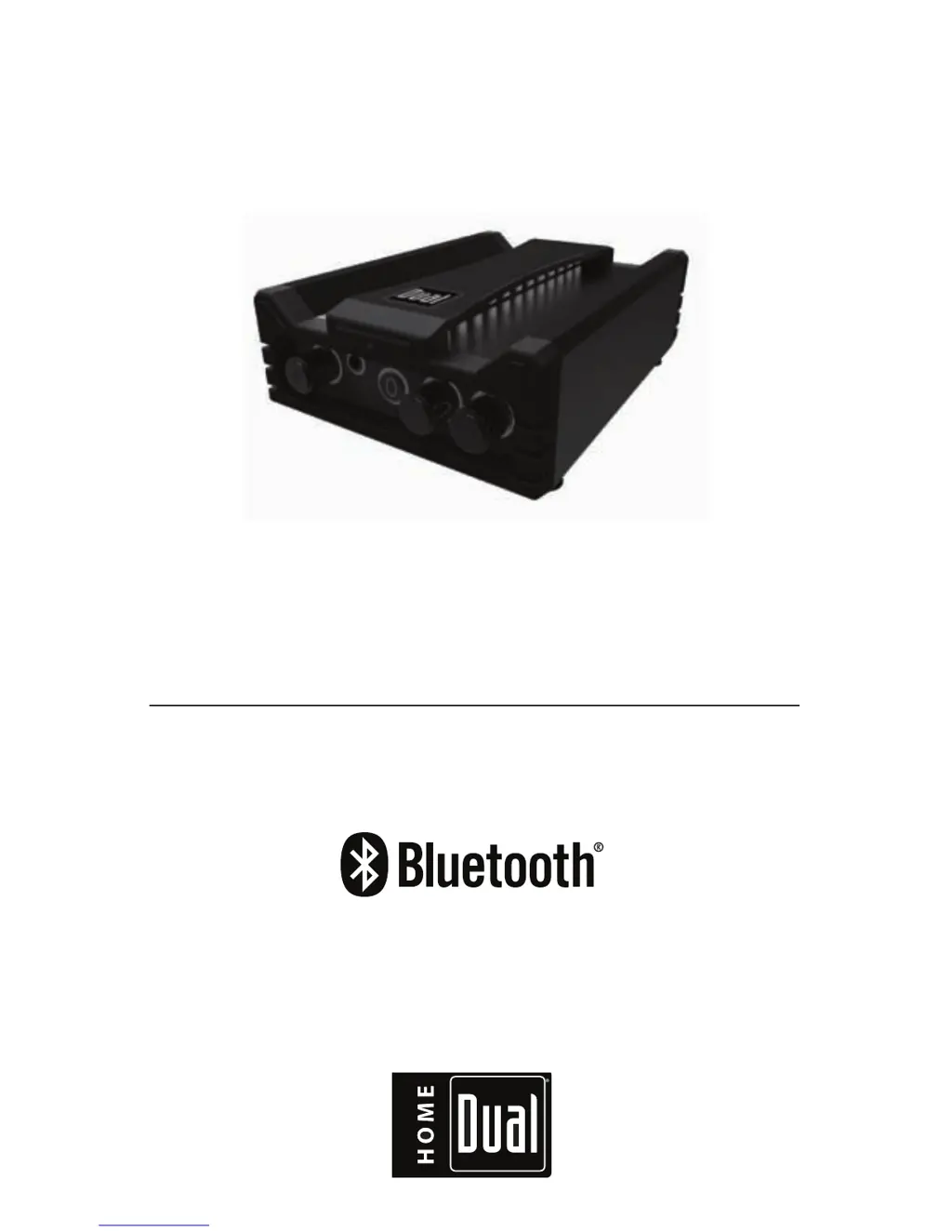
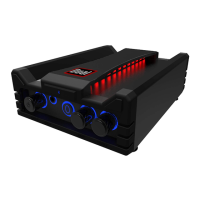
DBTMA100
QUICK START GUIDE
BOOKSHELF MICRO AMP
®

Questions and Answers

  • T
    Thomas WatsonJul 27, 2025
    Why is the audio quality poor on my Dual Amplifier after connecting a Bluetooth device?
    • J
      Jacob EstesJul 27, 2025
      If the audio quality from your Dual Amplifier is poor after connecting via Bluetooth, it might be due to poor Bluetooth reception. Try moving the device closer to the audio system or removing any obstacles between them.
  • R
    Ryan HamiltonAug 5, 2025
    What to do if there is no sound from my Dual DBTMA100?
    • T
      Tara DrakeAug 6, 2025
      If you can't hear any sound from your Dual Amplifier, first, make sure the volume isn't set too low or muted; turn the volume up. Also, check if the device connected to the amplifier is paused or muted and adjust the volume status.
  • T
    Tanner MartinezAug 15, 2025
    How to fix a Dual Amplifier that will not turn on?
    • L
      Lorraine LopezAug 15, 2025
      If your Dual Amplifier won't turn on, check if the AC power switch is turned off. If it is, turn it on and check the breakers. Also, ensure the AC/DC wall adapter is properly plugged into the wall.

Summary

DBTMA100 - Safety Information

Important Safety Information

Alerts users to electrical hazards, warnings about opening the device, and servicing instructions.

DBTMA100 - Information

Important Safety Precautions

Provides precautions for weather resistance, volume control, cleaning methods, and proper disposal.

DBTMA100 - Getting Started

DBTMA100 - Wireless Operation

Bluetooth Pairing

Step-by-step instructions for pairing a Bluetooth-enabled device with the DBTMA100 amplifier.

DBTMA100 - Streaming Music

Volume and Playback Controls

Details how to adjust volume, play/pause media, and control bass and treble levels.

DBTMA100 - Wiring

Installation

Instructions for connecting the power adapter to the wall mains and speakers to the amplifier.

DBTMA100 - Placement

DBTMA100 - Trouble Shooting

Troubleshooting Common Issues

Provides solutions for common operational problems like unit not turning on or no sound.

DBTMA100 - Warranty

Dual DBTMA100 Specifications

General IconGeneral
BrandDual
ModelDBTMA100
CategoryAmplifier
LanguageEnglish

Related product manuals