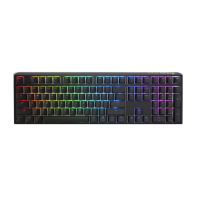
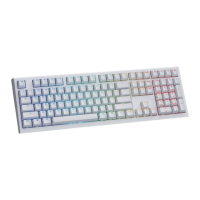
Need help?
Do you have a question about the Ducky Origin and is the answer not in the manual?
Hold Left and Right Windows keys for 3 seconds.
Press Fn + Alt + Windows key for 3 seconds.
Press Fn + Alt + k for 5 seconds to remap keys.
Hold Fn + Alt + Tab for 3 seconds.
Press keys to record macro sequences.
Hold Fn + Alt + Tab for 1 second to save.
Assign multimedia functions using Fn + Windows key combos.
Assign common Windows shortcuts via macros.
Assign profile and lighting controls using Fn + Shift combos.
Steps for safely removing and installing keyboard switches.
 General
| Brand | Ducky |
|---|---|
| Model | Origin |
| Switch Type | Cherry MX |
| Keycap Material | PBT |
| Connection Type | USB |
| Polling Rate | 1000 Hz |
| N-key Rollover | Yes |
| Anti-ghosting | Yes |
| Keyboard Layout | ANSI |
| Backlight | RGB |
| Actuation Point | 2mm |


 To Next Page