19
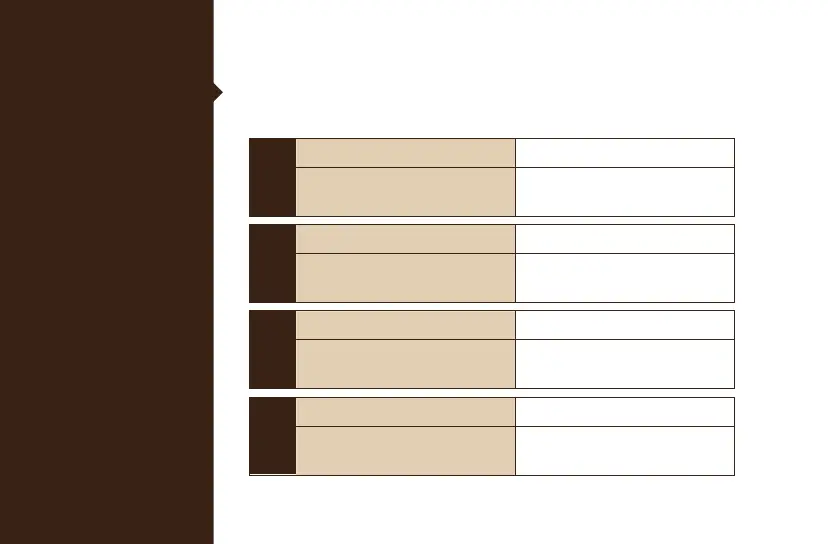
DIP Switch
Functions
DIP Switches are on the underside of your keyboard.
DIP Switches are defaulted as OFF when you receive the keyboard.
ON
DIP1
OFF (Default)
Disable Windows key
Lock Function
Enable Windows key
Lock Function
ON
DIP2
OFF (Default)
NKRO Mode 6 Key Rollover
- Useful for Mac and Linux devices
ON
DIP3
OFF (Default)
Ducky Vendor ID (VID) User dened VID
ON
DIP4
OFF (Default)
Right Windows key is default Right Windows key changes to
the Menu key
Note :
You can input the ideal
VID in both situation, but
the VID can be only
changed when DIP 3
turned on.



 To Next Page