37
Owner’s Manual for Duke Flexbake 5
TM
Proof and Bake Oven with WiFi Connectivity
CONNECTED OPERATION AND AVAILABLE FEATURES continued
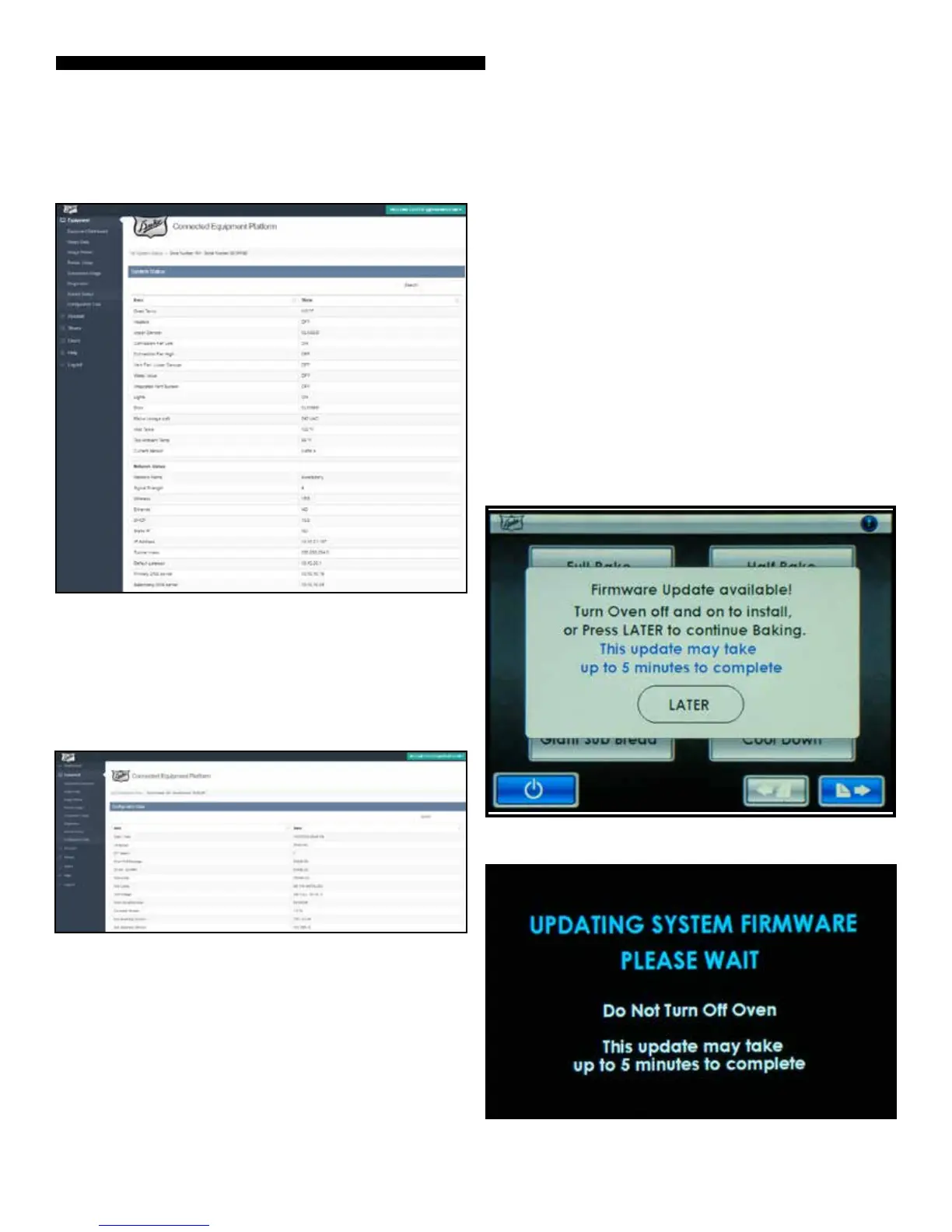
SYSTEM STATUS – This page displays the real-time oven status
for component, sensor, and network status.
CONFIGURATION DATA – This page shows all the selected
congurations of the oven including messaging and alarms
that are enabled / disabled. This will also show the
manufactured unit voltage conguration of the oven and the
current software versions.
This provides real-time information to help troubleshoot a
number of potential operational questions / issues.
REMOTELY RECEIVE FIRMWARE UPDATES
With your unit connected to the Duke Connected Equipment
Platform (CEP), you are assured that the most current rmware
version and features are available. When the unit is online, it
will compare its current loaded version to the latest version
available via the Duke CEP. If it is an older version, the update
will be pushed to the unit and saved in local memory ensuring
no disruption to the unit or store operations. Once the rm-
ware le is available, a pop-up message will be displayed on
the unit. If the unit is in an active recipe, the pop-up message
will be delayed until it is completed. To initiate a rmware
update, turn the oven OFF and ON to install with the Control
Power Switch on the front panel. If you don’t want to update
now, press LATER and resume normal oven operation. The
update may take up to 5 minutes to complete and will ash the
message below while updating. Note: The rmware update will
be installed the next time the oven is turned o and on.
Figure: Update Screen
Figure: Update in Progress



 To Next Page