17
Service Manual for Subway Front Counters
4. Disconnect the Element Wires from the Infi nite
Switch.
5. Remove the Element Clip and mounting
screws.
6. Carefully pull the Element out of the pan.
7. Reverse this procedure to install a new Element.
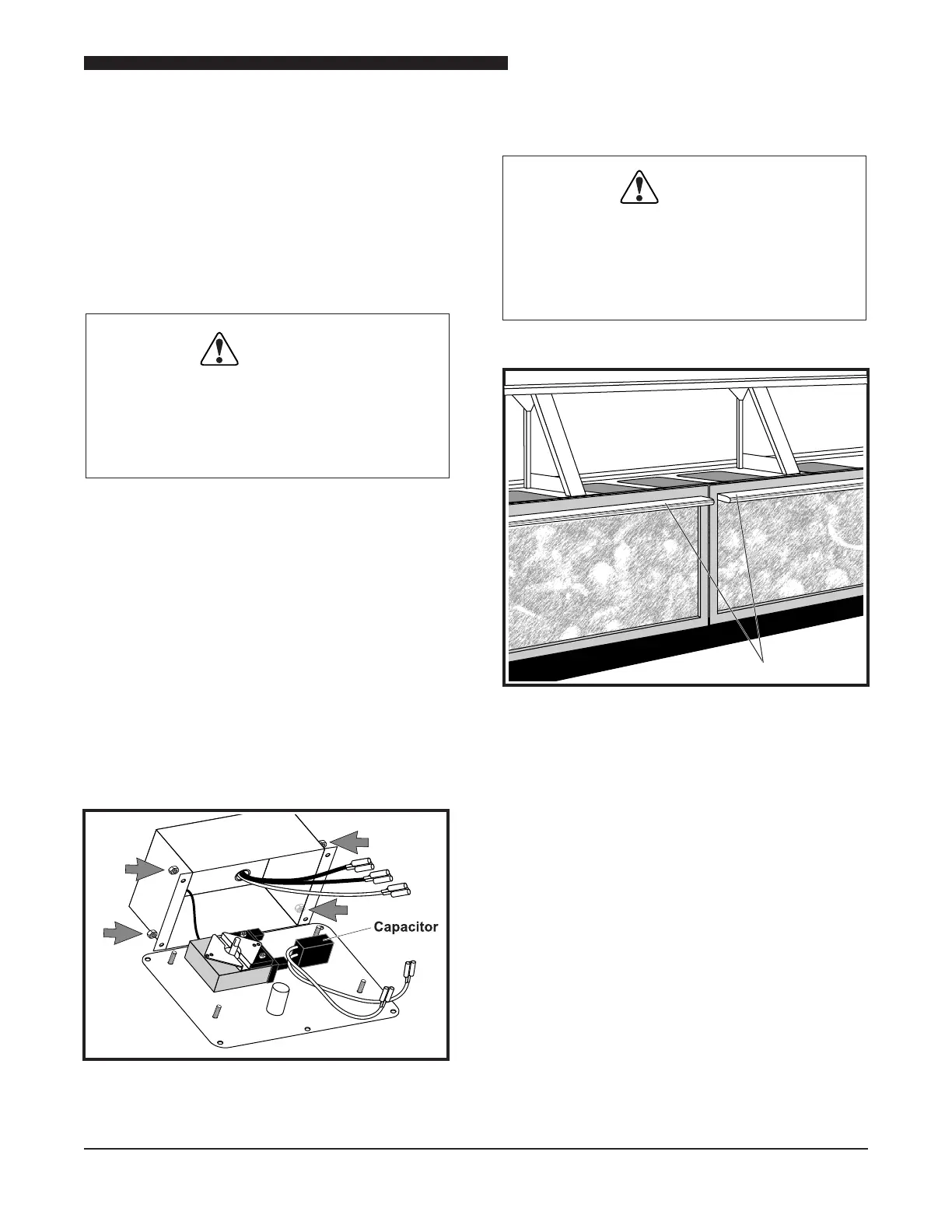
Capacitor
WARNING:
THE POWER MUST BE TURNED OFF
AND DISCONNECTED AT ALL TIMES
DURING MAINTENANCE OR REPAIR
FUNCTIONS.
Some units may not have a Capacitor installed.
1. Ensure that the Thermostat is in OFF position
and disconnect unit from power source.
2. Remove the 5 screws that secure the Control
Box to the operator’s side of the unit.
3. Remove the 5 screws securing the Control
Box to the unit.
4. Tag and disconnect the wires connected to
the Capacitor.
5. Remove the faulty Capacitor.
6. Reverse this procedure to install a replacement
Capacitor.
Capacitor Connected to Thermostat
PURSE RAIL REPLACEMENT
WARNING:
THE POWER MUST BE TURNED OFF
AND DISCONNECTED AT ALL TIMES
DURING MAINTENANCE OR REPAIR
FUNCTIONS.
Purse Rail
Location of Purse Rail
The Purse Rail is located on the front of the unit.
It is attached to the Décor Panel. Required tools
include a cordless drill, 3 pound rubber mallet,
pencil, putty knife, 5/16″ nut driver, Phillips head
screwdriver or bit and a square head bit. The square
head bit is included in the new Purse Rail Kit.
1. Unplug the Purse Rail Lights from the duplex
box located on the Compressor cage inside
the unit.
2. Loosen the screws in the stainless steel top
that hold the Décor Panel in place.



 To Next Page