29
Service Manual for Subway Front Counters
Daycover Replacement – Hot Food Unit
WARNING:
THE POWER MUST BE TURNED OFF
AND DISCONNECTED AT ALL TIMES
DURING MAINTENANCE OR REPAIR
FUNCTIONS.
This procedure covers the replacement of an
existing Daycovoer with a new Daycover of the
same type.
1. Disconnect the Front Counter from its power
source.
2. Remove the Décor Panel from the customer
side of the unit.
3. Remove the 3 bolts from each end Pylon.
4. Lift one of the Daycovers enough to expose
the electrical connection.
5. Disconnect the wiring harness.
CAUTION: The Daycover is heavy, a
minimum of two people are
required to lift it.
6. Remove the Daycover
7. Reverse this procedure to install the new
Daycover.
Daycover Retrofit Replacement – Hot
Food Unit
WARNING:
THE POWER MUST BE TURNED OFF
AND DISCONNECTED AT ALL TIMES
DURING MAINTENANCE OR REPAIR
FUNCTIONS.
This procedure covers the replacement of a
Stainless Steel Daycover with an Aluminum
Daycover.
1. Disconnect the unit from its power source.
2. Remove the 3 bolts that secure the end pylons
to the Day Guard.
NOTICE: It may be necessary to cut the silicone
sealer to remove the Day Guard from the Hot
Food unit.
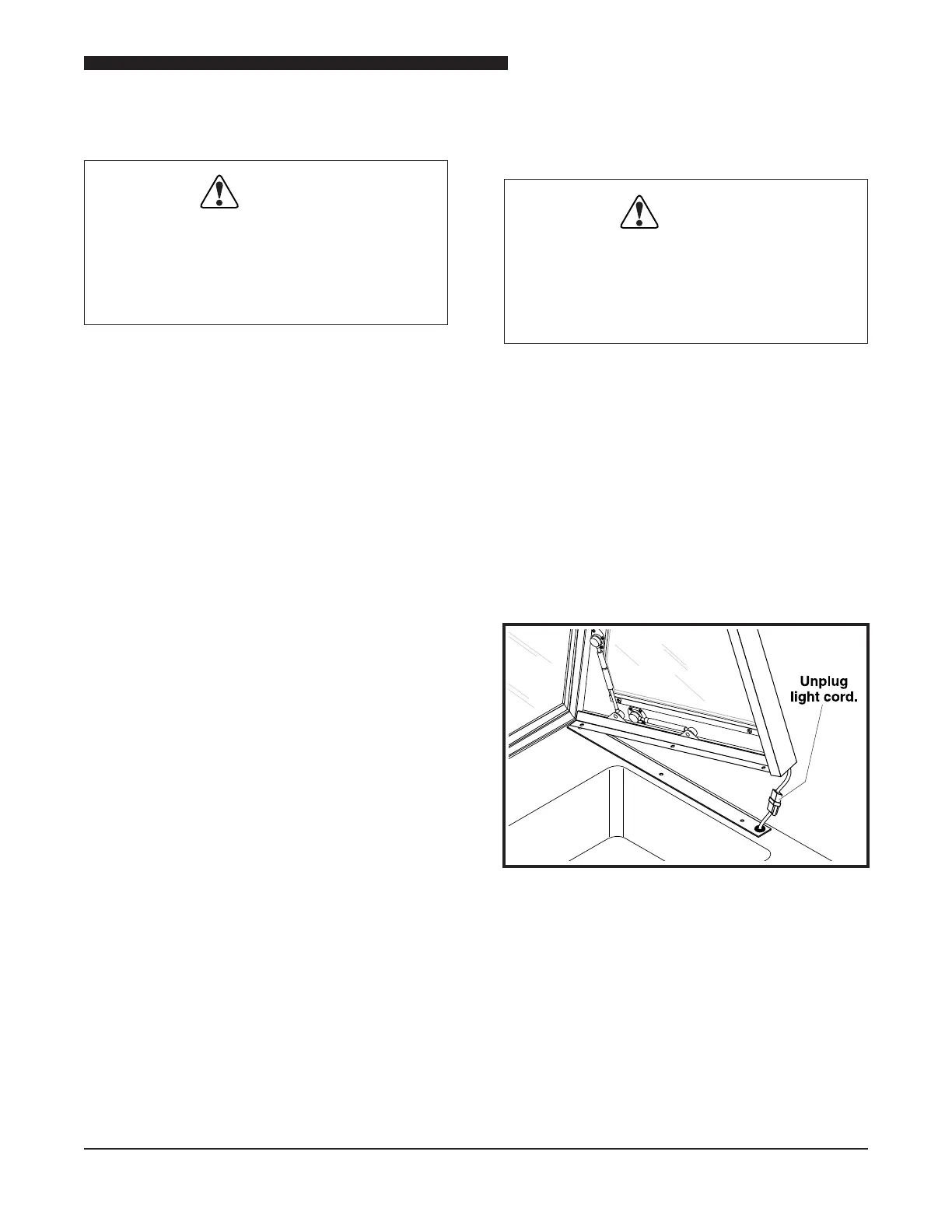
Light Cord Connection
3. Lift the Day Guard up slightly and unplug the
Light Cord connection.
4. Remove the Day Guard.
5. Using a razor knife, remove any remaining
silicone sealer.



 To Next Page