EasyManua.ls Logo

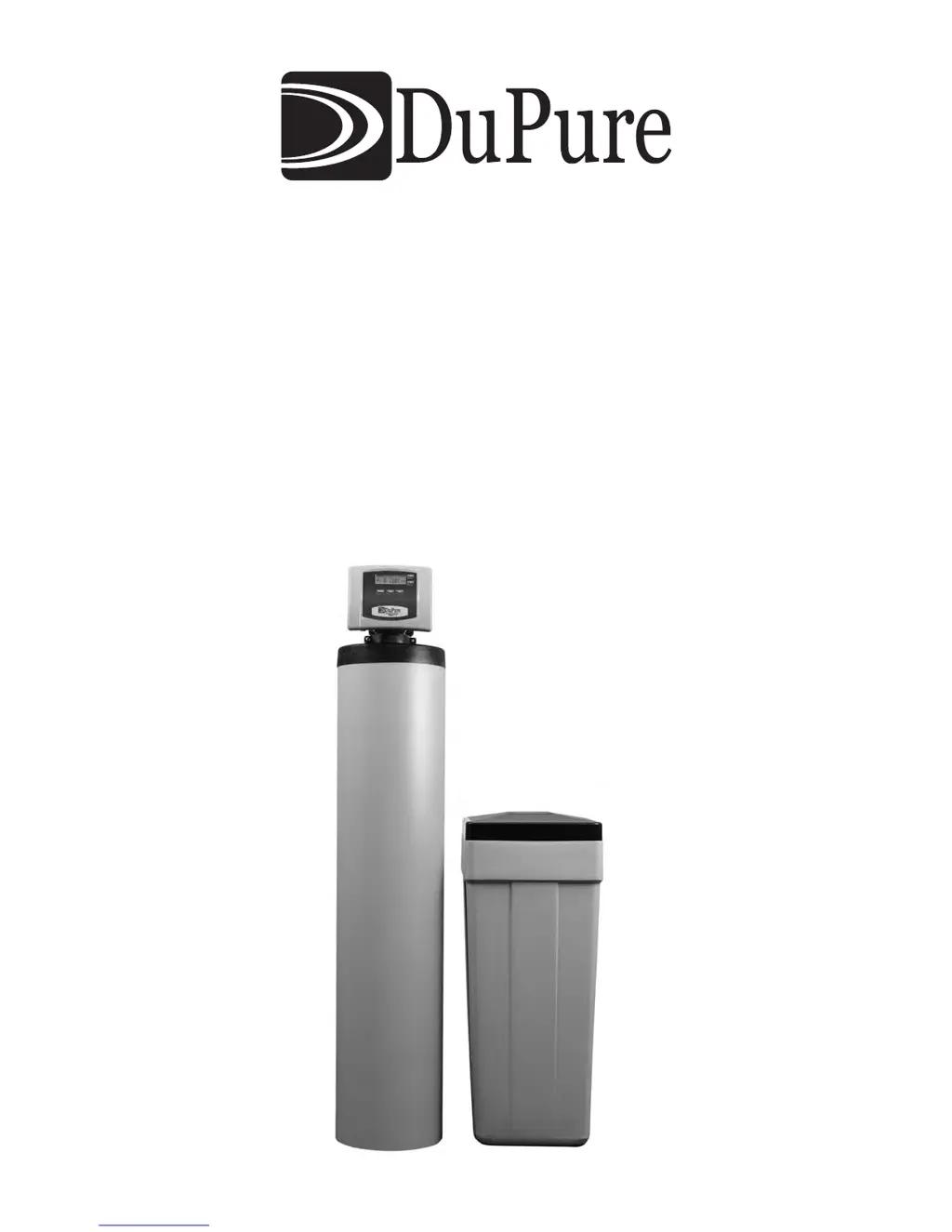
DuPure Impression Plus Series - User Manual

DuPure Impression Plus Series
24 pages
Print Icon
To Next Page IconTo Next Page
Loading...
Impression Plus Series
®
Metered Water Softeners
Installation Instructions & Owner’s Manual

Questions and Answers

  • T
    Timothy ContrerasAug 17, 2025
    Why is the valve stalled in regeneration in my DuPure Water Dispenser?
    • P
      Pamela EsparzaAug 17, 2025
      If your DuPure Water Dispenser valve is stalled in regeneration, it could be due to several reasons. The motor might not be operating, so replace the motors. There might be no power at the outlet, so repair the outlet or use a working outlet. The transformer could be defective, so replace the transformer. The PC board might be defective, so replace the PC board. The drive gear or drive cap assembly could be broken, so replace the gear or drive cap assembly. The piston retainer might be broken, so replace the drive cap assembly. Finally, the main or regenerant piston could be broken, so replace the main or regenerant piston.
  • J
    Jason RojasAug 20, 2025
    Why does my DuPure Impression Plus regenerate at the wrong time?
    • M
      Mitchell ArnoldAug 21, 2025
      If your DuPure Water Dispenser unit regenerates at the wrong time of day, it could be due to a past power outage, so reset the time of day. It's also possible that the time of day displayed is incorrect, so reset the time of day. Alternatively, the time of regenerant might be set incorrectly, so reset the time of regeneration. Check if the control is set at “on 0” or “NORMAL + on 0” and review the regeneration time option in programming.
  • C
    Connie ManningAug 25, 2025
    What to do if DuPure Water Dispenser valve doesn't auto-regenerate but works with REGEN button?
    • S
      Sophia GreenAug 26, 2025
      If your DuPure Water Dispenser valve does not regenerate automatically but does when the REGEN button is pressed, it could be because the bypass valve is not in the normal operating mode. The meter might be disconnected, so reconnect it to the PC board. It's also possible that the meter turbine is obstructed, so clear the obstruction. The meter itself might be defective, so replace it. There might be a programming error, so review the programming. Finally, the PC board could be defective, so replace the board.
  • T
    Tara BishopAug 28, 2025
    Why does the timer on my DuPure Water Dispenser display the wrong time or flash?
    • D
      David FreemanAug 29, 2025
      If the timer on your DuPure Water Dispenser does not display the correct time of day, or if the time of day flashes, it could be because the outlet is on a switch, so use an unswitched outlet. It could also be due to a power outage, so reset the time of day; if the power outage was less than 24 hours, reset the time of day and replace the battery. Finally, the PC board might be defective, so replace it.
  • P
    powersjaniceSep 1, 2025
    How to fix DuPure Impression Plus if valve doesn't regenerate when REGEN button is pressed?
    • J
      Jeremy FarmerSep 1, 2025
      If your DuPure Water Dispenser valve does not regenerate automatically when the REGEN button is pressed, the transformer might be unplugged, so connect the transformer and PC board power. There might be no power at the outlet, so restore power. The drive gear or drive cap assembly could be broken, so replace the gear or drive cap assembly. The PC board might be defective, so replace the board.
  • R
    robertfergusonSep 5, 2025
    What to do if there's no softening/filtering display on my DuPure Impression Plus Water Dispenser when water is flowing?
    • M
      Mark FloresSep 5, 2025
      If there is no softening/filtering display when water is flowing in your DuPure Water Dispenser, it could be because the bypass valve is in the bypass position, so put the bypass in the service position. The meter cable might be disconnected, so reconnect the PC board. It's also possible that the meter turbine is restricted or stalled, so remove the meter and check for debris. The meter itself might be defective, so replace the meter. Finally, the PC board could be defective, so replace the PC board.
  • A
    antonio45Sep 8, 2025
    Why does the timer on my DuPure Impression Plus Water Dispenser not display the time of day?
    • A
      Alexis PerkinsSep 8, 2025
      If the timer on your DuPure Water Dispenser does not display the time of day, it could be due to a few reasons. The transformer might be unplugged, so reconnect it. There might be no power at the outlet, so repair it or use a working outlet. The transformer could be defective, so replace it. Finally, the PC board might be defective, so replace it.
  • A
    Alison DavidNov 12, 2025
    What to do if my DuPure Impression Plus shows an ERROR followed by a code #
    • J
      Jennifer KentNov 12, 2025
      If your DuPure Water Dispenser displays an error code, it could be due to several reasons. If the code is #1001, it might be because the valve has just been serviced, in which case you should press NEXT and REGEN for 3 seconds or momentarily unplug the power source from the PC board, or the motor gears are not fully engaged, motor wires are broken, or the motor has failed, so you should check the motor wiring. If the code is #1002, there might be foreign material stuck in the valve, so check the piston and spacer stack for obstruction, or there is excessive piston resistance, so replace the piston(s) and spacer stack assembly. If the code is #1004, the piston might not be in the home position, so press NEXT and REGEN or momentarily unplug the PC board power, the center drive gear reflector...

Summary

Preinstallation Instructions for Dealers

Bypass Valve

Normal Operation Position

Details the valve's normal flow direction for treated water.

Bypass Position

Describes how to isolate the system for maintenance.

Diagnostic Position

Explains the diagnostic mode for service technicians.

Shut Off Position

Details how to completely stop water flow to the building.

Installation

General Installation & Service Warnings

Important safety and installation precautions to follow.

Site Requirements

Specifies necessary conditions for unit placement and operation.

Well Water Installation

Illustrates plumbing setup for well water systems.

Municipal Installation

Illustrates plumbing setup for municipal water systems.

Inlet;Outlet Plumbing

Instructions for connecting water inlet and outlet pipes to the unit.

Drain Line

Guidelines for connecting and routing the unit's drain line.

Brine Tank Connection

Details how to connect the brine tank to the control valve.

Overflow Line Connection

Instructions for connecting an overflow line for safety.

Programming Procedures

Set Time of Day

Instructions for setting the current time on the unit.

Operating Displays and Instructions

General Operation

Describes the main displays and how to navigate them.

Regeneration Mode

Information on the automatic regeneration process.

Manual Regeneration

How to initiate regeneration manually.

Power Loss and Battery Replacement

How the unit handles power outages and battery replacement.

Error Message

How to interpret and handle error messages.

Brine Tank Maintenance and Salt

Guidance on maintaining the brine tank and salt levels.

Start-Up Instructions

Troubleshooting Guide

Timer Does Not Display Time of Day

Addresses issues with the time display not appearing.

Timer Display Issues or Flashing Time

Solutions for incorrect or flashing time displays.

No Softening;Filtering Display

Diagnoses why the unit isn't showing water flow status.

Unit Regenerates at Wrong Time

Troubleshooting for regeneration occurring at incorrect times.

Valve Stalled in Regeneration

Identifies causes for the control valve stopping during regeneration.

Valve Not Regenerating Automatically (REGEN Button Press)

Resolves issues when the REGEN button doesn't trigger regeneration.

Error Codes and Twin Systems

Explains specific error codes and twin system issues.

Replacement Parts

Front Cover and Drive Assembly

Identifies components of the control unit's front and drive mechanisms.

Piston Assembly

Lists parts for the water softener's piston assembly.

Bypass Valve Parts

Details replacement components for the bypass valve.

Injector Assemblies

Lists different injector assembly parts and their codes.

Brine Elbow Assembly

Identifies parts for the brine elbow and refill system.

Drain Line Assembly

Lists components for the 3/4" drain line assembly.

Water Meter & Meter Plug

Parts for the water meter and its plug assembly.

Service Wrench

Information on the specialized service wrench tool.

Brine Tank Assembly

Lists parts for the brine tank and its cover.

Safety Float Brine Elbow

Components for the safety float and brine elbow.

Cabinet Brine Tank Assembly

Parts related to the brine tank cabinet and lid.

Specifications

Capacity Specifications

Details on unit capacities, media, and performance ratings.

Quick Reference Guide

General Operation Overview

Quick guide to system displays and navigation.

Setting Time of Day

Condensed steps for setting the unit's time.

Adjusting Hardness & Regeneration Settings

Summary for adjusting key programming parameters.

Manual Regeneration Procedure

Quick steps for initiating manual regeneration.

Error Display Handling

Brief guide on responding to error messages.

Bypass Valve Operation Guide

Concise instructions for operating the bypass valve.

DuPure Impression Plus Series Specifications

General IconGeneral
BrandDuPure
ModelImpression Plus Series
CategoryWater Dispenser
LanguageEnglish