Chapter 1
9
Adjusting the Volume
You can adjust the volume with hot key combination as below:
• Fn + F8 decreases the volume
• Fn + F9 increases the volume
• Fn + F10 Mute the volume
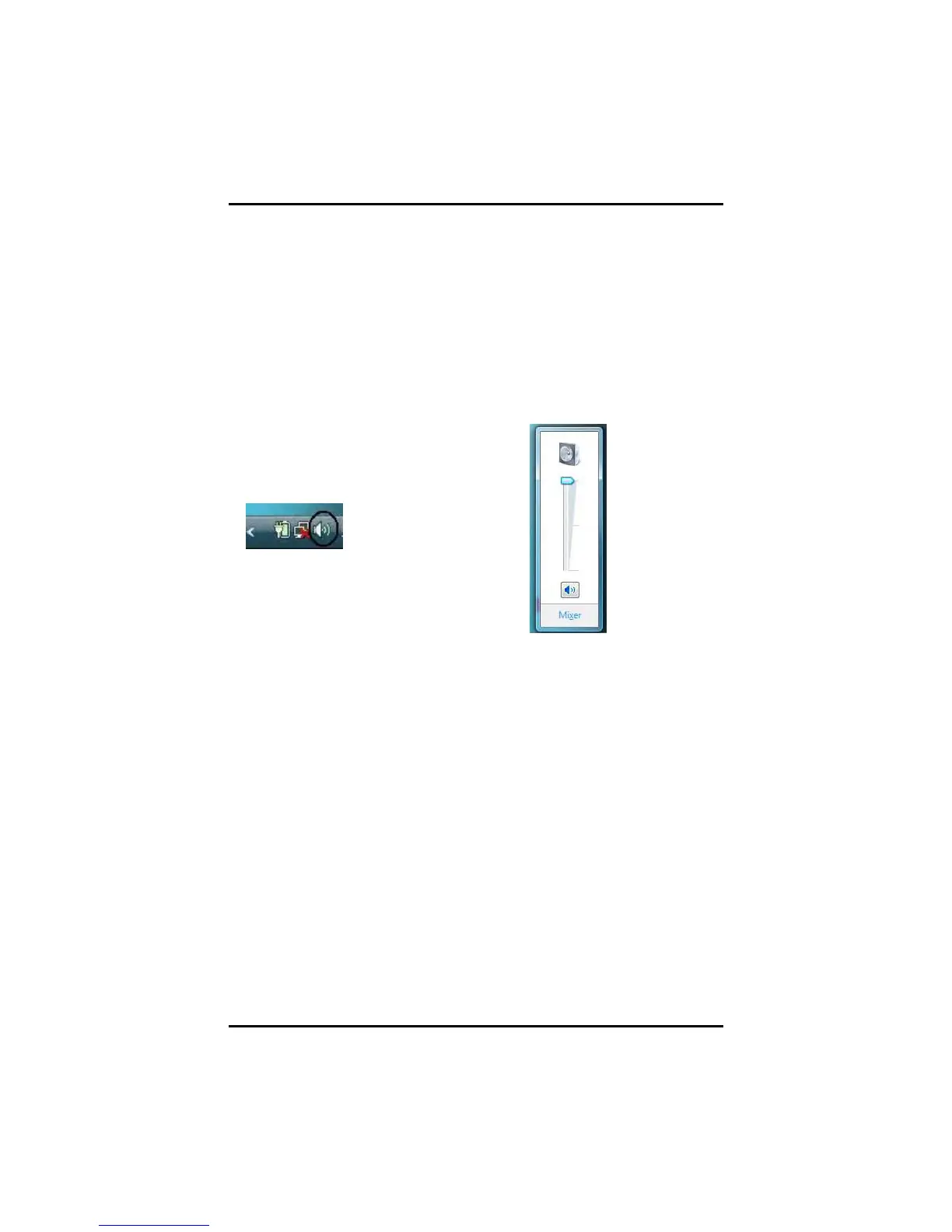
Alternatively, you can adjust
the volume with the Windows
volume control applet located
on the taskbar.
Adjusting the Brightness
Use the following hot key combinations to adjust the LCD panel
brightness:
• Fn + F6 decreases the brightness
• Fn + F7 increases the brightness



 To Next Page