Chapter 1
10
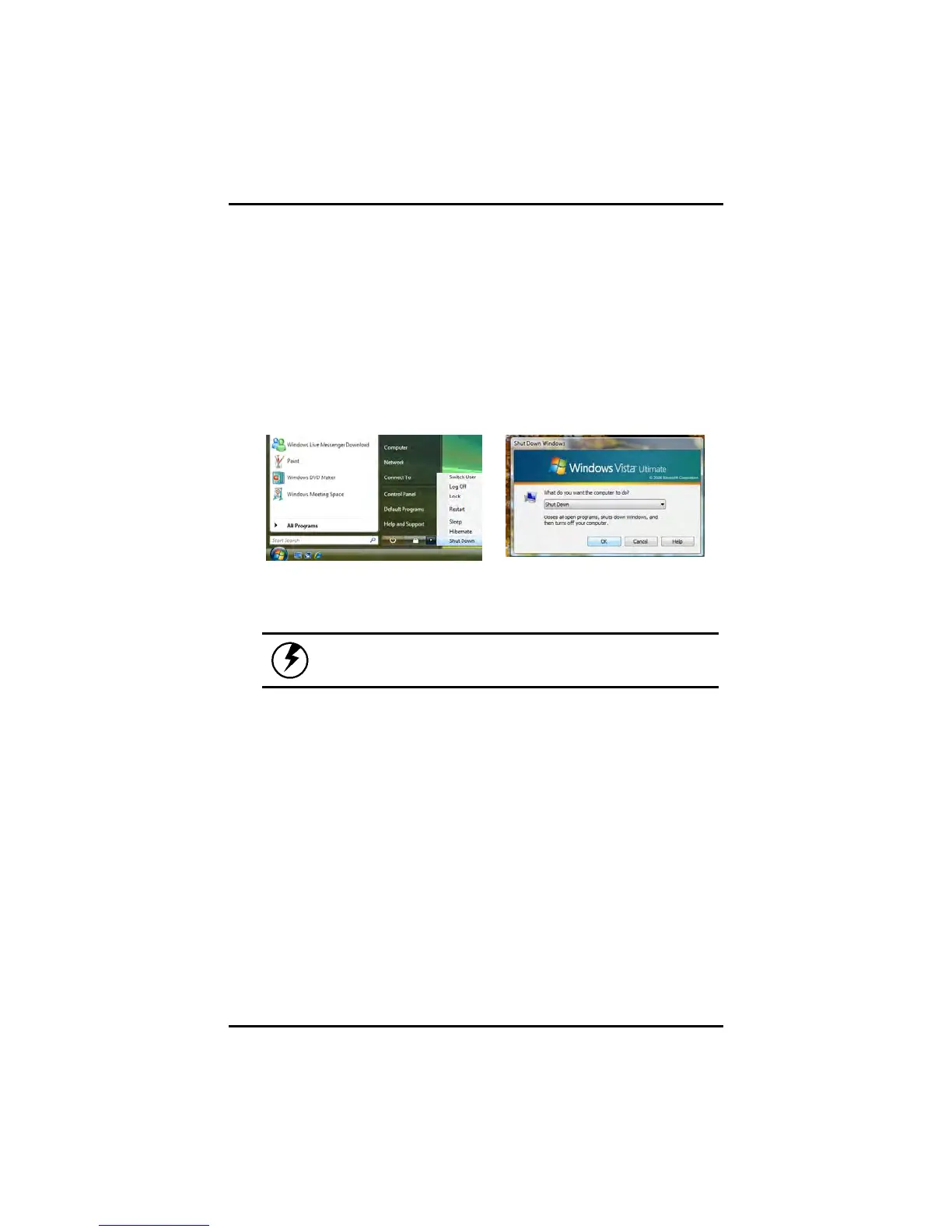
Turning off Your Computer
Turning off the computer properly is important to maintaining your
computer.
1. On the Start menu, click
Turn
off Computer.
2. Click the radio button
Turn Off
in the Turn off Computer
Windows screen, and then
click
OK
.
If you are going to be away from the computer for a short period, there
are ways of conserving power without shutting down the system. See
Chapter 3, Power Saving Modes, for details.
Warning:
Shutting off the computer improperly
may result in data loss.
Making a Startup Disk
If you have trouble starting Windows, the startup disk can be used to
start your computer and fix many problems. Refer to the Windows user
manual for instructions.



 To Next Page