Chapter 2
22
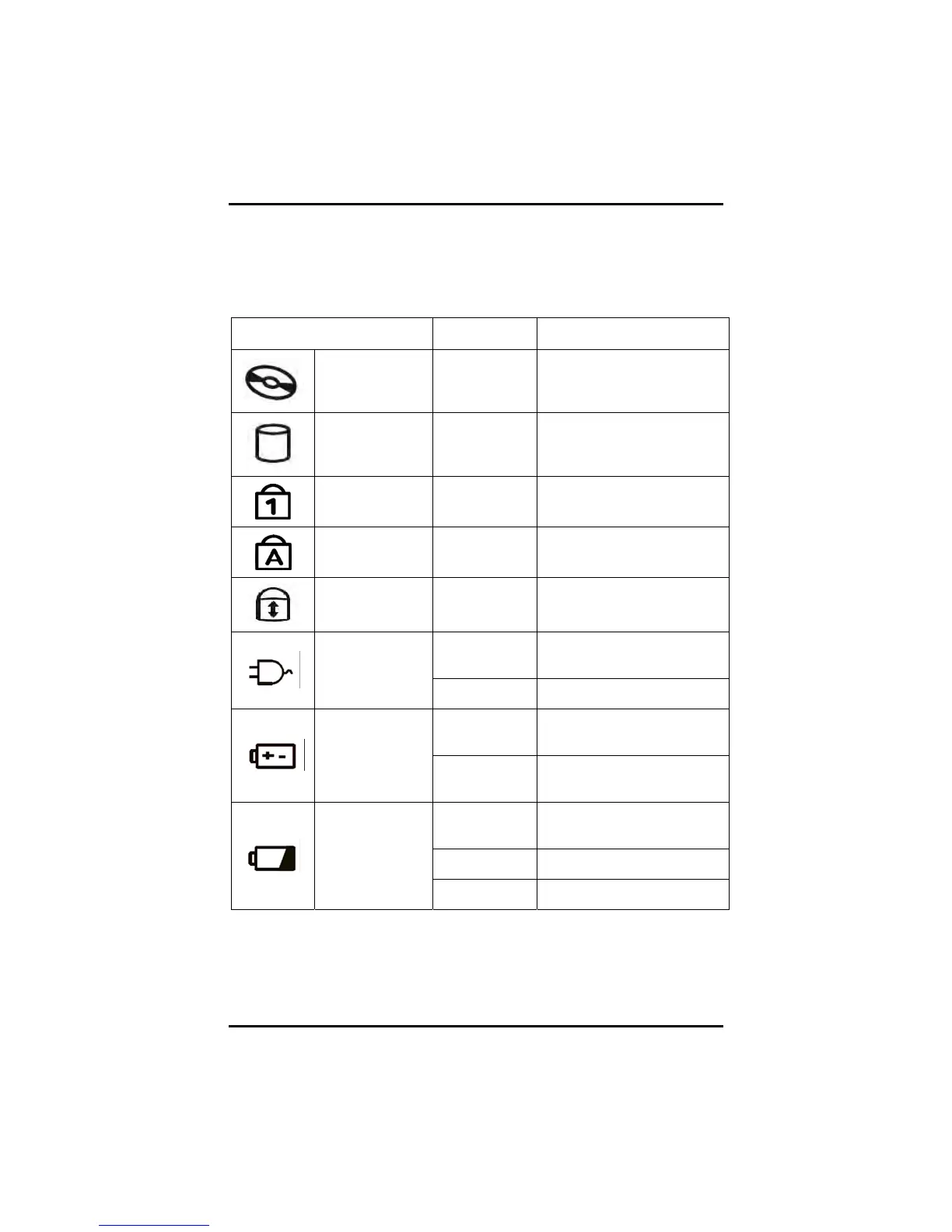
LED Status Indicators
The power and status indicators light up when a particular function of
the computer is active. Each indicator is marked with a symbol.
Icon Light Description
ODD Green
The computer is reading
from, or writing to the built-
in ODD.
HDD Green
The computer is reading
from, or writing to the built-
in HDD.
Number-Lock Green
The keyboard is in Num-
Lock mode.
Caps-Lock Green
The keyboard is in Caps-
Lock mode.
Scroll -Lock Green
The Touchpad is in scroll-
Lock mode.
Blue
Power is on and the AC
adapter is in use
AC Power
Flash blue
Power is in suspend mode
Blue
Power is on and the battery
is in use
Battery Power
Flashing
blue
Power is in suspend mode
Green
Battery fully charged & AC
plugged in
Orange Battery charging
Battery
Charging
Flash orange
Battery low



 To Next Page